
Test Lab Management Software Buyer's Checklist for 2027
Author

Neerav Singh
Technical Product Specialist
Author
Neerav Singh
Technical Product Specialist
Reading Time
4 min read
Test Lab Management Software Buyer's Checklist for 2027
Buying lab software goes wrong more often than most teams expect. In Gartner Digital Markets' 2025 survey of 3,500 software buyers, 59% of buyers regret at least one software purchase made in the past 18 months. Capterra's 2026 Software Buying Trends Report, based on 3,385 software decision-makers across 11 countries, found that only 34% of buyers are successful software adopters who achieve both a smooth buying and implementation. The same report found that 89% of those who regret a software purchase first encountered an unexpected implementation disruption and that 62% of successful adopters define their budget and must-have features early.
Test labs feel these mistakes directly. A rig booked twice, a fixture that was never ordered or a calibration that lapsed mid-campaign costs real test time. With 2027 budgets being approved now, this checklist helps lab managers, test engineers and IT teams compare test lab management software against the way their lab actually runs.
What Test Lab Management Software Should Cover
Test lab management software is the system a lab uses to plan tests, book equipment and people, track test articles, capture results and produce reports. In an engineering test lab, it also has to handle work that runs for days or weeks on a single rig.
Some tools grew out of the sample-based LIMS world. Others were built for the full test lifecycle, from the requirement that triggers a test to the report that closes it. Knowing which kind you are looking at saves time. Test lifecycle management keeps planning, scheduling, execution and reporting in one record, which matters most when tests run for days. For labs that want a LIMS shaped around rigs and campaigns, the starting point is a LIMS for engineering test labs.
Before You Look at Vendors, Write Down 4 Things
A checklist only works if you know what "good" looks like for your lab. Spend a week on these before booking any demos.
- What your lab tests and how. List your test types, how long each one runs and which rigs, chambers, fixtures and instruments each one needs.
- Where work comes from. Note whether tests arrive from a verification plan, from internal requests or from paying customers.
- What you use today. Count every spreadsheet, calendar and home-grown tool the lab depends on. Each one holds data that will need to move.
- Who will be involved in the decision. Gartner research puts a typical B2B buying group at 6 to 10 decision makers. In a test lab that usually means the lab manager, test engineers, planners, quality, IT, finance and procurement. Bring them in early.
The 2027 Checklist
Score each item as must-have, nice-to-have or not needed. Then ask every vendor to show it working, using your own tests.
Planning and test requests
- Can engineers build a test plan or design verification plan (DVP) and link each test to the requirement it proves?
- Can requests come in through a form or portal, with the technical details each test needs?
- Is there a test catalog, so the same test is always requested the same way?
- Can external customers book tests directly if you run a commercial lab?
A lab that runs verification programs should check DVP management closely. Labs that sell test time should look at booking request management and a test catalog that customers can understand.
Scheduling and resources
- Can one booking reserve the rig, fixture, technician and test article together?
- Does the schedule show conflicts before they happen?
- Can a long test be split into separate time blocks around maintenance?
- Can a test go on hold and release its slot when a part arrives late?
- Does it check that the technician is qualified for the test?
Scheduling is where generic lab software most often falls short in an engineering test lab, so give this section extra weight. Good lab scheduling software books several resources at once and follows the test lab scheduling practices used in OEM and Tier 1 labs. Every hour a rig stands empty because of a booking mistake adds to the real cost of an idle test rig.
Test articles, equipment and inventory
- Does every test article have its own record, build level and test history?
- Can you print barcodes and scan parts, equipment and folders?
- Does each piece of equipment show its calibration date, maintenance plan and downtime?
- Can the lab track consumables and spare parts?
These items decide whether the system knows what is physically in your lab. Check test article tracking, lab equipment management and inventory management as separate features.
Running tests and handling data
- Can technicians fill in checklists on a tablet at the rig, with photos and sign-offs?
- Can incidents and failures be logged against the test that caused them?
- Can it store large data files, videos and images alongside each test?
A system built for short sample results may struggle with large channel files. Ask how it handles test data management across a full campaign of tests.
Reports and visibility
- Are reports created from the test record, with data and approvals attached?
- Can a program manager see progress against the plan without asking anyone?
- Are there dashboards for overdue tests, utilization and turnaround?
Look for test report generation tied to the test record and KPI dashboards that managers will actually open.
Compliance and audit
- Does every change leave a record of who changed what and when?
- Can the system show which equipment and calibration were used on any past test?
- Will it support an ISO/IEC 17025 assessment?
Accredited labs should test this with a real audit question during the demo. End-to-end digital traceability is the standard to aim for.
Fit for your industry and company type
- Does the vendor understand your tests and your vocabulary?
- Can it handle several labs or sites with different workflows?
An automotive LIMS needs to know about crash sleds, dynos and ATDs. An aerospace LIMS needs qualification campaigns and test witnessing. Tier 1 and component manufacturers need multi-customer validation, TIC labs need quotes and customer portals and proving grounds need track booking.
Setup, cost and support
- Can your team change forms, workflows and fields without writing code?
- Can existing spreadsheets and lists be imported?
- Is it available on-premises, in the cloud or both?
- What is the full cost over 5 years, including setup, training, support and changes?
- Who does the setup, and how long does it take?
- Can you speak to 2 customers with labs like yours?
Cost needs the most care. According to a Gartner report covered by TechRepublic, higher-than-expected costs of ownership is a common cause of software buying regret. Ask for LIMS pricing in writing, including every cost after year 1. The questions that matter when choosing and implementing a LIMS apply here too.
How to Run a Demo That Tells You Something
Gartner found that 62% of buyers say the product trial is their top factor in the final purchase decision (source), and that software buyers actively engage 2.5 vendors on average (source). Make each of those demos count.
- Send your scenario in advance. For example: a seat anchorage test, 1 rig, 1 fixture, 1 qualified technician and a test article that arrives 3 days late.
- Ask to see it, step by step. Watch the request, the booking, the hold, the rebooking and the final report.
- Bring the people who will use it. A technician will spot problems that a manager will miss.
- Score straight after the demo. Use the same checklist and the same weights for every vendor.
Red Flags to Watch For
- The demo uses only the vendor's sample data and never yours
- Scheduling books people and equipment in separate places
- Every workflow change needs a paid services request
- The vendor's examples are all from labs unlike yours
- The price covers year 1 only
Putting TITAN Through the Same Checklist
TITAN was built for engineering test labs, so it is worth seeing how it answers each section.
Planning and requests. TITAN covers verification planning, test requests and a test catalog. Customers or internal teams can submit requests through a booking portal, and each service asks for the technical details it needs.
Scheduling and resources. Planners book rigs, fixtures, people and test articles together. Long reservations can be split, tests can go on hold to release their slots and technician qualifications carry expiry dates with alerts.
Test articles, equipment and inventory. Every test article, rig and instrument has its own record and barcode. Equipment carries calibration and preventive maintenance dates, and the lab can track inventory alongside it.
Running tests and data. Technicians complete reusable checklists on a tablet, attach photos, log incidents and sign off digitally. Data files and reports attach to the test that produced them.
Reports, visibility and compliance. Reports and KPI dashboards draw from the same records, and an activity log records every change. These are the records an ISO/IEC 17025 assessor asks for, which is how TITAN supports ISO/IEC 17025 compliance.
Setup and fit. Configuration is done through settings, without code. TITAN supports data import and export, runs on-premises or in the cloud and can be rolled out one module at a time. Labs serving different customers can run separate portals with their own forms and workflows while sharing equipment and staff. Labs then add modules at their own pace, the pattern behind how labs mature on TITAN after go-live.
Conclusion
The best time to avoid software regret is before the first demo. Write down how your lab works, agree on the must-haves with everyone involved, test every vendor against your own scenario and ask for the full 5-year cost. Test lab management software that passes this checklist will still fit your lab in 2027 and beyond.
Ready to Score Your Shortlist?
Bring test planning, scheduling, equipment and test data together with TITAN.
Recent Blogs
Test Request Management: Taking a Request from Intake to Test-Ready in an Engineering Lab
A seat belt anchorage test under UN Regulation No. 14 can run as a static pull on a strength rig or as the dynamic sled test that the regulation's Annex 7 allows as an alternative.
Read more...
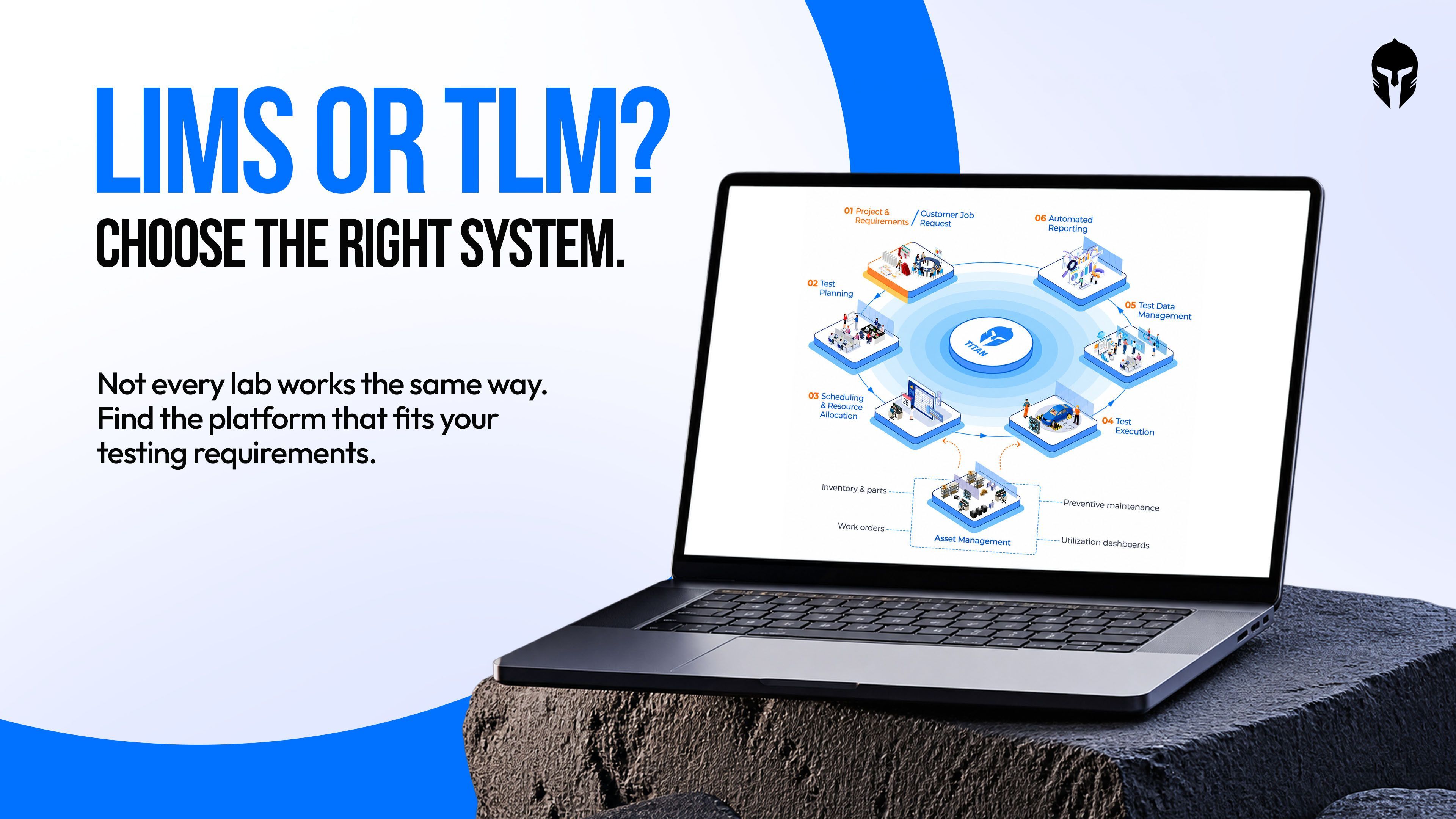
Test Lifecycle Management vs LIMS: Which System Fits an Engineering Test Lab
A dashboard assembly can pass through 2 labs in the same building within a month.
Read more...
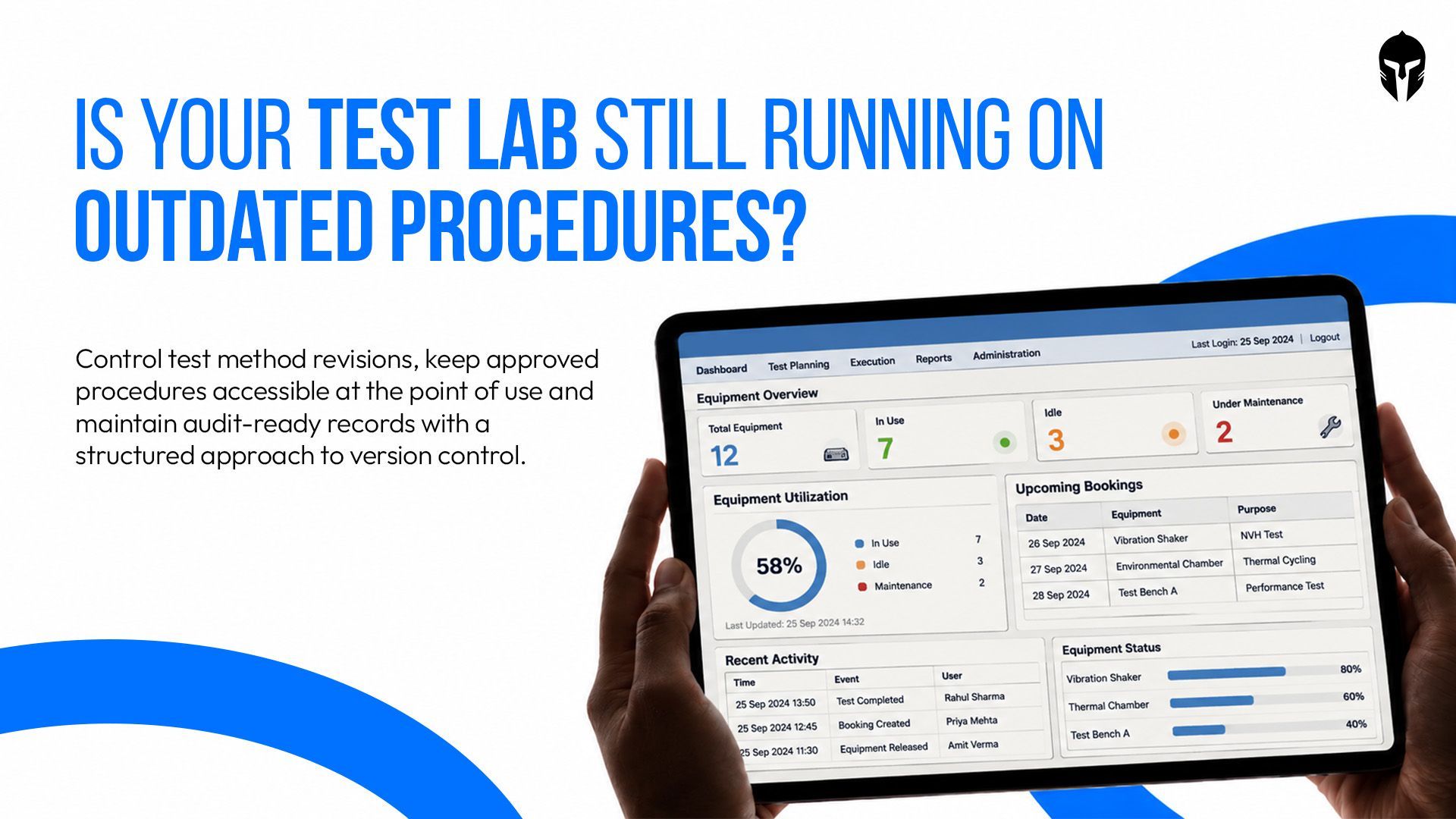
Test Method Version Control That Stops Old Procedures Running
Revision D of a test procedure can be approved on day 1 and still lose to revision B on the day 2, because revision B is the laminated copy taped to the rig
Read more...
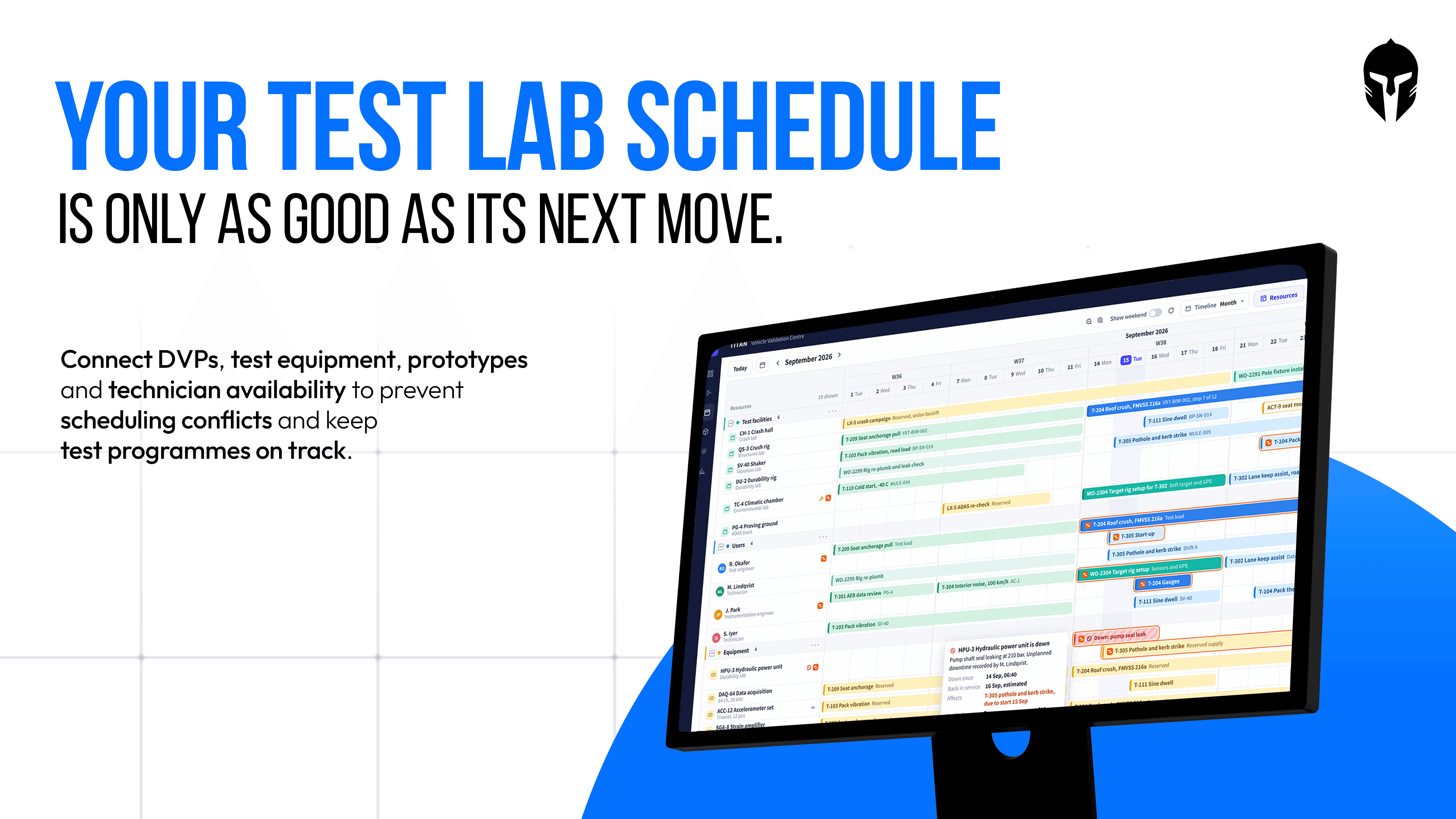
Test Lab Scheduling: A Practical Guide for OEM and Tier 1 Test Labs
A design verification plan for a new seat structure can list 140 tests, each with a sample size, an acceptance.
Read more...
Tire Testing Lab Data Management
Few vehicle components face as many separate tests and rules as the tire, and the pressure keeps rising:
Read more...
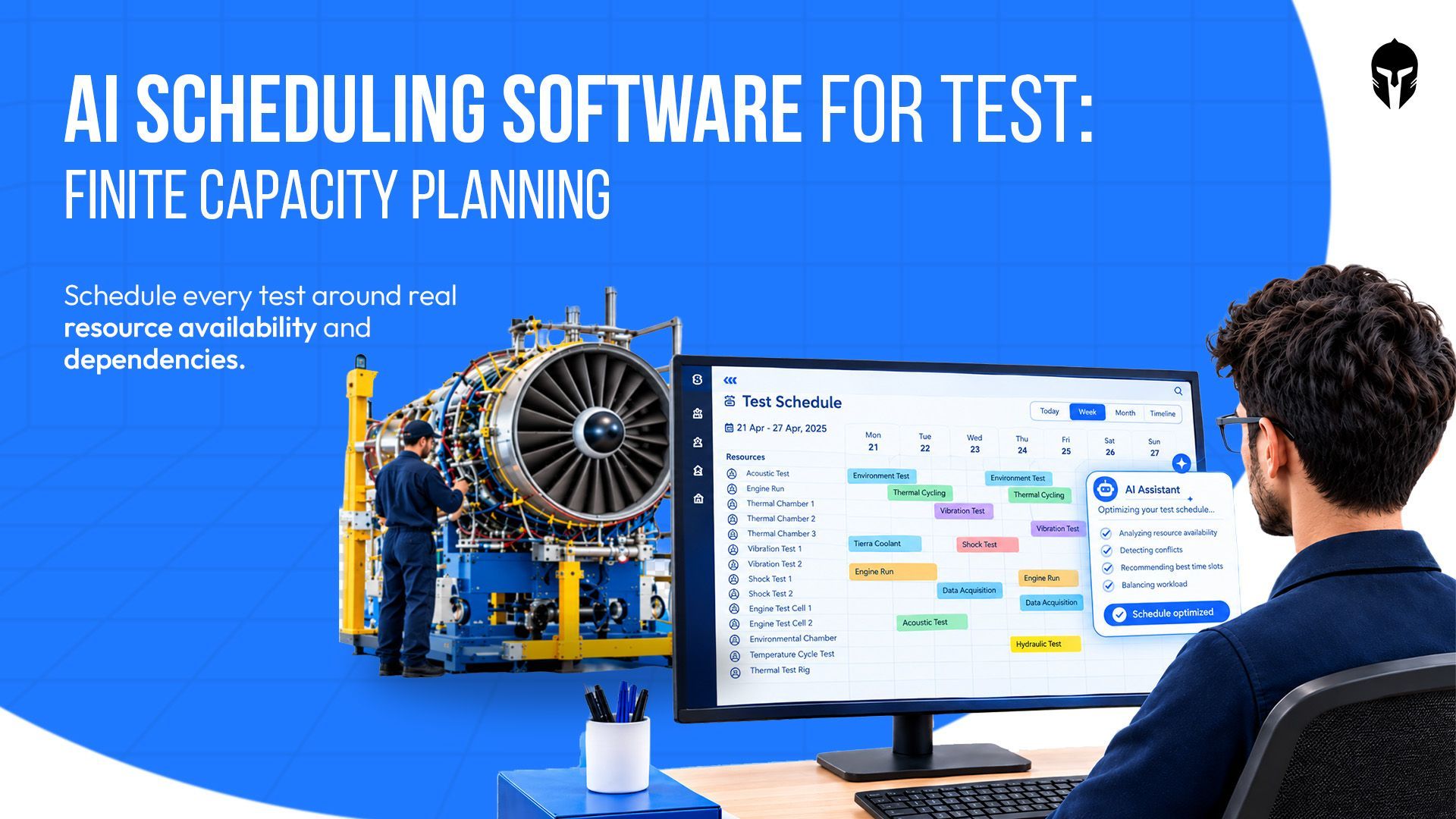
AI Scheduling Software for Test Labs: How Finite Capacity Planning Makes AI Useful
A climatic chamber can sit idle for 9 hours on a Tuesday while 3 programmes wait for access. The calendar shows an open slot
Read more...
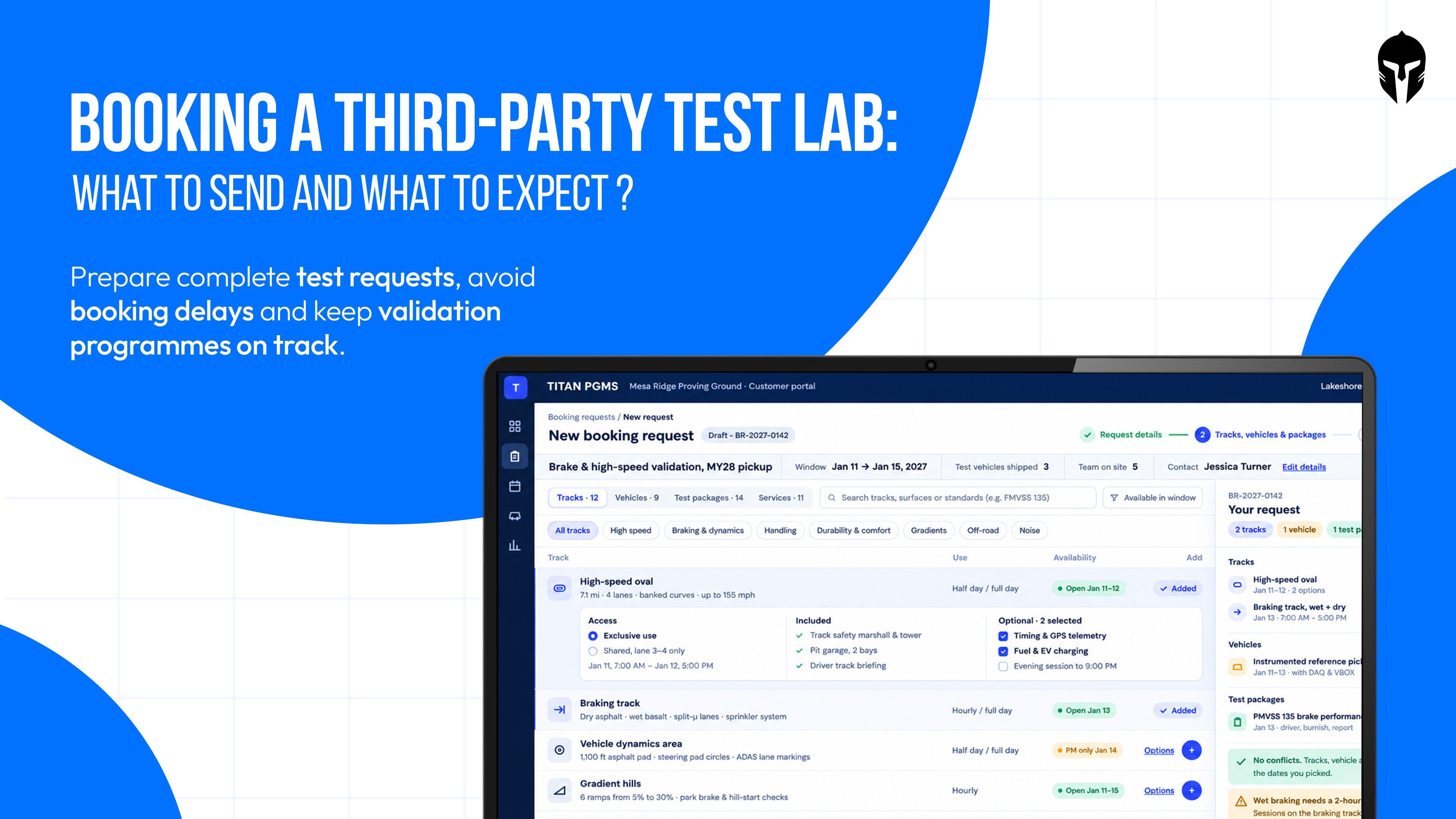
Booking a Third-Party Test Lab: What to Send and What to Expect
That is how many laboratories held accreditation from signatories of the international accreditation arrangement in 2024, according to ILAC.
Read more...
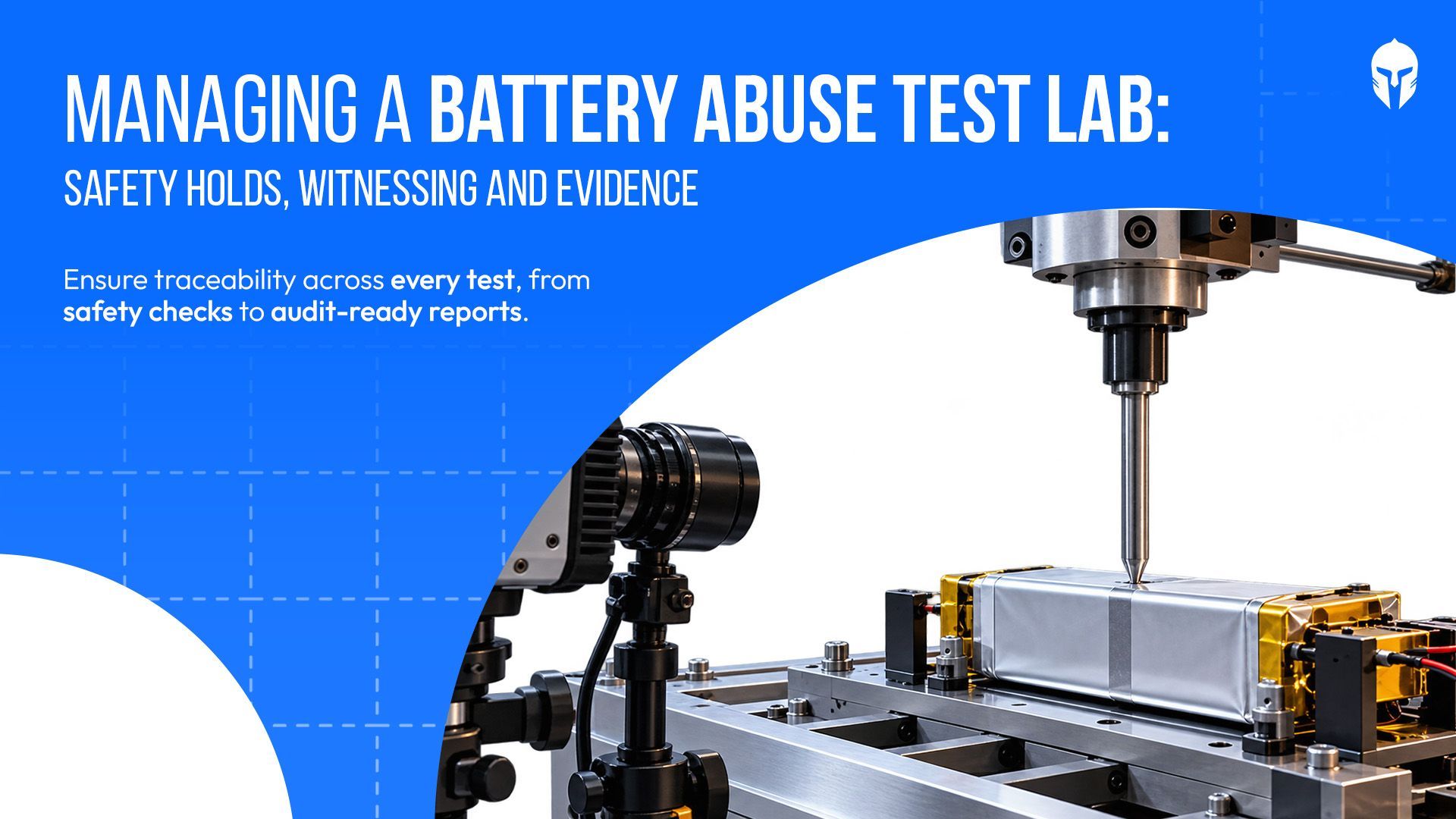
Managing a Battery Abuse Test Lab: Safety Holds, Witnessing and Evidence
A nail penetration test is over in about 10 seconds. The record of that test has to survive for years. Between those two numbers
Read more...
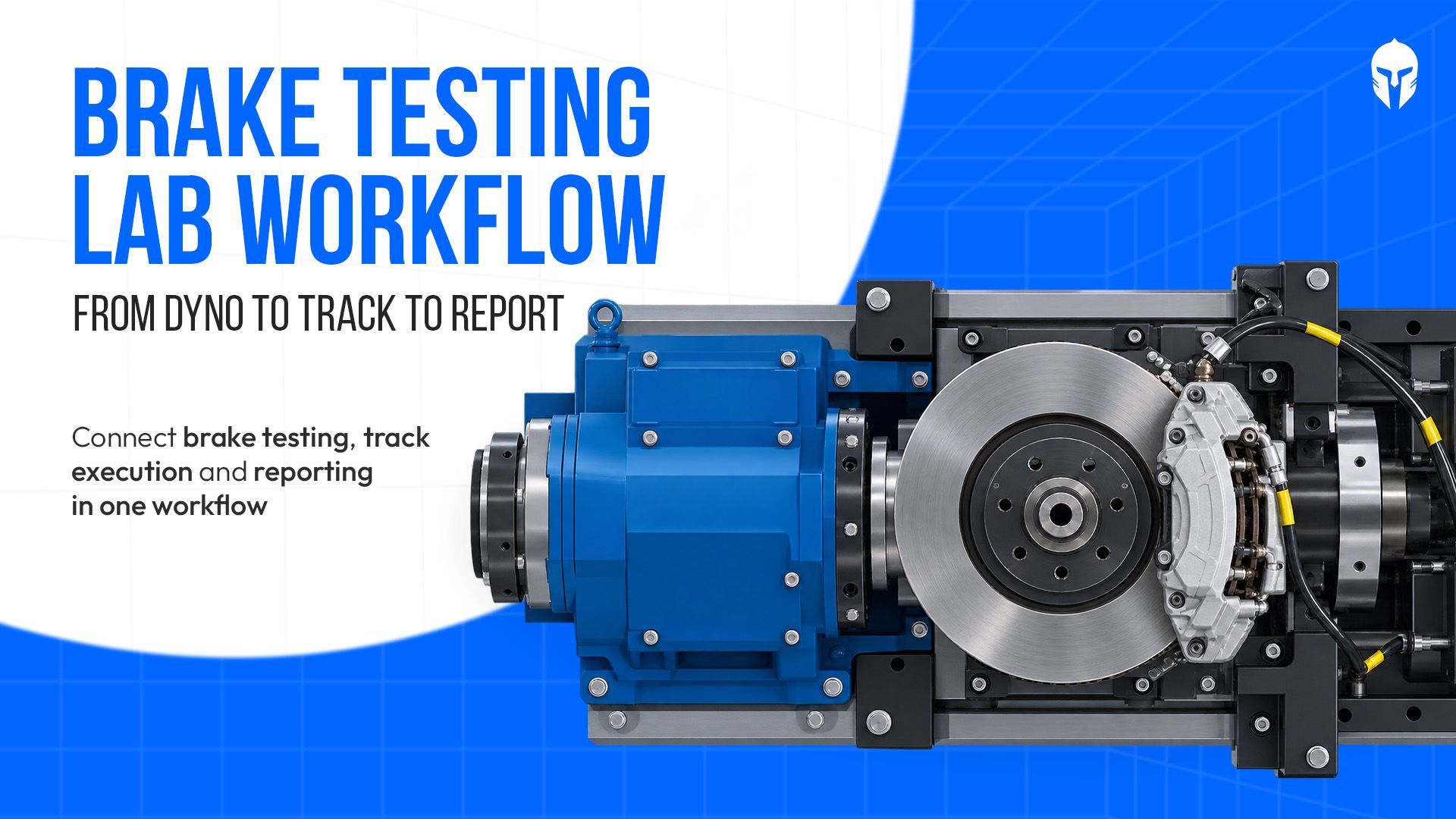
Brake Testing Lab Workflow: Dyno, Track and Report in One Chain
A good brake stops a 2 tonne car from 100 km/h in about 3 seconds. Moving that same brake from a dyno cell to the
Read more...
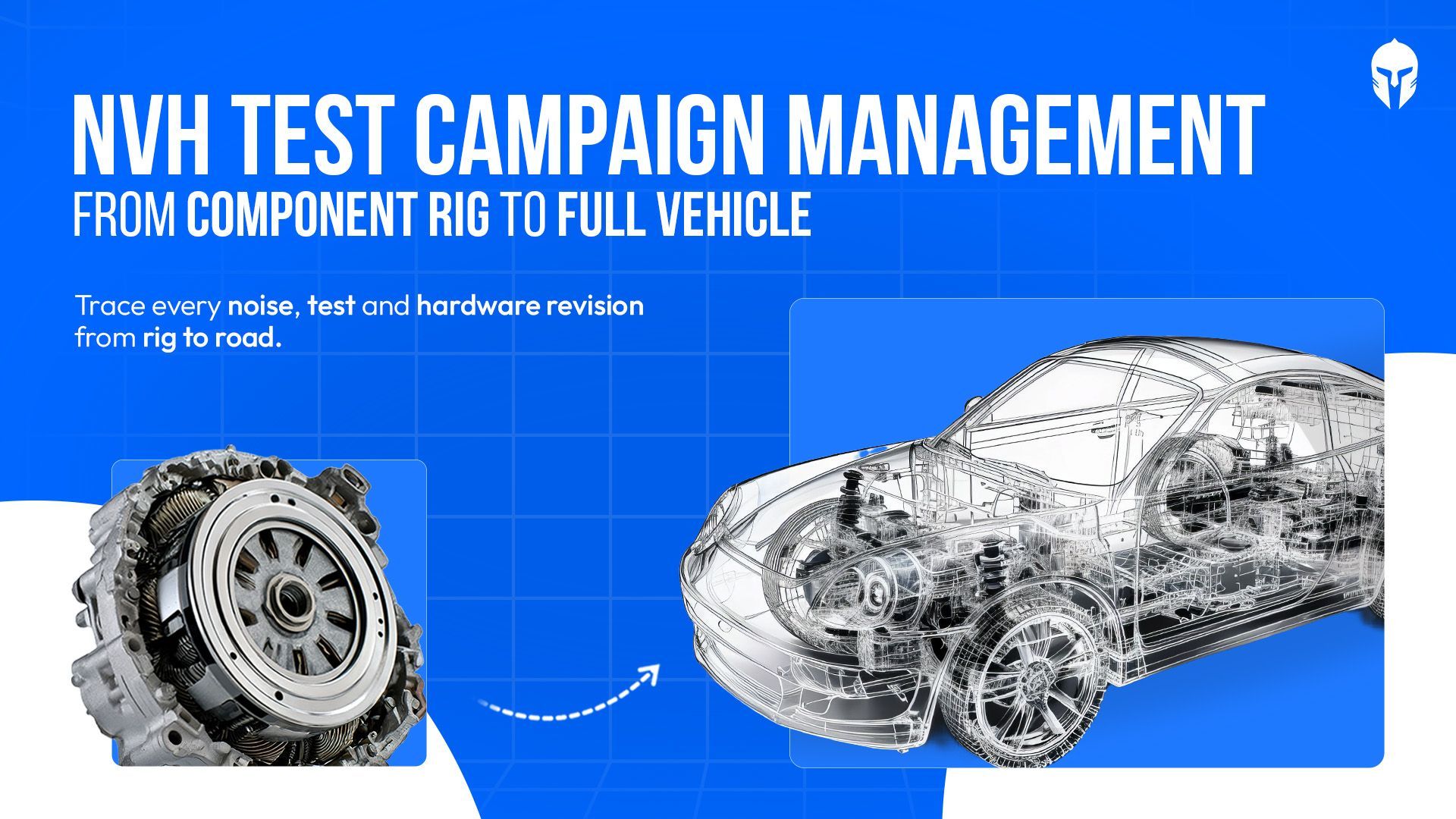
NVH Test Campaign Management from Component Rig to Full Vehicle
The decibel meter disagrees, of course. An electric vehicle is quieter overall than the combustion car it replaces.
Read more...

Beyond Go-Live: How Labs Mature on TITAN
A 2020 Boston Consulting Group study found that 70% of digital transformations miss their objectives, leaving just 30% that deliver
Read more...
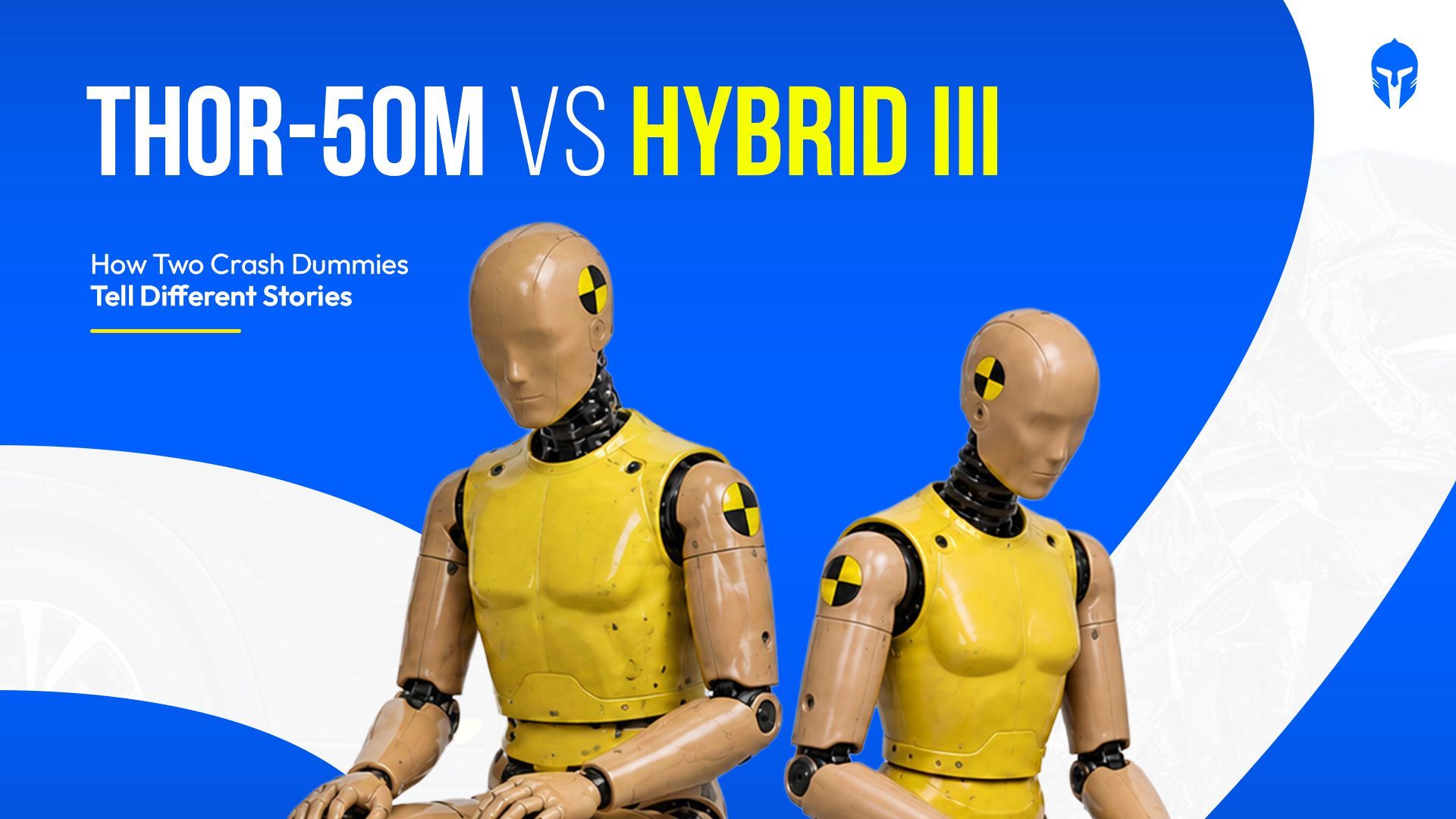
THOR-50M vs Hybrid III: A Reference Comparison
Put a THOR-50M and a Hybrid III 50M through the same frontal crash test and they will tell you different stories about
Read more...
Test Lab Turnaround Time: How to Measure It and How to Cut It
Search for "lab turnaround time" and page 1 belongs to hospitals. The top results discuss specimen accessioning,
Read more...
Developmental Test and Evaluation: The Discipline That Decides Whether a Program Is Actually Ready
A brake controller program carries 312 verification line items across 4 development builds. Build 3 closes 287 of them.
Read more...

What Flight Test Management Covers
A certification campaign on a business jet clears 240 test points across 38 sorties. On sortie 22 the instrumentation
Read more...
The Real Cost of an Idle Test Rig
A 4-post hydraulic durability rig carries a replacement value north of $2 million. An environmental chamber rated for combined
Read more...
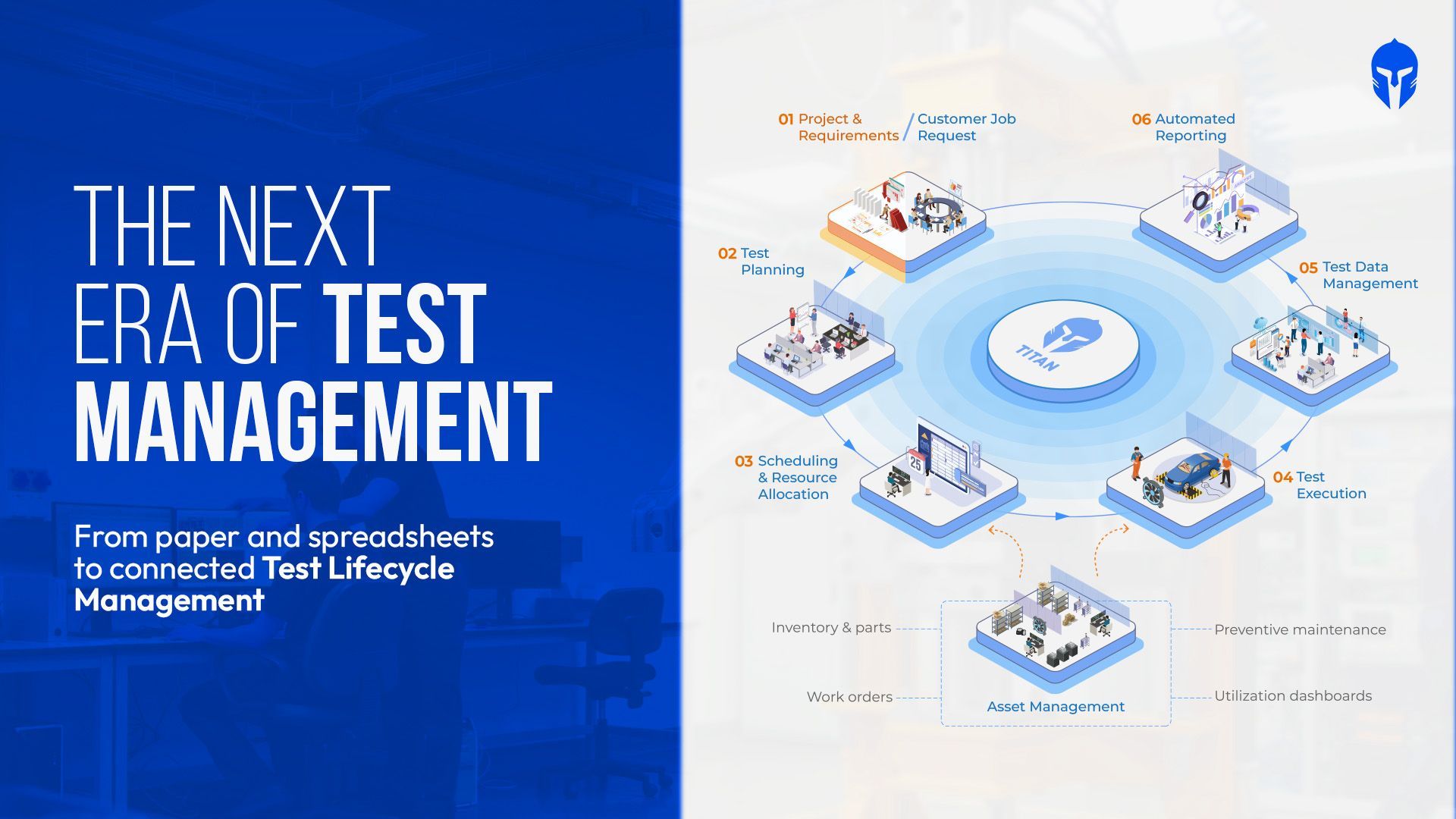
The Evolution of Test Management Tools
Type "test management tools" into a search bar and you get 2 unrelated answers. One set of results covers Jira integrations
Read more...
How to Maintain ISO 17025 Accreditation in Aerospace Testing Labs
It starts with a simple audit question: “Can you show me the calibration record for the equipment used in that test?”
Read more...
Most DVP&R Processes Collapse Before the First Test Even Runs. Here's Why
At some point, the DVP spreadsheet becomes a source of questions instead of answers. Which test count is current?
Read more...
Battery Test Management: How High-Volume Cell, Module and Pack Labs Stay in Control
Weeks into a battery cycle life test, the details start to accumulate: thousands of charge-discharge cycles,
Read more...
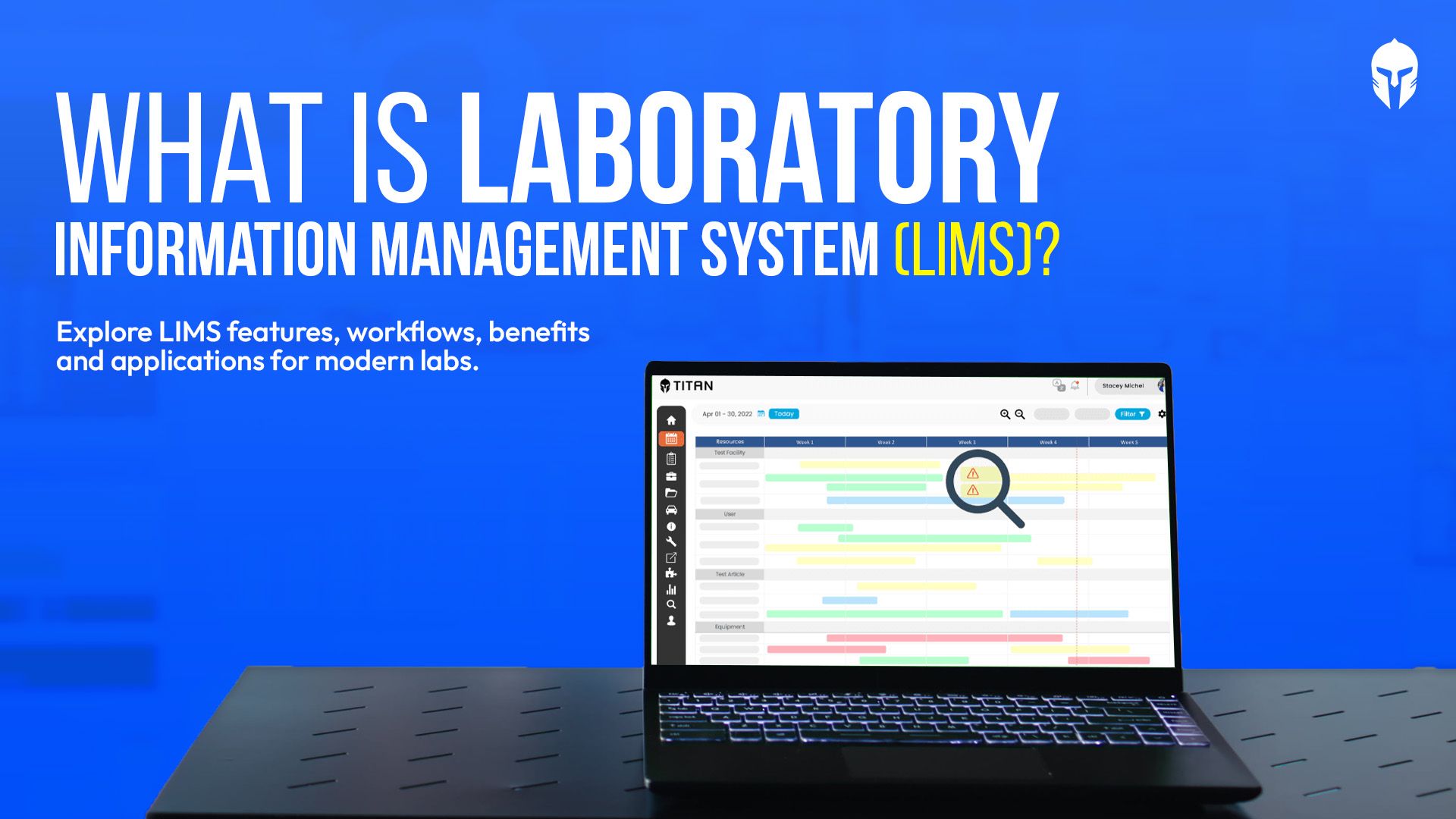
What Is a LIMS? A Complete Guide to Laboratory Information Management Systems
Test requests arrive. Samples or test articles need to be identified. Equipment has to be available and calibrated.
Read more...
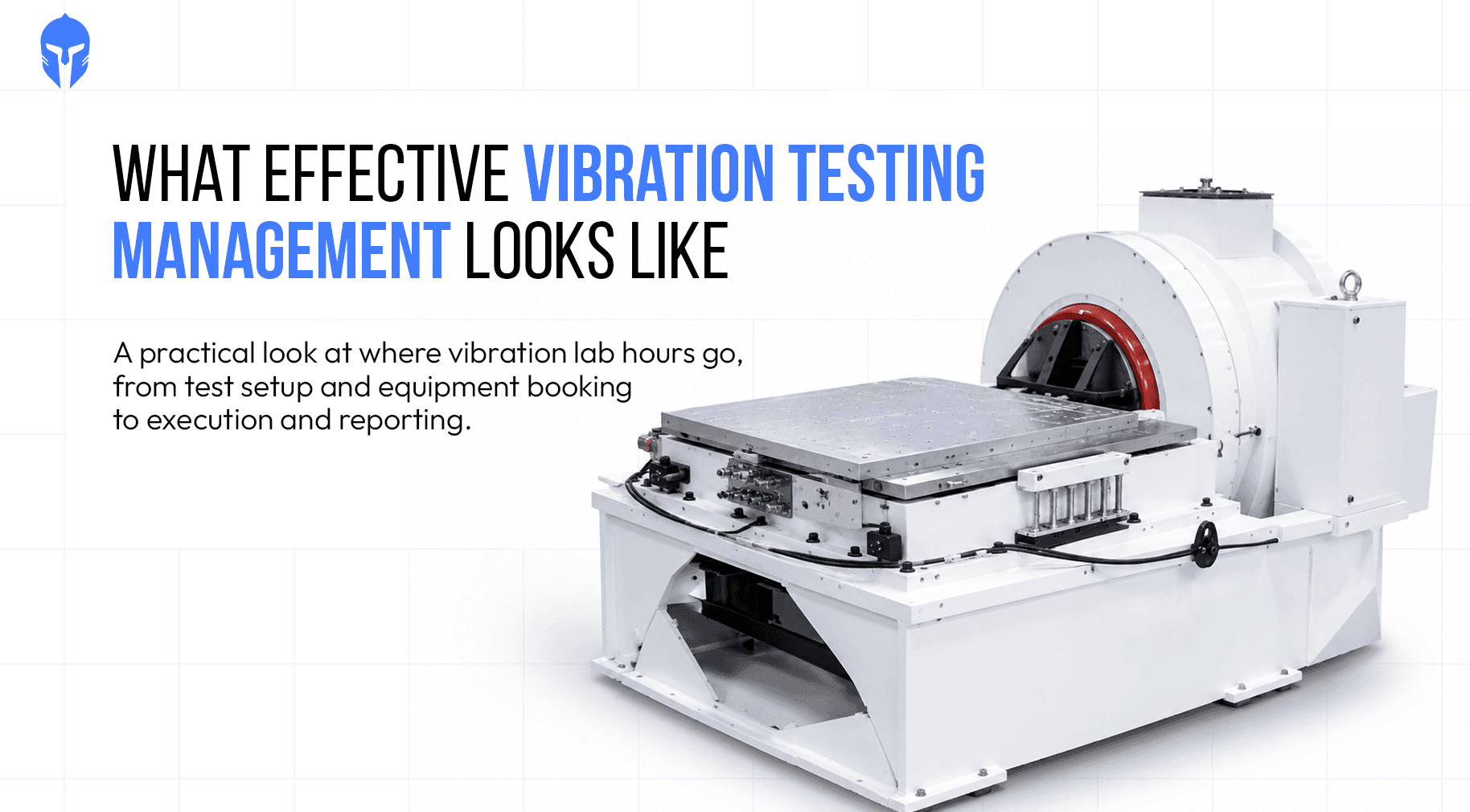
Vibration Testing Management: From Shaker Scheduling to Test Reports
Every vibration test bay runs on a simple ledger. Hours available on the shaker minus hours testing equals hours lost and eac
Read more...

Euro NCAP 2026: Inside the Operational Challenge for Test Labs
Euro NCAP 2026 puts a different kind of pressure on the test lab calendar. More safety functions need to be validated across more scenarios, with the right vehicles,
Read more...
UAV Testing : Following the Traceability Chain of a Single Aircraft
Somewhere in a UAV qualification programme, a seemingly simple traceability question can become unexpectedly expensive.
Read more...
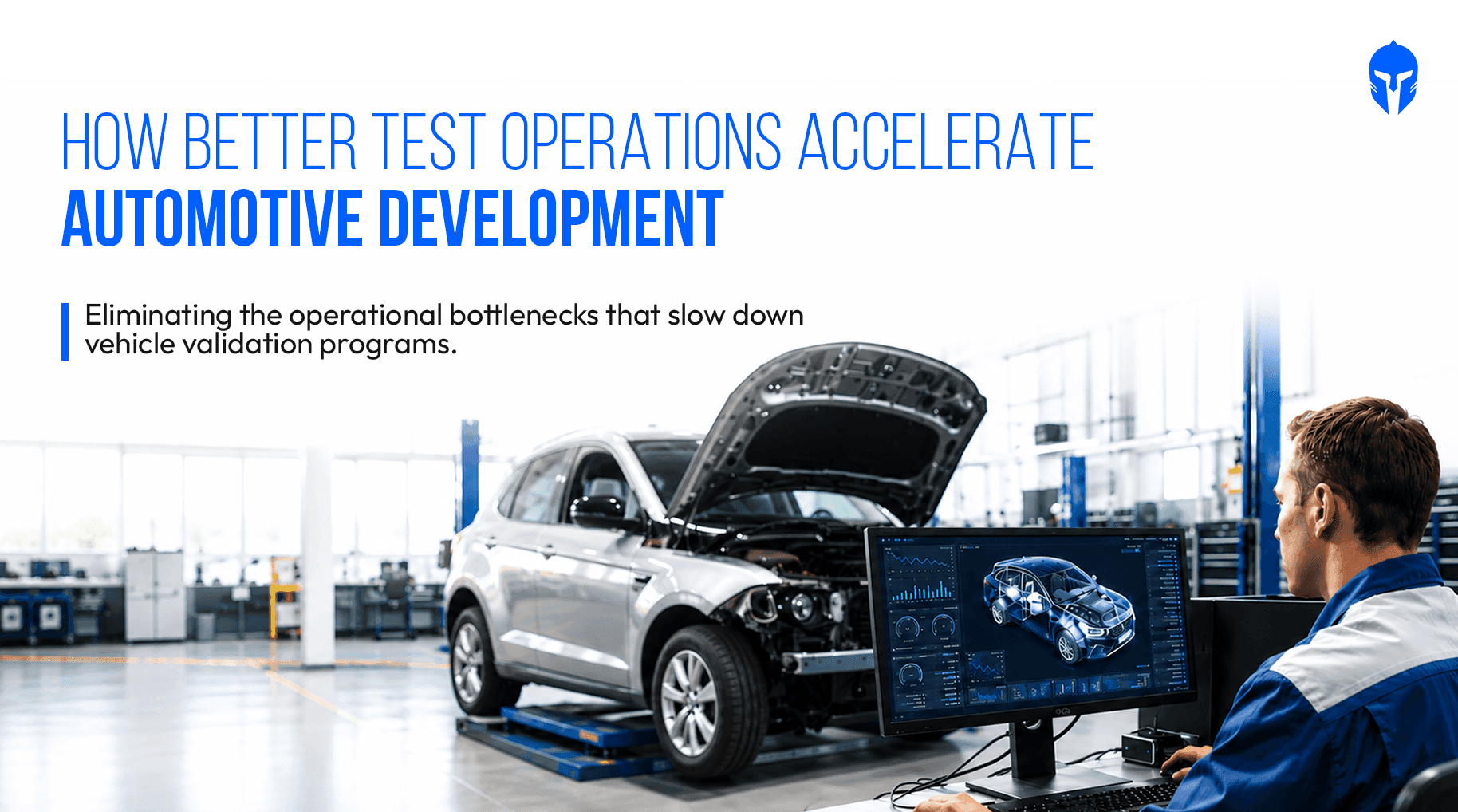
Faster Automotive Development Starts with Better Test Operations
Modern vehicle programs generate an enormous volume of validation activities, test data, schedules and engineering decisions.
Read more...
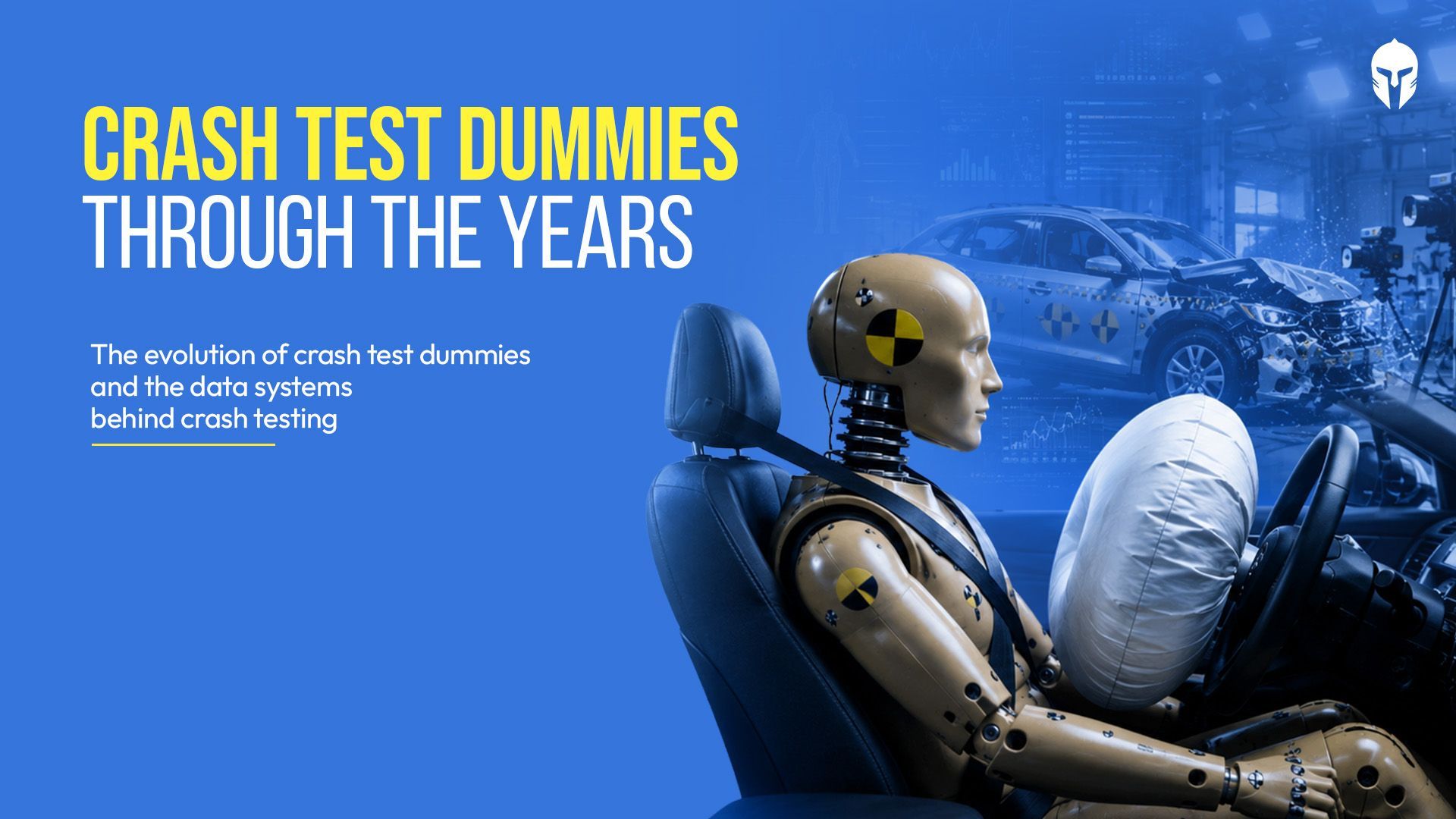
How Crash Test Dummies Changed Automotive Safety
In the late 1940s an Air Force flight surgeon named John Stapp noticed a grim pattern. More of his pilots were dying in cars than in planes.
Read more...
Test Management for Component Manufacturers: How to Run Multi-Customer Validation Without Losing Control
Your lab validates parts for more than one customer. Each OEM arrives with its own requirements, its own report format
Read more...
Stop Testing in Isolation: 4 Surprising Lessons from the Ground
Walk into almost any physical test lab and you will find smart people doing careful work inside their own four walls.
Read more...
Why Automotive Testing Labs Need More Than LIMS
When engineers at an automotive testing lab search for software to manage their operations, they often land on LIMS.
Read more...
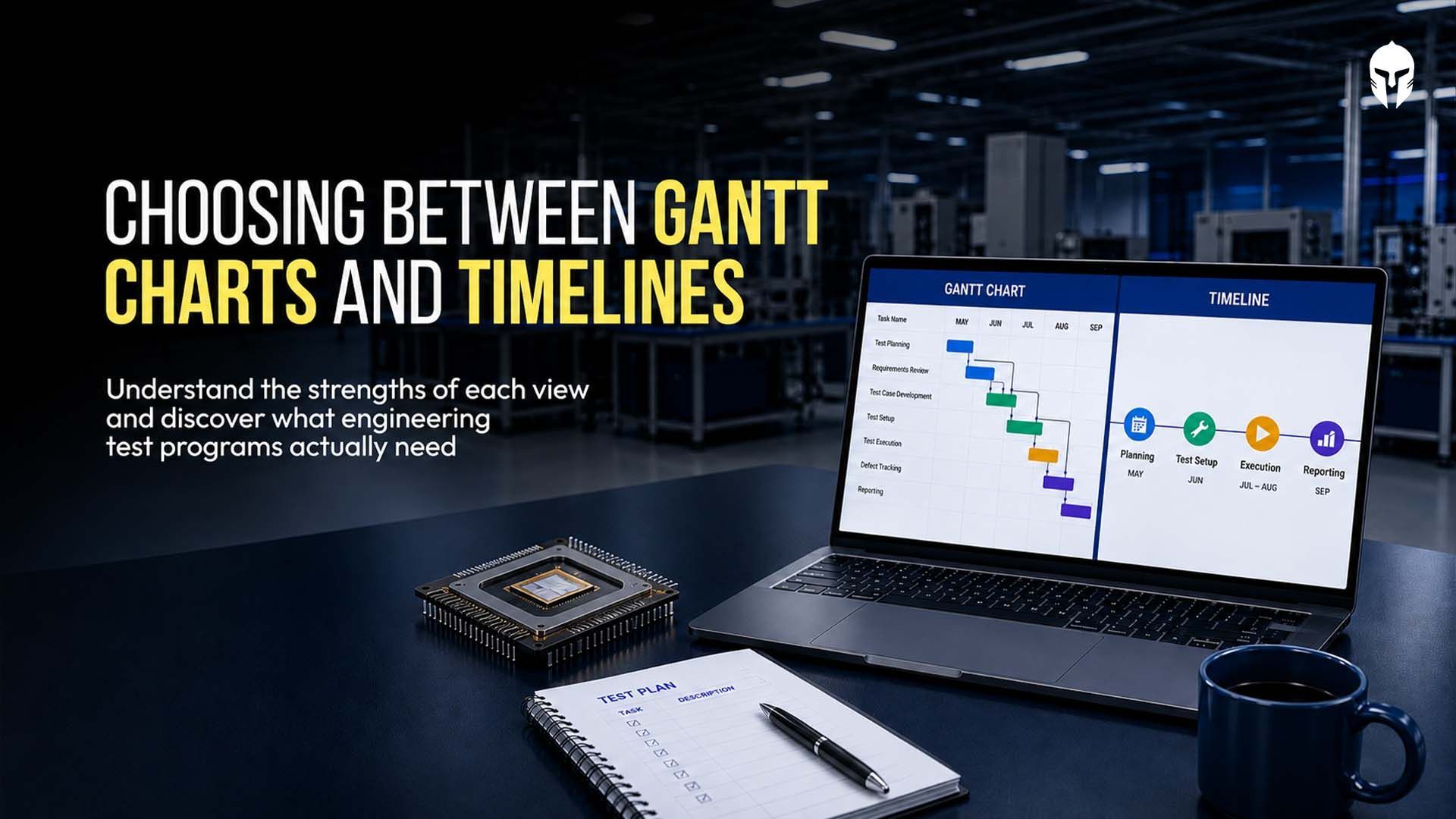
Gantt Chart or Timeline? Picking the Right View for Test Project Management
You open your scheduling tool on a Monday and the program looks healthy. Every test sits inside a neat colored bar
Read more...
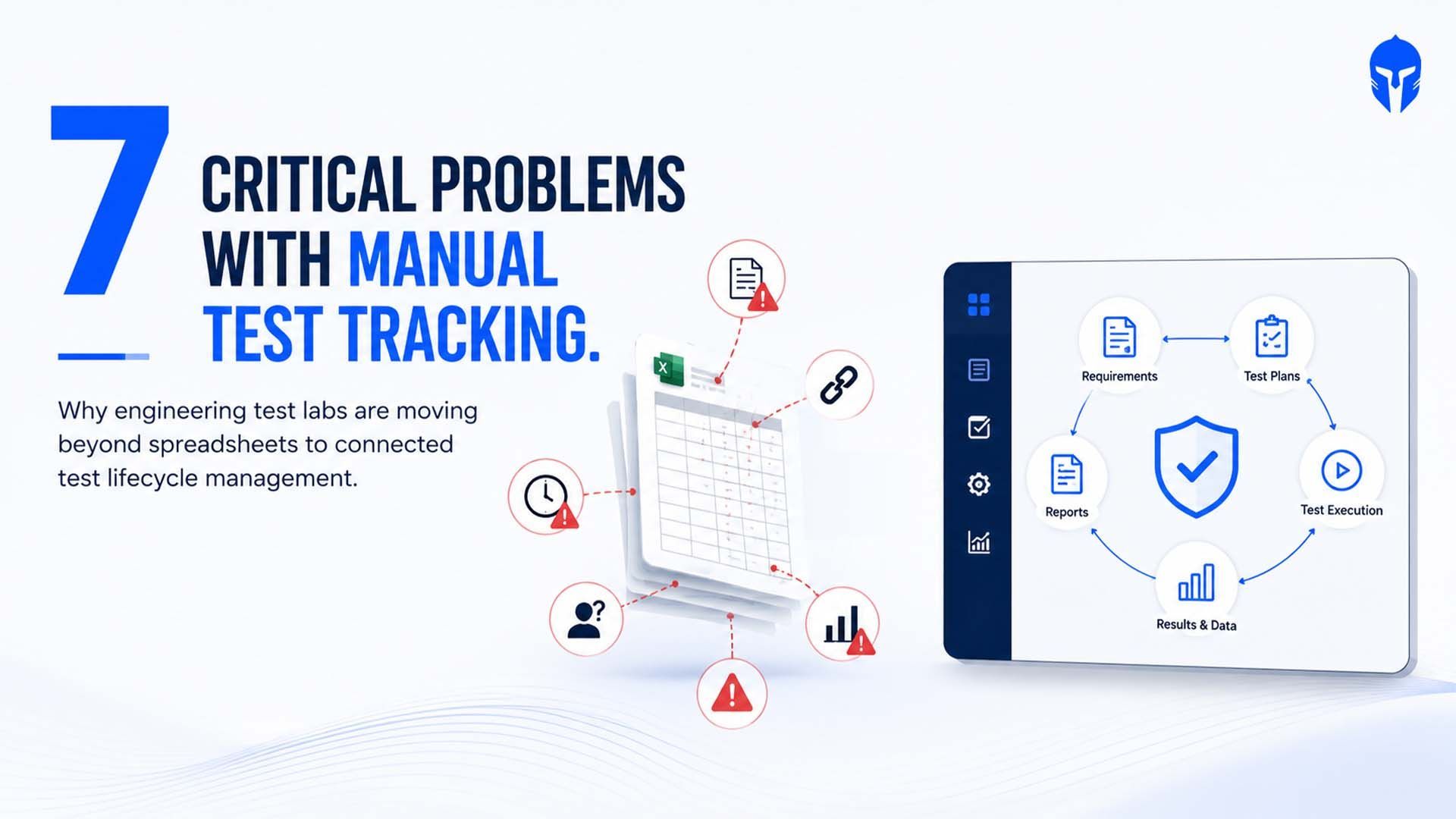
7 Critical Problems with Manual Test Tracking in Engineering test labs
Despite advances in engineering software, many product validation teams still rely on spreadsheets, shared drives and email
Read more...
Test Planning Best Practices: How TITAN Simplifies Test Plans, Milestones and Coverage
Ask a validation lead in any physical product test lab how their test plan started and you will hear about a spreadsheet.
Read more...
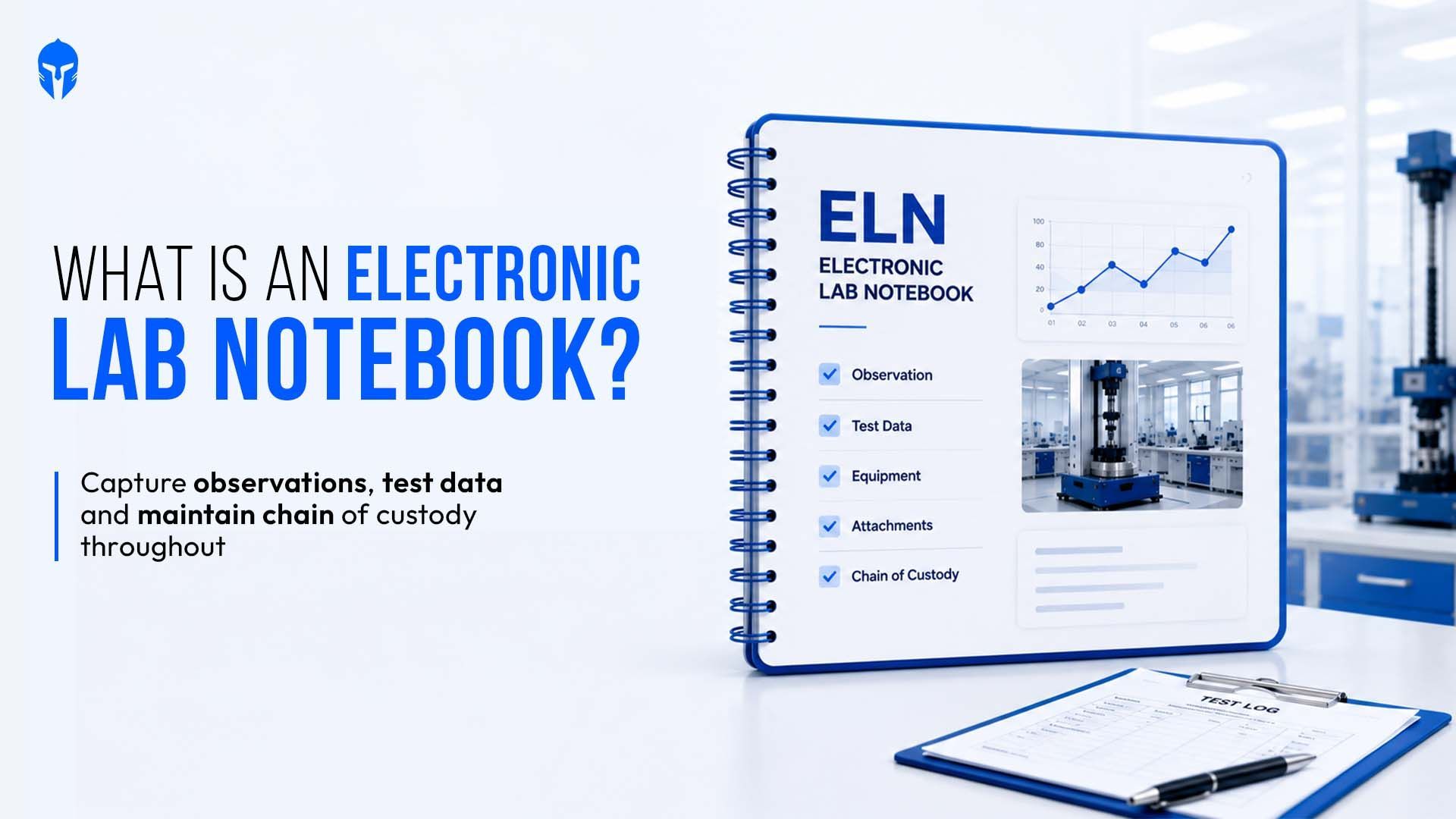
What Are Electronic Lab Notebooks? A Test Lab View
An electronic lab notebook (ELN) replaces the paper notebook used to record experiments, tests, and observations.
Read more...
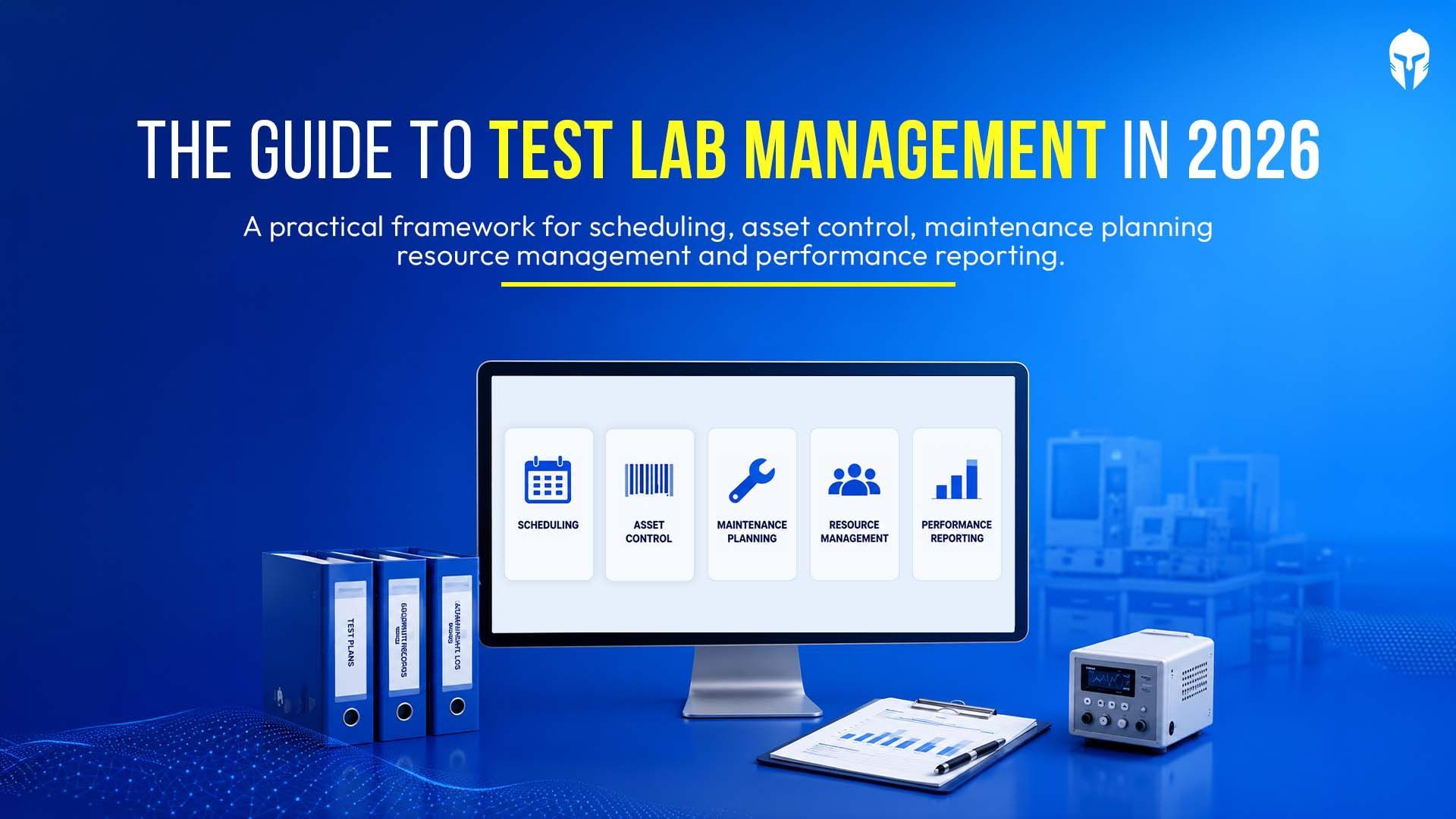
The Complete Guide to Test Lab Management in 2026
Test labs have become one of the most constrained resources in modern product development. Validation timelines are shrinking
Read more...
A Test Planner's Guide to Hardware Validation
Hardware testing sits at the center of every reliable product program. For test planners, the work goes well past
Read more...
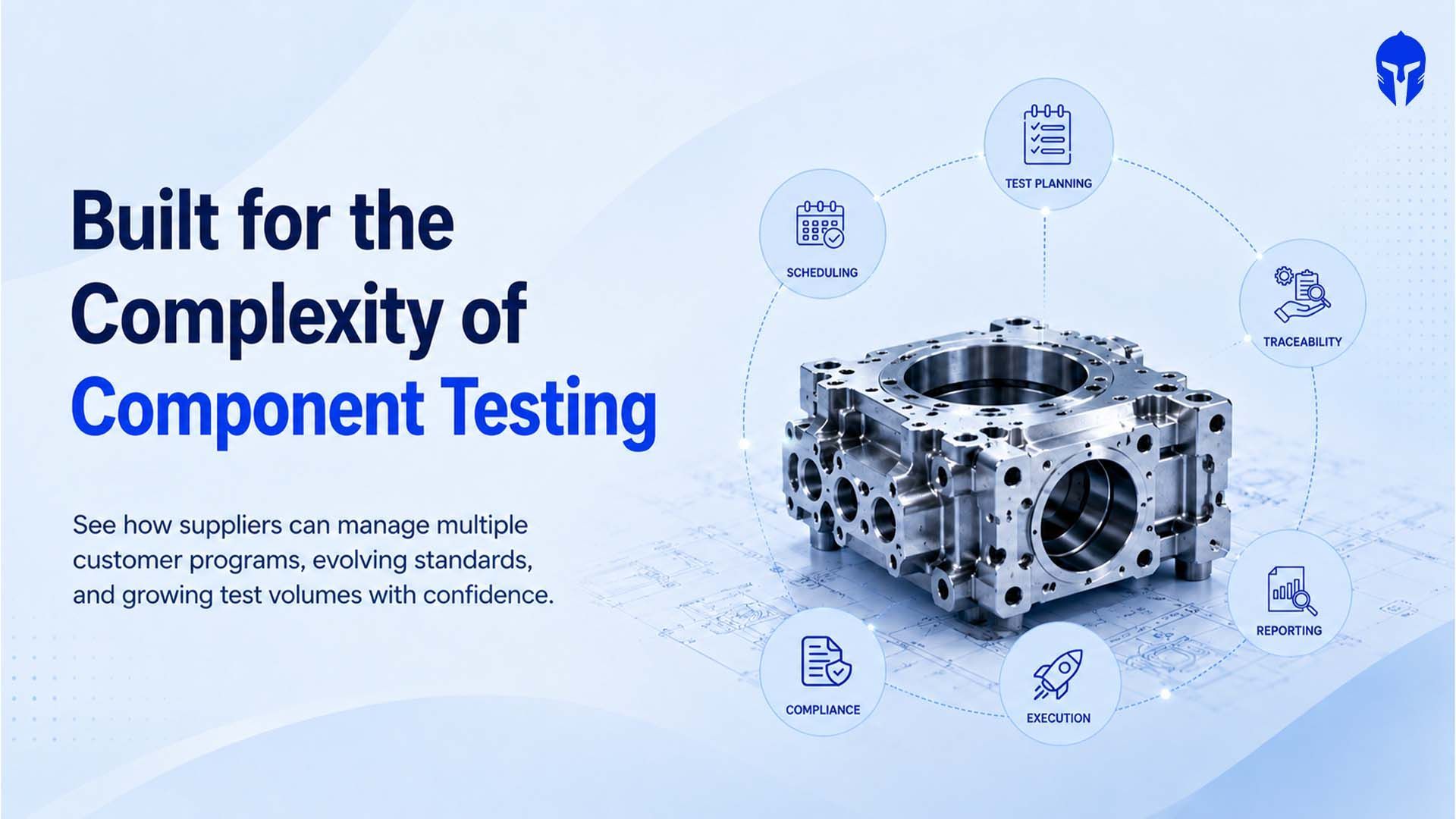
Why Component Suppliers Are Rethinking Test Lifecycle Management
The global automotive material and component testing market reached roughly US$26.91 billion in 2025 and is on track
Read more...
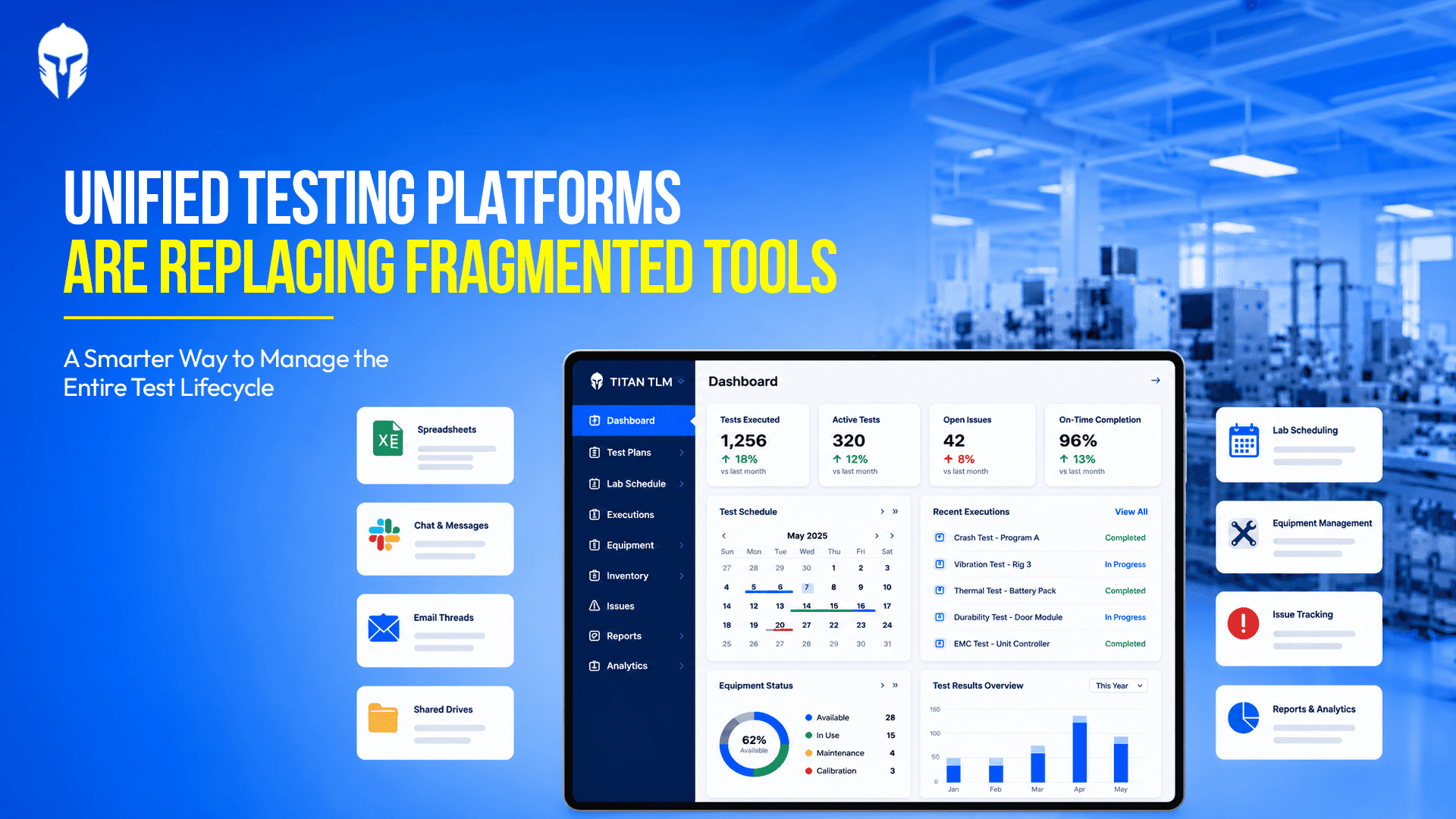
Advantages of using a Unified Testing Platform Over Fragmented Testing Tools
Ask anyone who runs a physical test lab what their week looks like and you will hear a familiar story. The test plan lands
Read more...
The Next 5 Years of Physical Product Testing: A Prediction from the Industry Floor
A product engineer at a mid-size EV components manufacturer spent 14 weeks getting a battery module through
Read more...

How TIC Labs Can Manage Growing Test Volumes Without Losing Operational Control
The Europe Testing, Inspection and Certification (TIC) market is on a sustained growth path. Valued at USD 58.93 billion in 2025
Read more...

The Ultimate Guide to Automotive Crash Testing
Every vehicle on the road today carries the invisible fingerprint of crash testing. Before a single unit reaches a customer,
Read more...

How Leading Chassis and Powertrain Teams Are Closing the Test Traceability Gap
The launch of a dedicated chassis and powertrain testing focus at Vehicle Tech Week North America 2026
Read more...

Premium Wake Boats and the New Rules of Marine Product Testing
Premium watersports boats have become among the most mechanically complex products in recreational manufacturing.
Read more...

What Euro NCAP's 2026 Truck Safety Results Mean for Commercial Vehicle Test Programs
Euro NCAP's 2026 truck safety assessment delivered a landmark result: five out of seven vehicles in the Regional Distribution category
Read more...
A Practical Guide to Choosing and Implementing a Laboratory Information Management System (LIMS)
If you're still running your lab on a combination of spreadsheets, handwritten logs and shared folders with names
Read more...

What -30°C teaches you about a tire
In northern Finland, engineers listen to rubber meet ice in silence so complete it feels deliberate. What they're really chasing consistent
Read more...
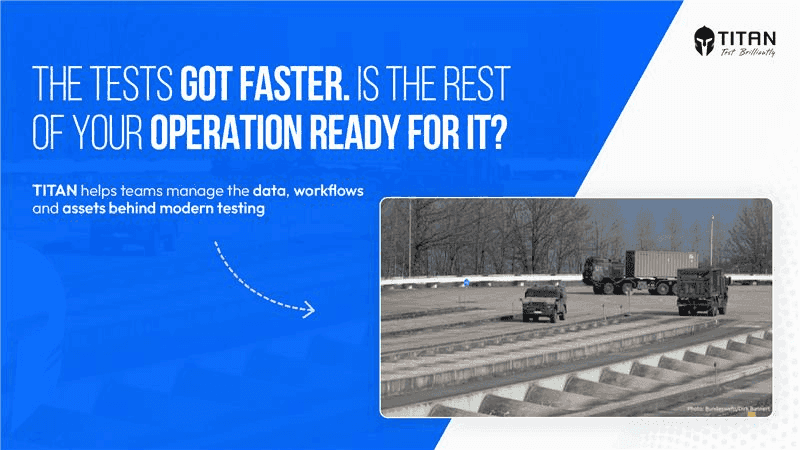
When Robots Take the Wheel: What the Bundeswehr's Driverless Testing Shift Means for Modern Test Operations
Germany's Bundeswehr operates the Technical Centre for Land-Based Vehicle Systems (WTD 41) in Trier, a facility whose sole mandate is to ensure
Read more...
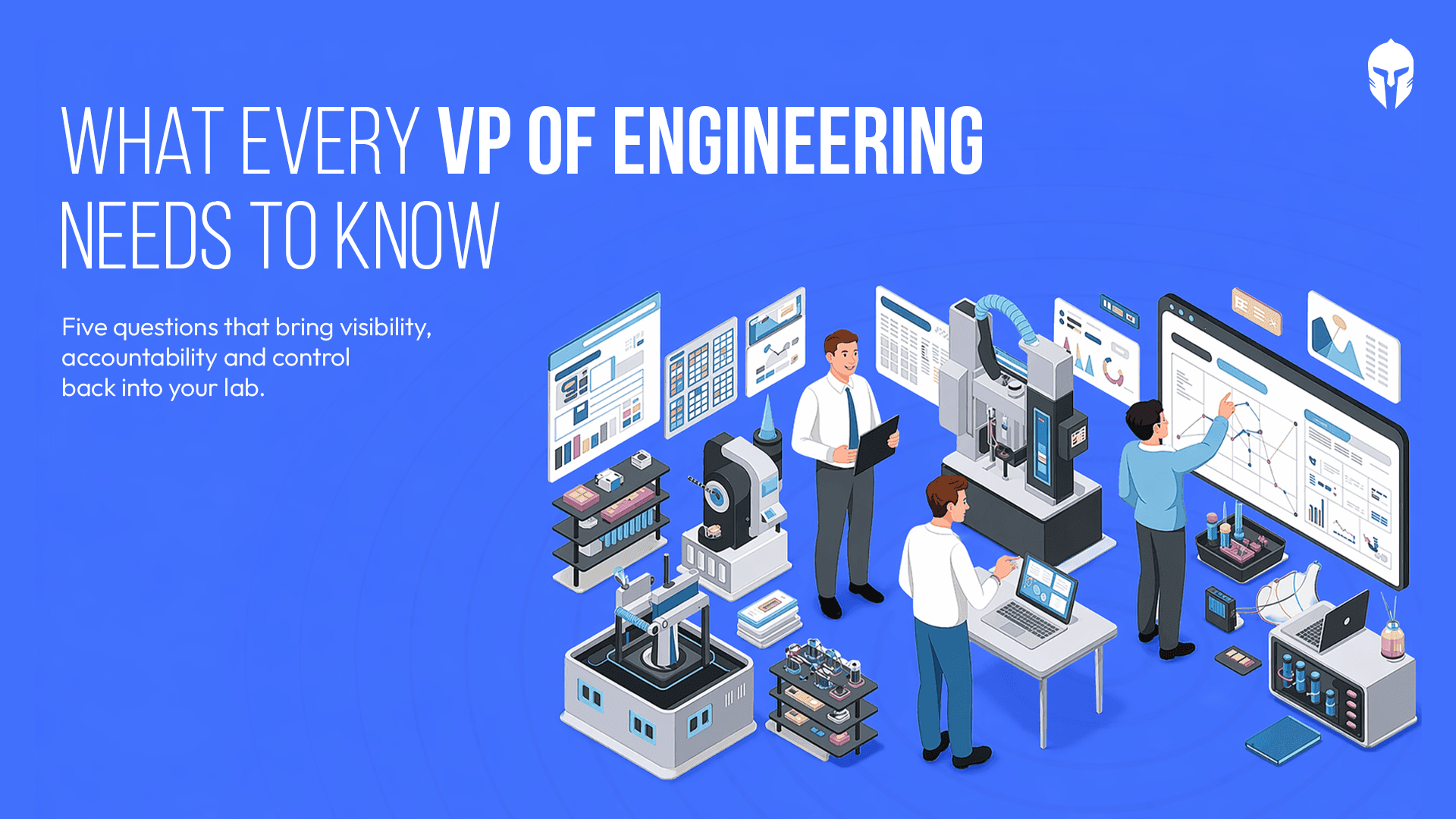
5 Questions Every VP of Engineering Should Ask About Their Test Operations
There's a particular kind of silence that falls over a lab when something goes wrong late in the testing cycle. Not the silence of focus or concentration. A heavier kind. The kind that settles
Read more...
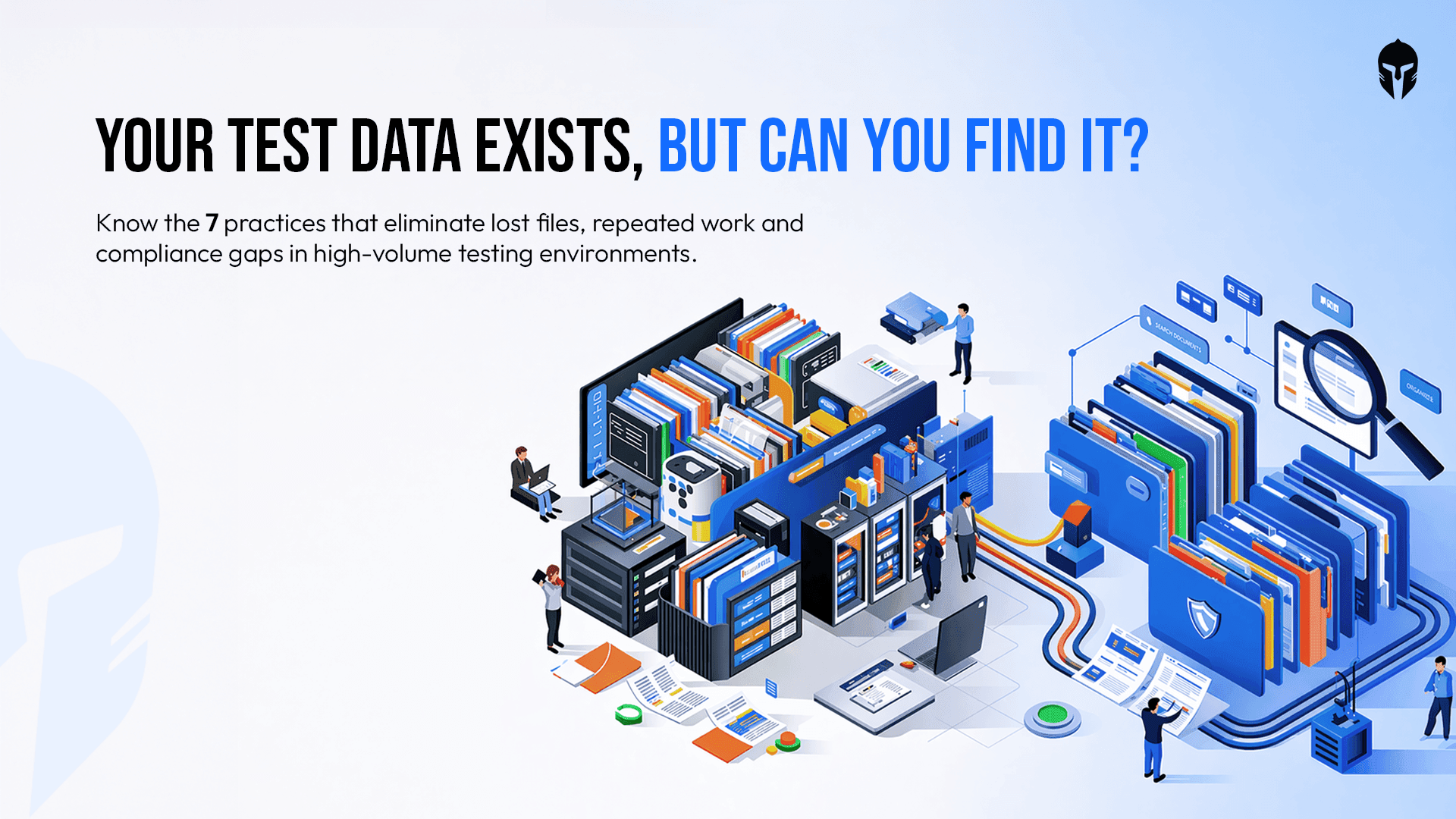
Test Data Management: Best Practices for High-Volume Labs
In a high-volume R&D lab, data is everywhere and that's exactly the alarming problem. Test files, equipment logs, video recordings, structured forms, raw observations
Read more...
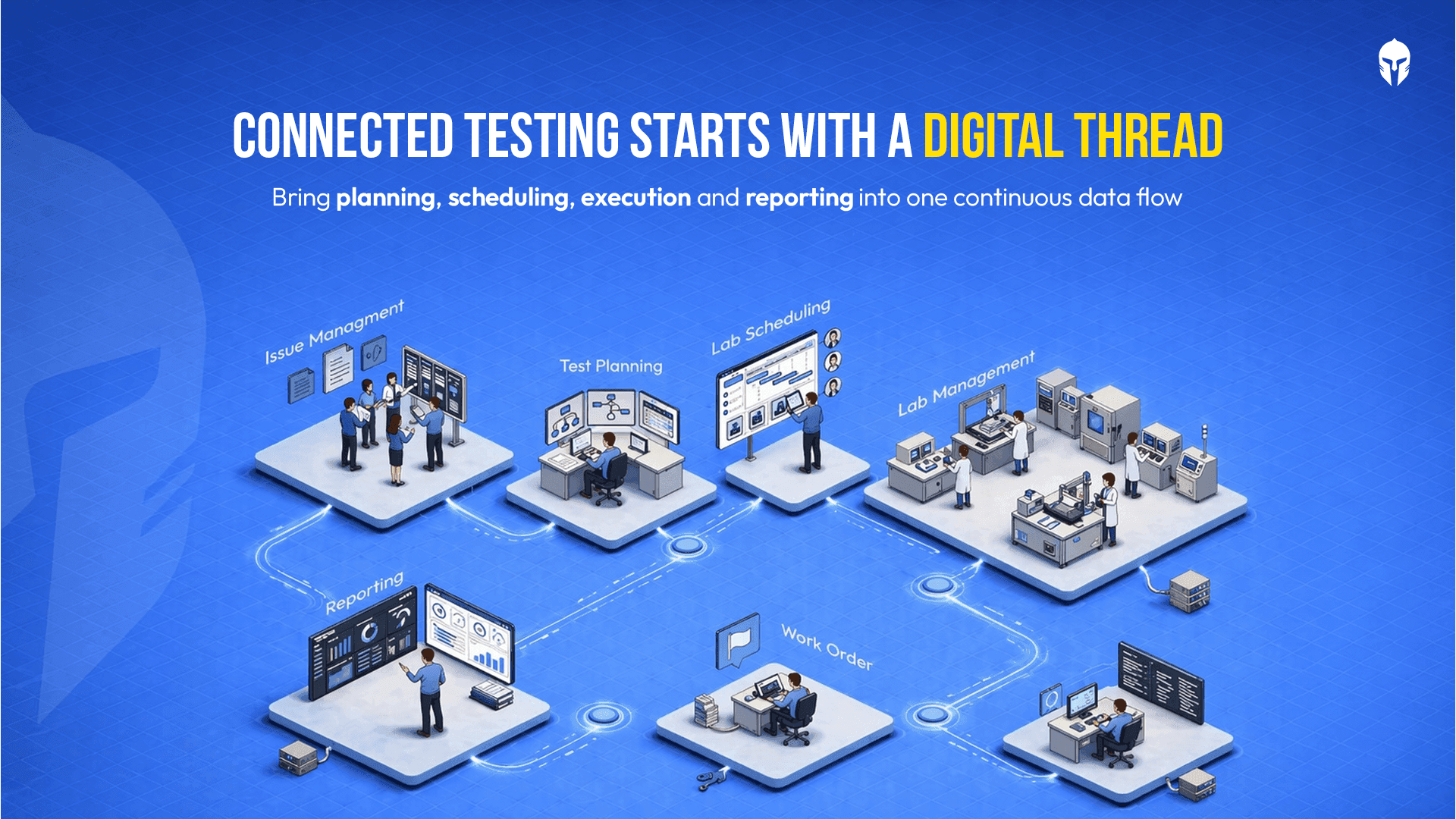
Digital Thread in Physical Product Testing: Hype or Reality?
There is a phrase circulating in engineering circles that sounds almost too good to be true: the digital thread. A single, continuous digital data backbone that connects every phase
Read more...
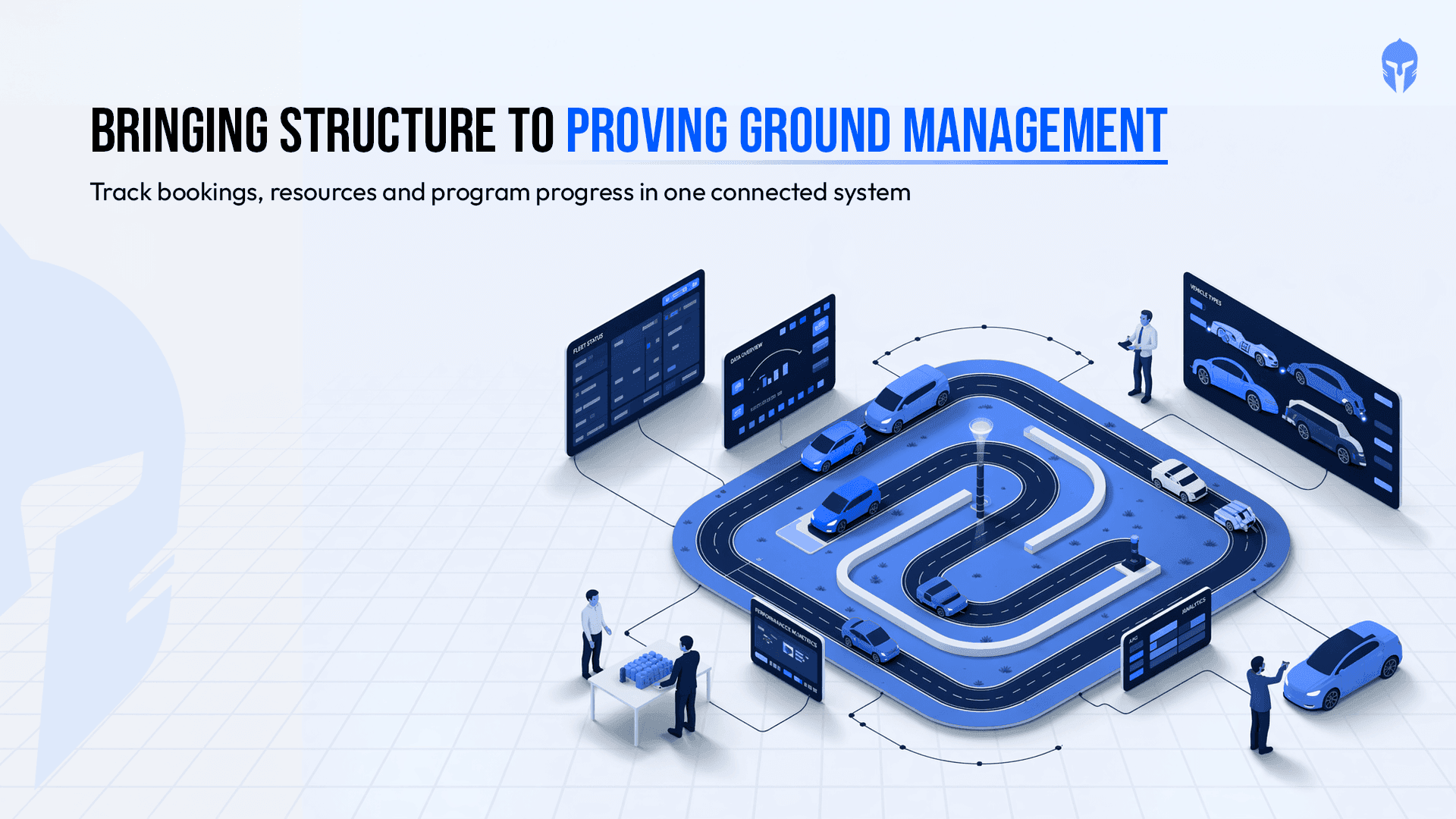
How Proving Grounds Are Going Digital in 2026
Proving grounds have always been the backbone of vehicle validation. Tracks get booked, prototypes get tested, drivers get scheduled and data gets collected.
Read more...
Paper Records vs. LIMS: Choosing the Right Data Management Strategy for Your Lab
For decades, paper-based record keeping was the backbone of laboratory operations. Binders stacked on shelves, handwritten test logs, manually updated calibration sheets;
Read more...
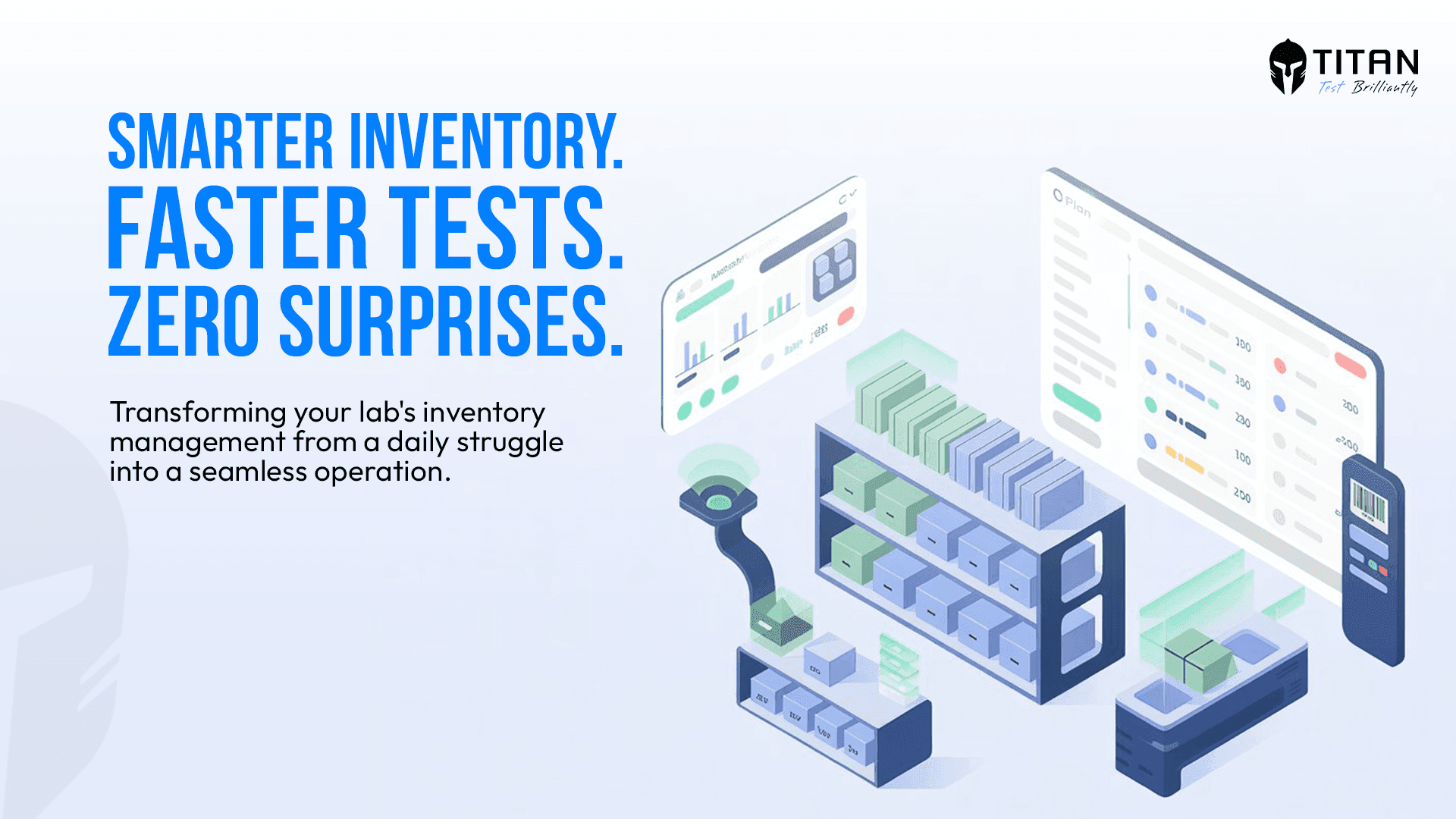
TITAN as The Inventory Management Platform
Running a modern testing or R&D lab without a reliable inventory management system is like navigating without a map. Equipment runs out mid-experiment. Critical spare
Read more...
AI in Test Scheduling: Six Use Cases Worth Watching
Test scheduling looks administrative from the outside. Inside an engineering lab, it is one of the most layered coordination problems a team faces and one of the
Read more...
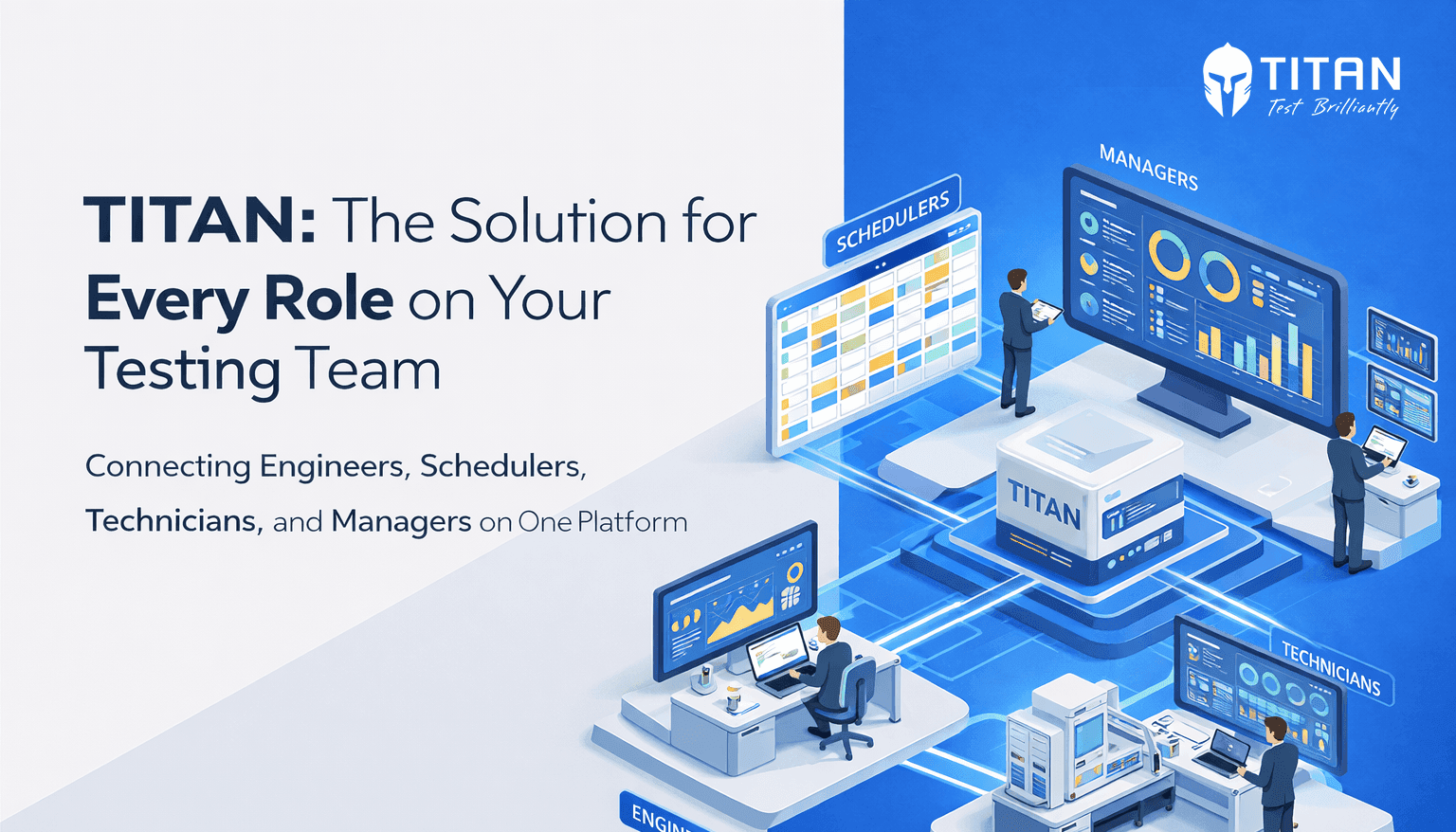
What Every Role in Your Test Lab Needs from One Platform
Running a hardware test lab means managing a constant flow of moving parts, schedules, resources, personnel, data or deadlines. When that flow is smooth,
Read more...
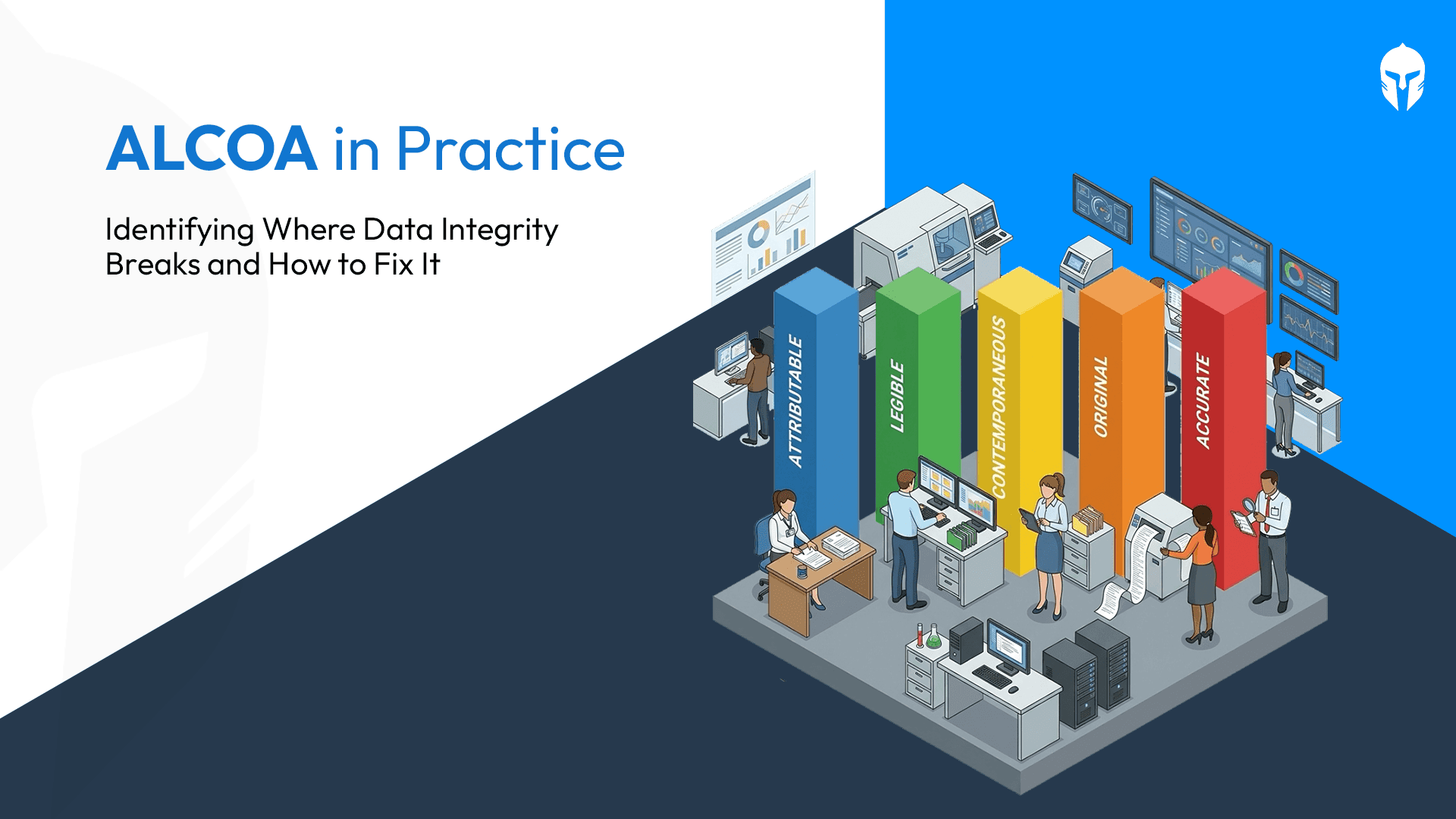
Implementing ALCOA in Your Lab: Gaps, Best Practices and What Good Looks Like
In the previous blog, we covered what the ALCOA principles are and why they apply to engineering and testing laboratories every bit as much as they do to pharmaceutical manufacturing.
Read more...

Why ALCOA Is Not Just a Pharma Principle: What Engineering and Testing Laboratories Need to Know
When most professionals hear the term ALCOA, they think of pharmaceutical manufacturing, clinical trials or FDA-regulated environments. That association is understandable, the ALCOA
Read more...
What Is a Design Verification Plan (DVP)? A Practical Guide for Test Engineers
Design Verification Plans (DVP) sit at the heart of any product development program. They define what gets tested, when, how and to what standard.
Read more...
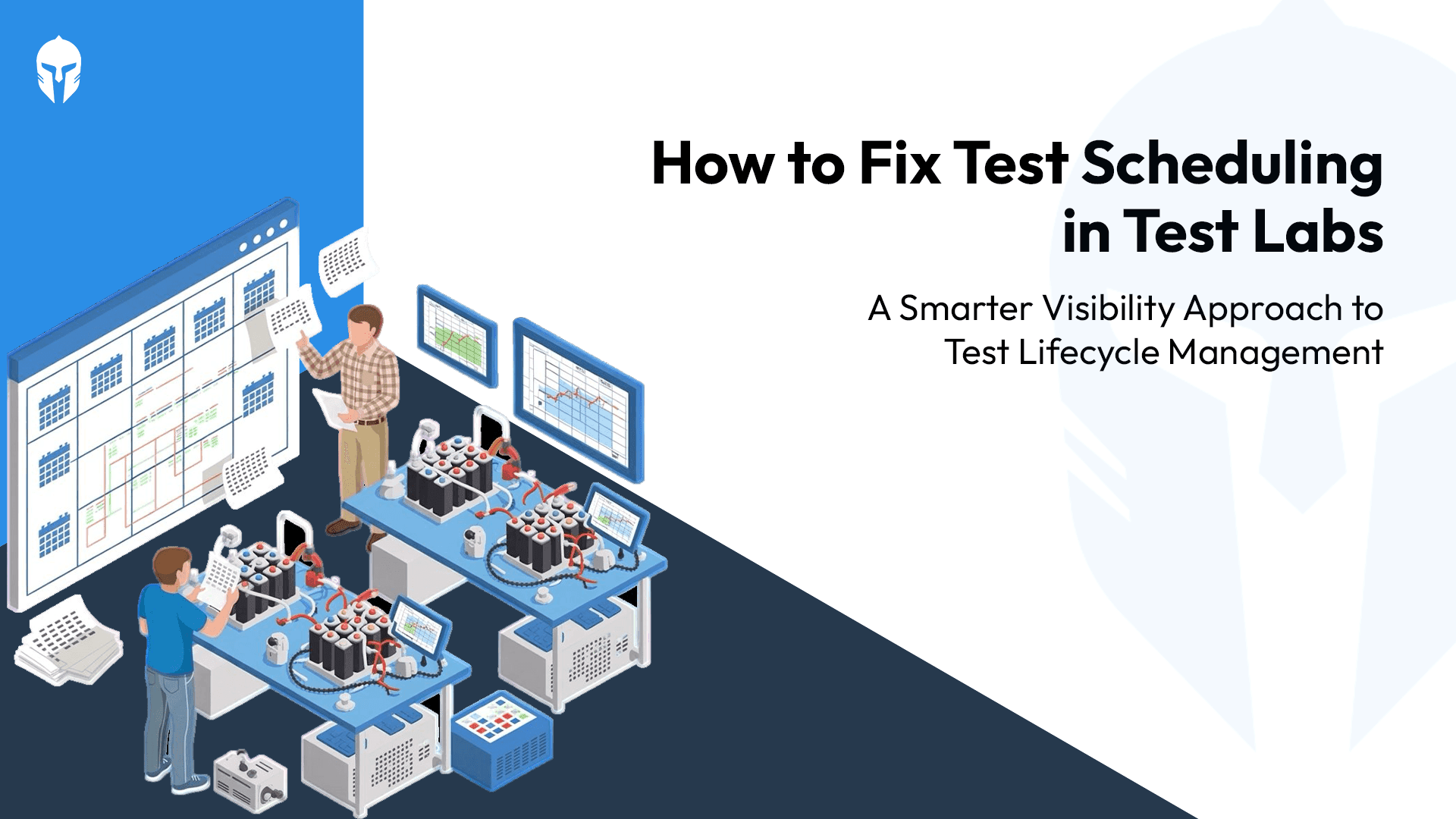
The Test Scheduling Problem Explained
Ask any test engineer what slows down a program and you'll hear the usual answers. Equipment failures. Scope changes. Resource shortages.
Read more...

Home Grown Tools vs TITAN
That internal tool your team built seven years ago. It was genuinely impressive at the time. Someone on the team had a problem; nobody had a budget for a proper solution
Read more...
3 Questions Your Dashboard Should Answer Instantly
There's a framework in operations management that measures any operation across four dimensions - Volume, Variety, Variation and Visibility.
Read more...
How Smart Scheduling Is Beating Million-Dollar Equipment Investments?
You invested heavily in advanced equipment because precision matters. Calibration matters. Speed to market matters. Yet despite those investments,
Read more...
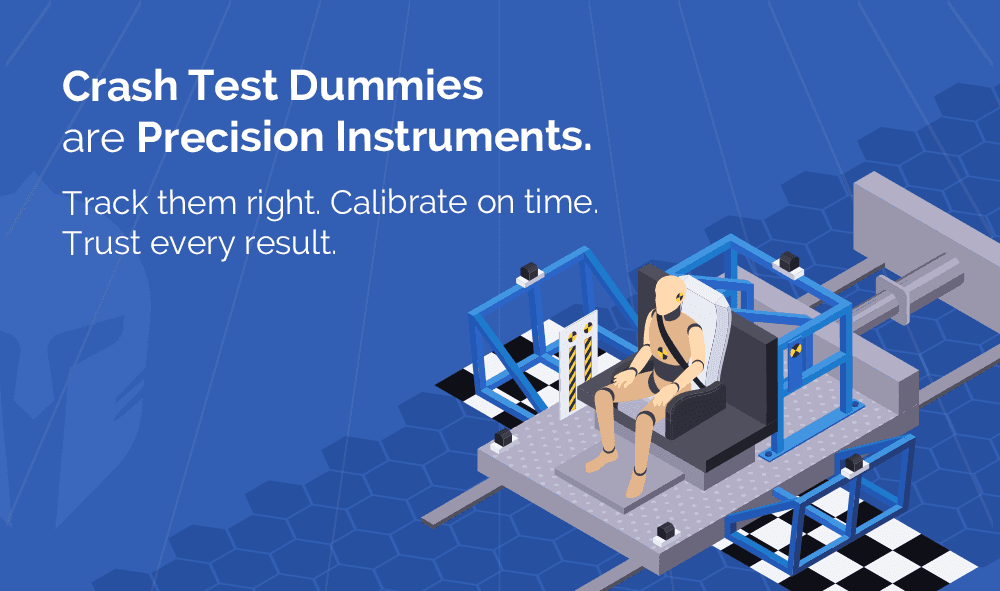
Crash Test Dummies Aren’t Props, They’re Precision Instruments
Step into a contemporary crash testing facility and one thing becomes clear almost immediately.
Read more...
OEM and the Hidden Cost of Fragmentation: Why Test Lifecycle Management Matters?
Picture a weekly sync inside an automotive OEM program, their verification and validation (V&V) teams racking their brains over spreadsheets.
Read more...
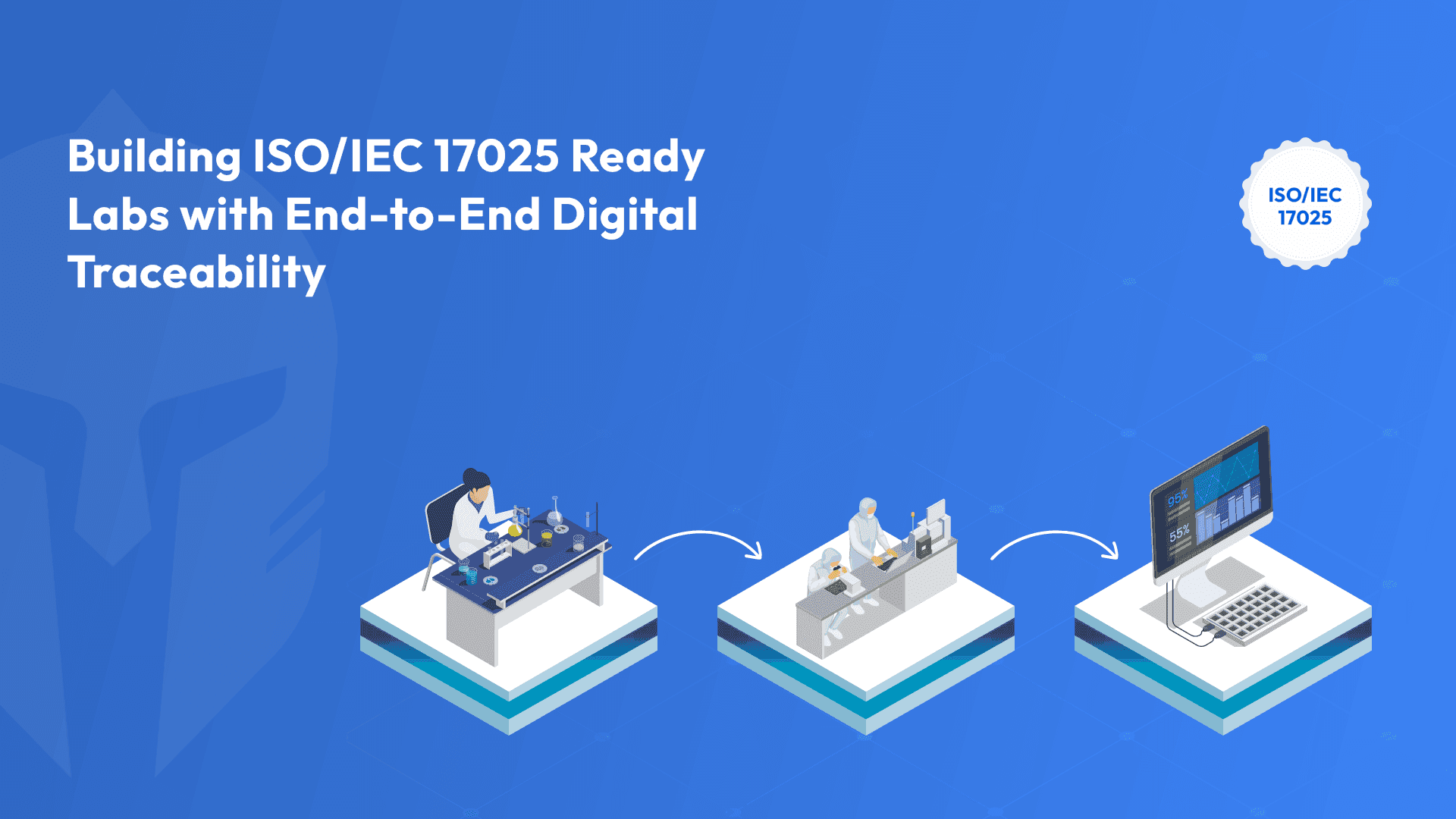
How Do You Build ISO/IEC 17025 Ready Labs with End-to-End Digital Traceability?
If you run or work with testing and calibration laboratories whether as an OEM lab, an independent testing facility
Read more...

Any Ambition Bigger Than a Spreadsheet?
Imagine this: It's late on a Friday evening, and Sarah, a dedicated vehicle test engineer at a leading R&D organization,
Read more...
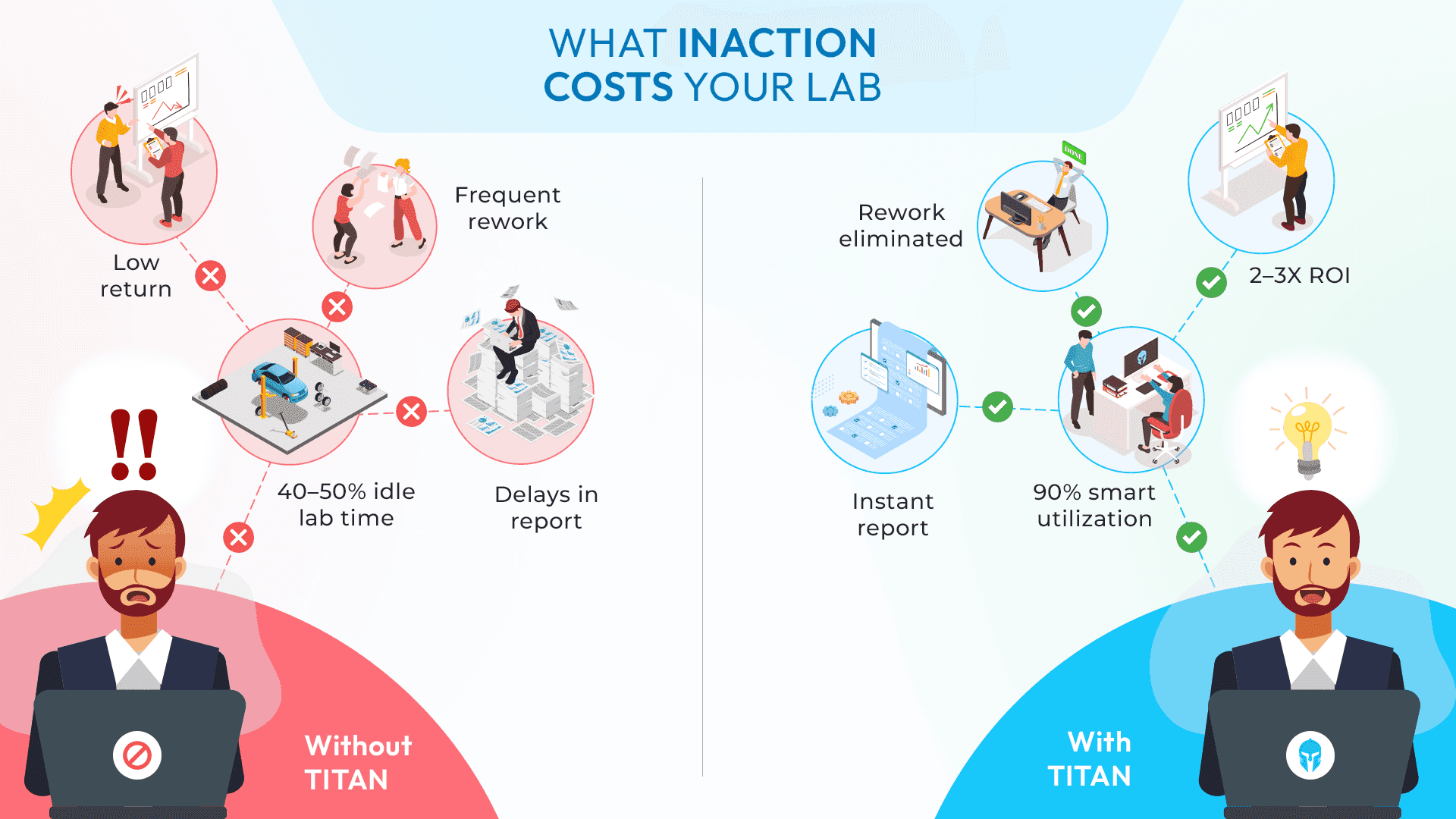
The Cost of Inaction: Why Testing Teams Can't Afford to Delay a Test Lifecycle Management Solution
Many engineering leaders already know their testing teams need a centralized system. The challenge?
Read more...
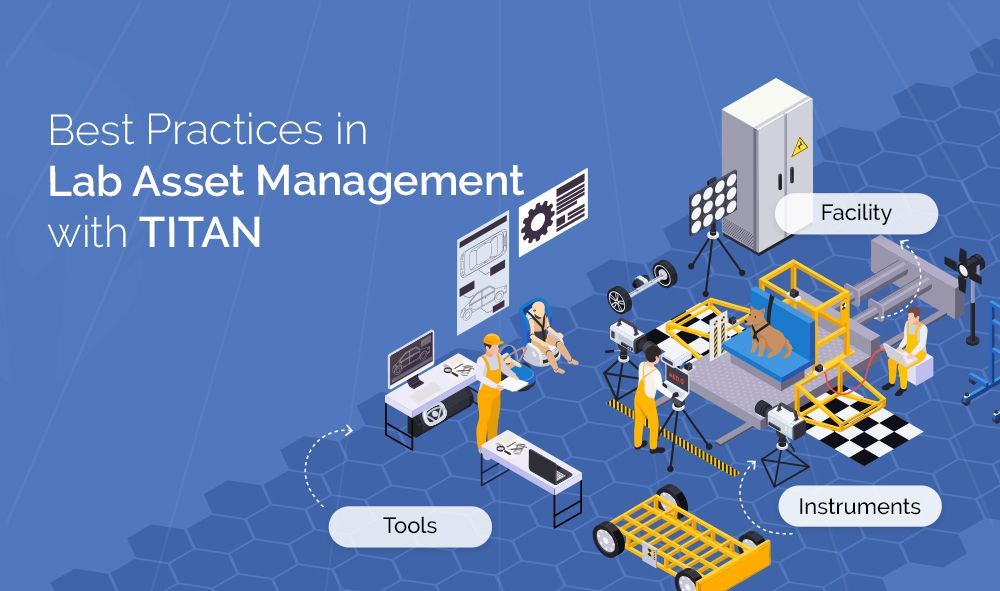
Best Practices in Lab Asset Management with Titan
Modern laboratories operate under constant pressure: deliver accurate results faster, manage rising costs,
Read more...
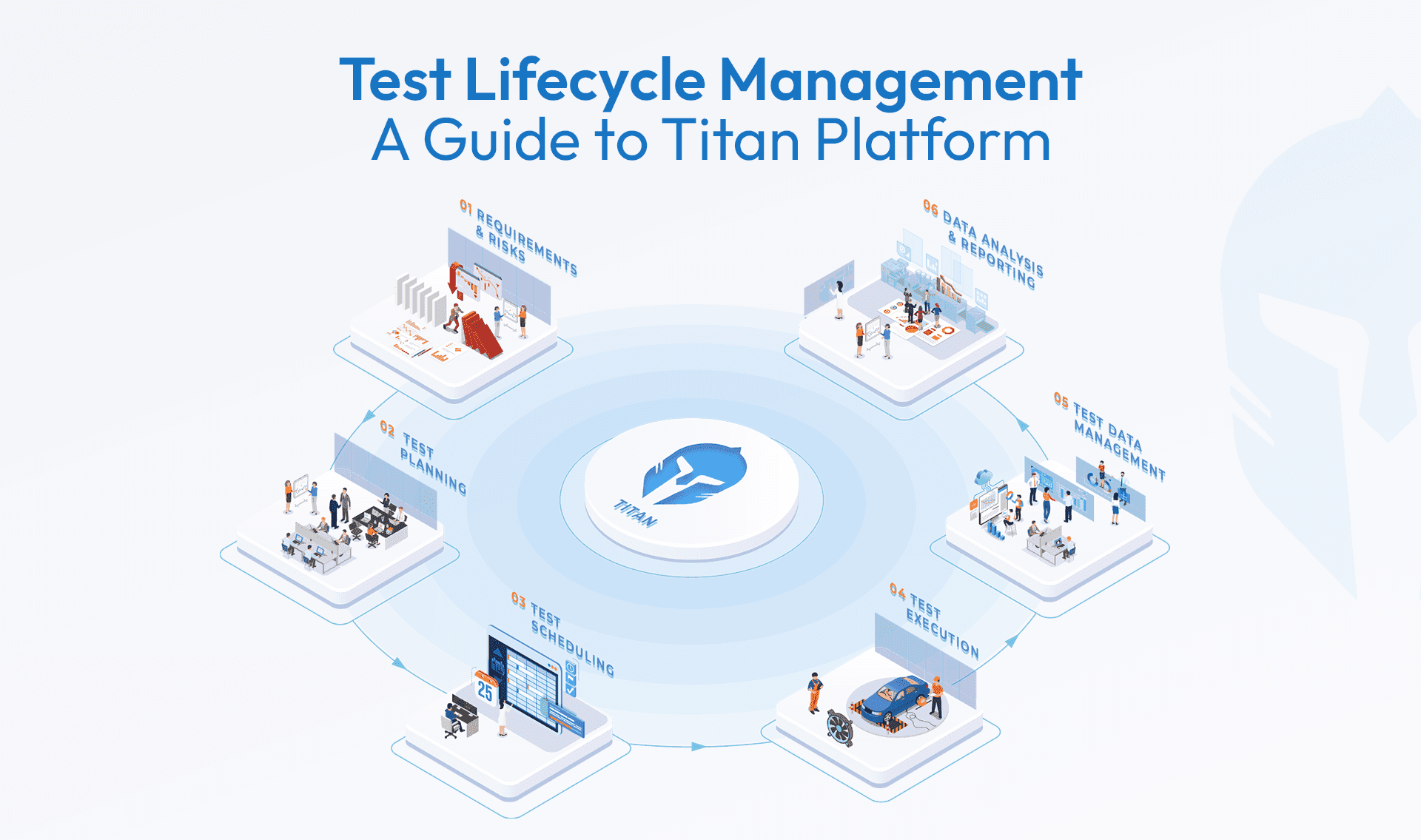
Test Lifecycle Management Explained: What Every Engineering Team Needs to Know
When it comes to product development, testing is more than a box to check it’s the process that validates safety, performance,
Read more...
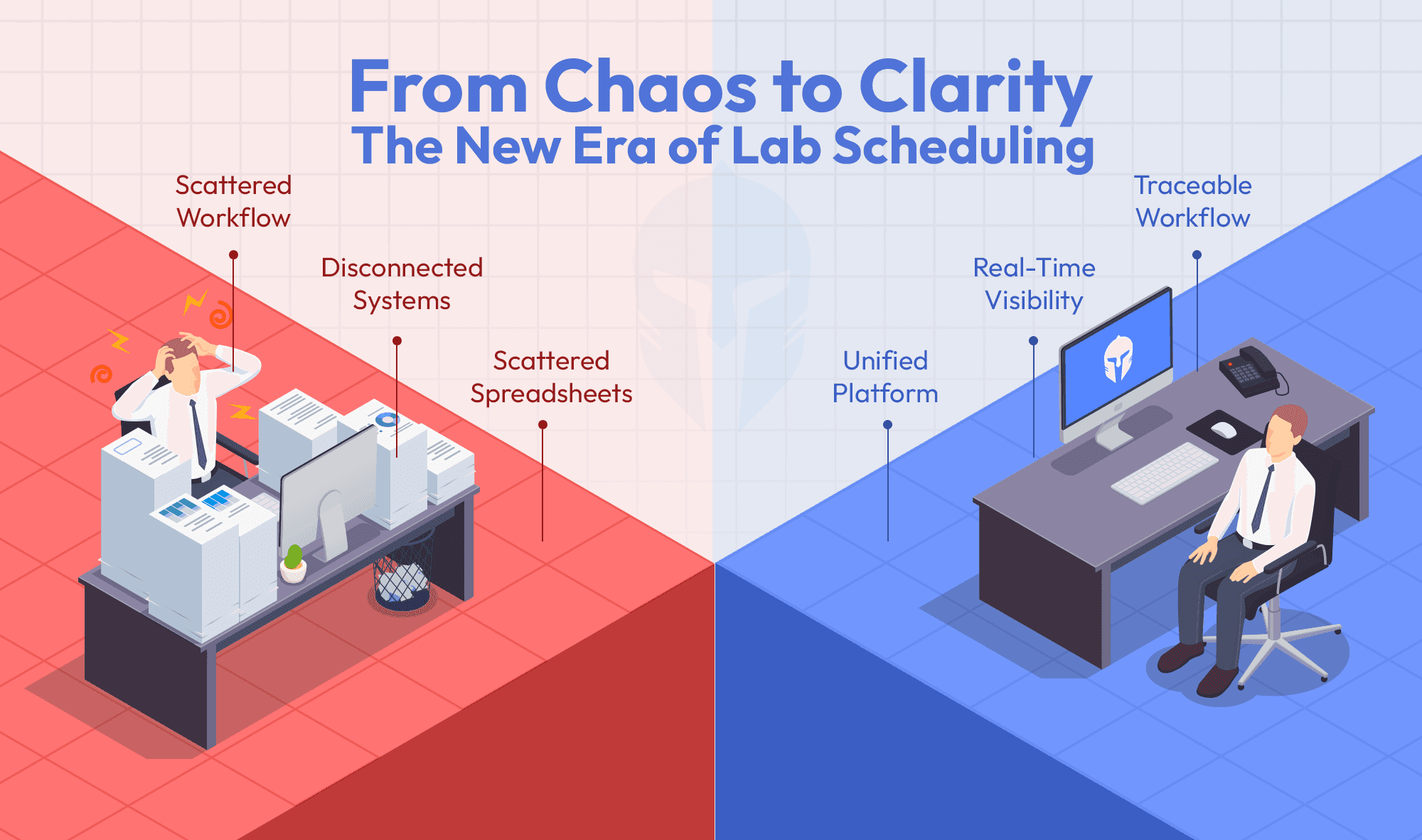
Can your booking tool do more than just schedule?
Titan's Booking Portal does more than just schedule. It’s a single platform that links test requests,
Read more...
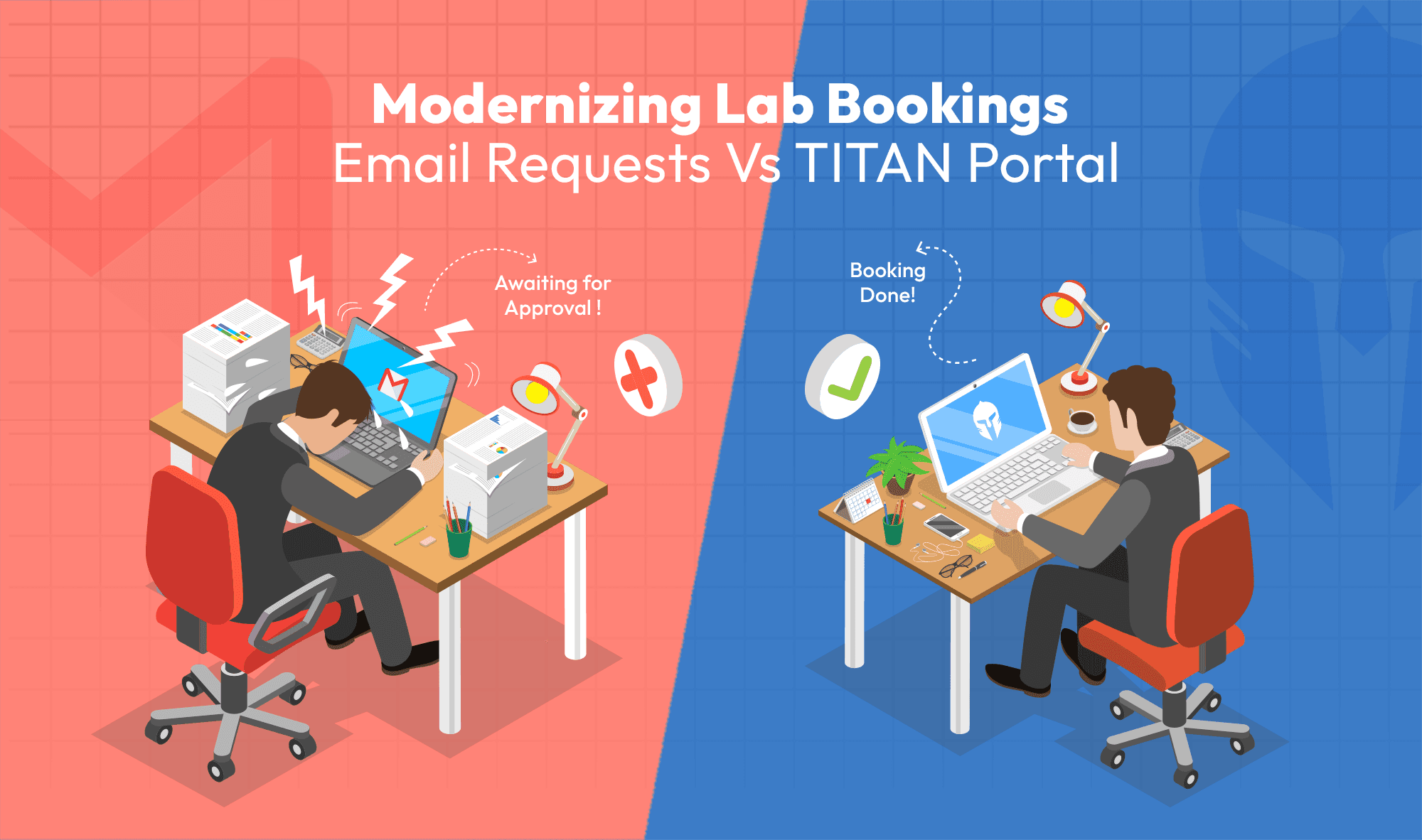
Modernizing Lab Bookings: Email Requests vs. Titan Portal
When managing test labs or proving grounds, it’s common to rely on email threads and manually filled forms from customers
Read more...
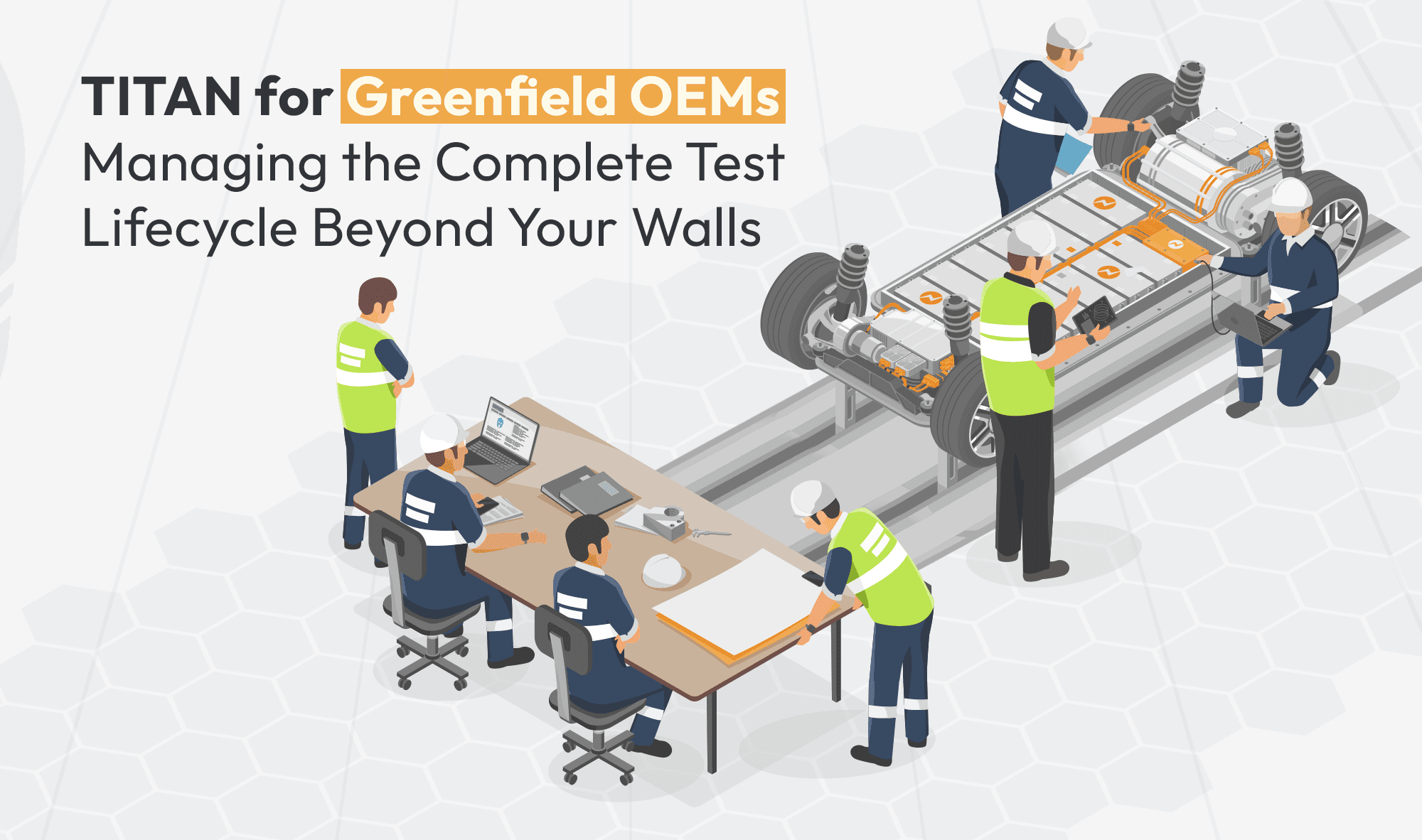
Titan for Greenfield OEMs: Managing the Complete Test Lifecycle Beyond Your Walls
Building a product from the ground up as a Greenfield OEM comes with unique challenges.
Read more...
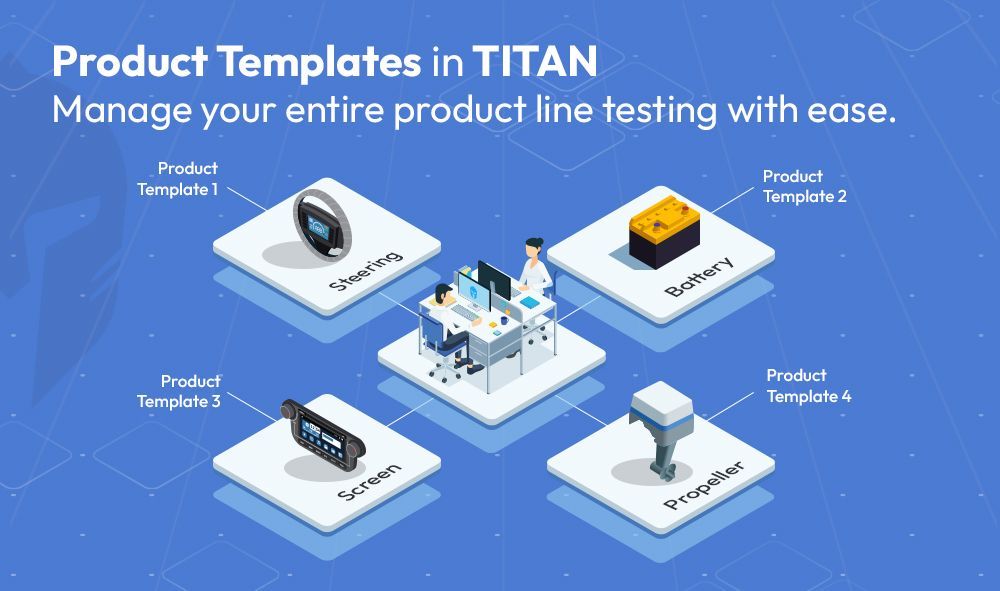
How Titan’s Template-Driven Approach Simplifies Multi-Product Line Test Management
Engineering teams managing diverse product lines often face the challenge of maintaining consistency,
Read more...
How TITAN Supports Laboratories in Achieving ISO/IEC 17025 Compliance
Laboratories across industries are tasked with ensuring the highest standards of testing and calibration.
Read more...
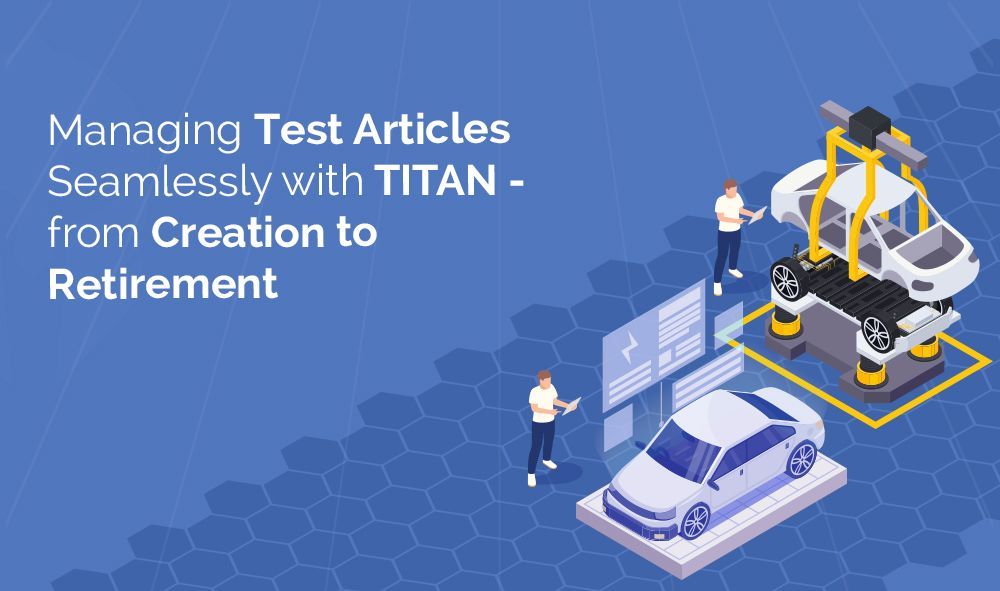
Managing Test Articles Seamlessly with Titan - from Creation to Retirement
In the world of product testing, managing prototype samples and test articles is often a logistical challenge.
Read more...
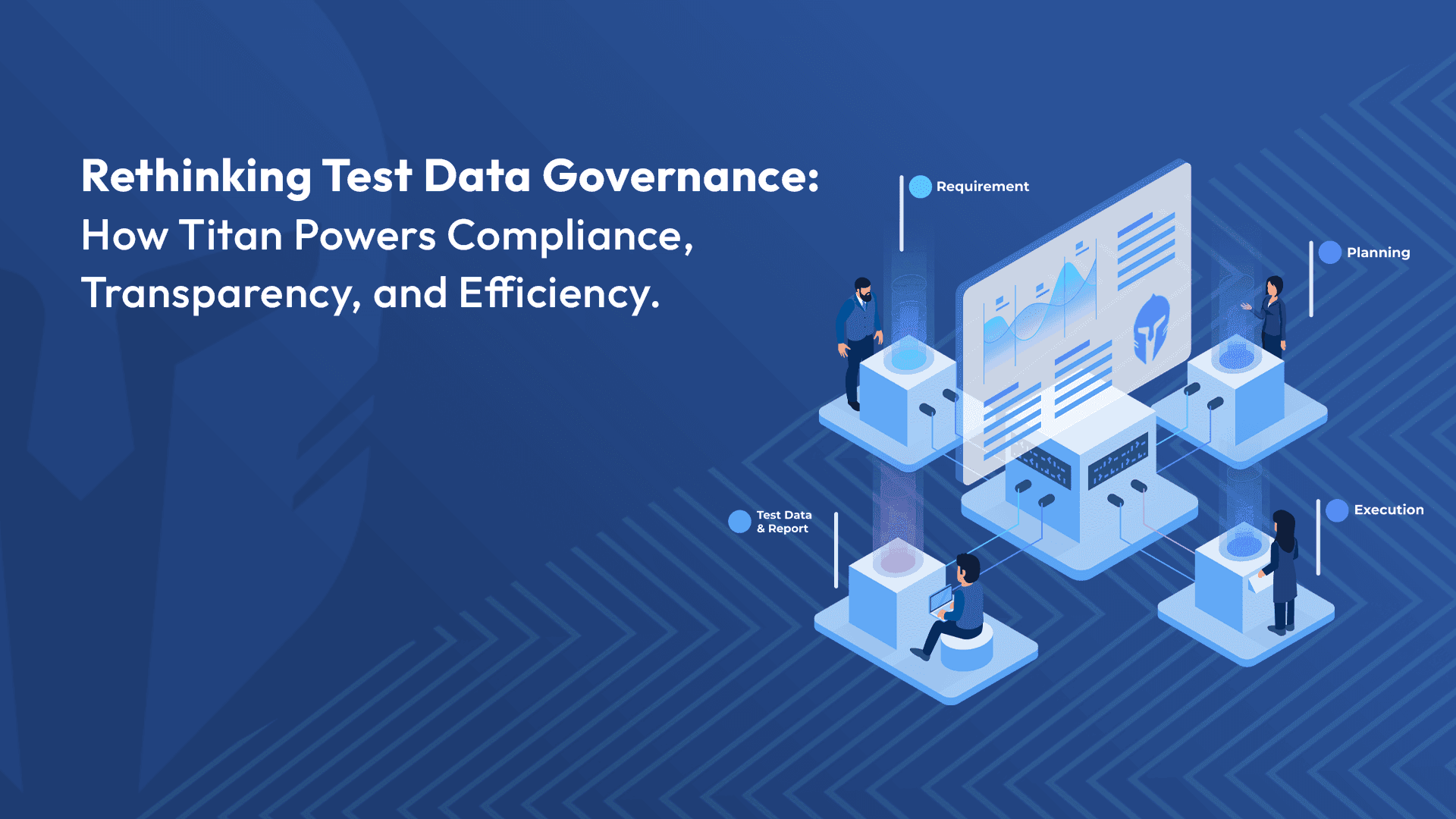
Rethinking Test Data Governance: How TITAN Powers Compliance, Transparency, and Efficiency
In today’s data-driven testing environment, governance leaders face increasing pressure to ensure compliance
Read more...
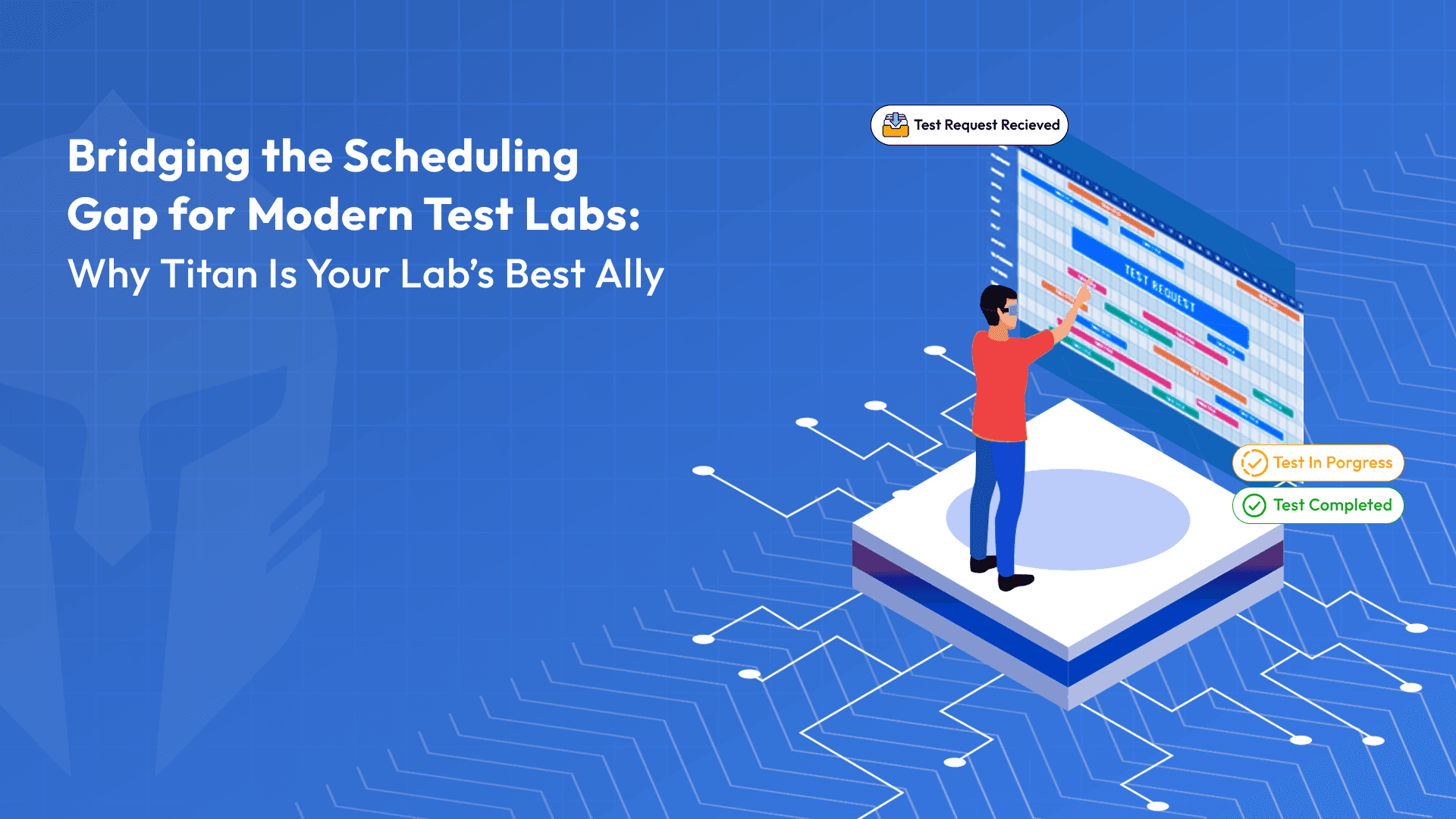
Bridging the Scheduling Gap for Modern Test Labs: Why TITAN Is Your Lab's Best Ally
Imagine this: A test lab under constant pressure to meet deadlines is struggling with delays and resource conflicts.
Read more...
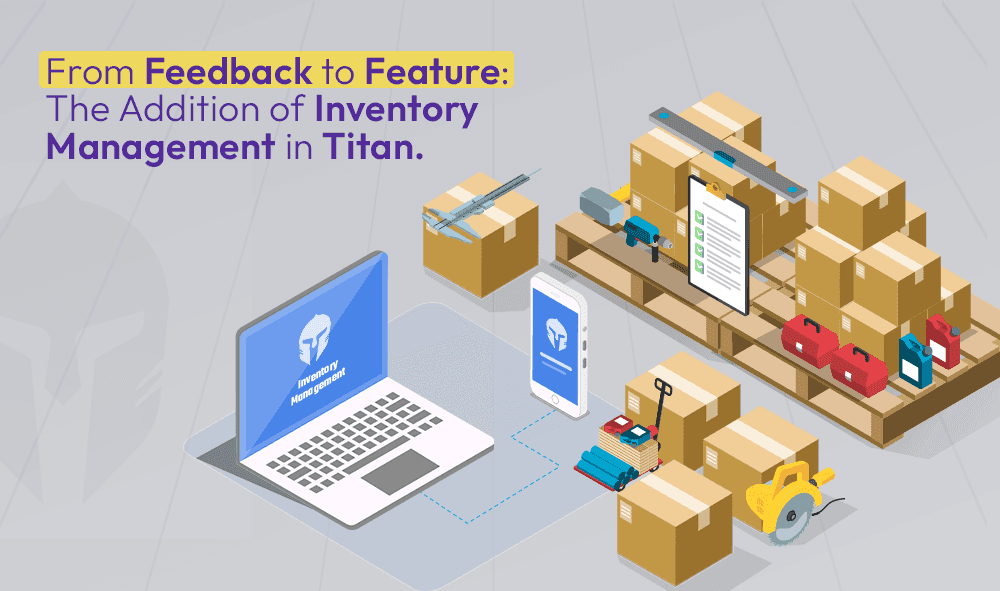
From Feedback to Feature: The Addition of Inventory Management in TITAN
Over the years, Titan has evolved by listening closely to the needs and feedback of our customers. As a company that values
Read more...
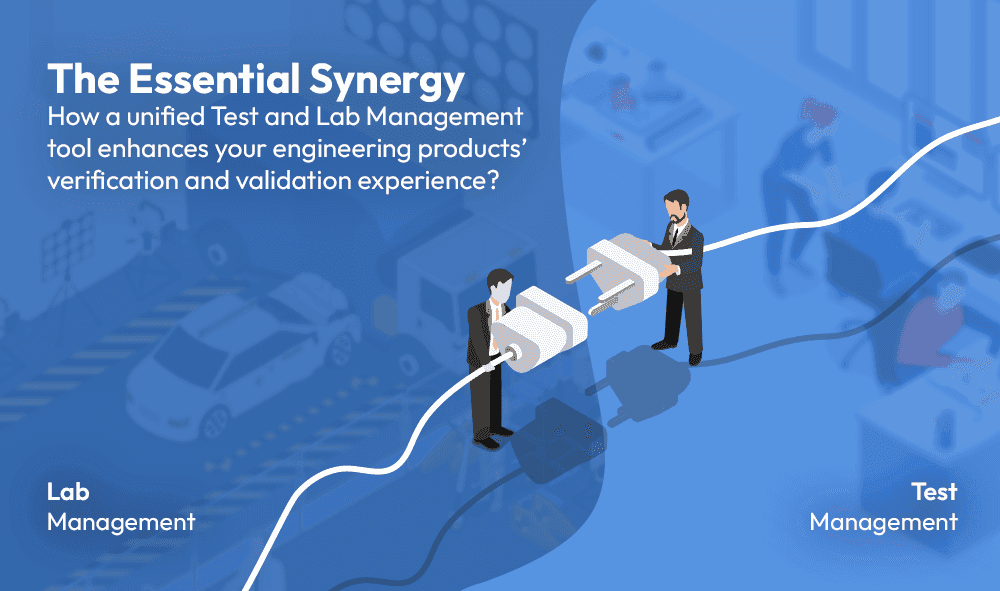
The Essential Synergy: How a unified Test and Lab Management tool enhances your engineering products’ verification and validation experience?
In the world of engineering product verification and validation (V&V), traceability and efficiency are paramount to giving the earliest green signal for a market launch
Read more...
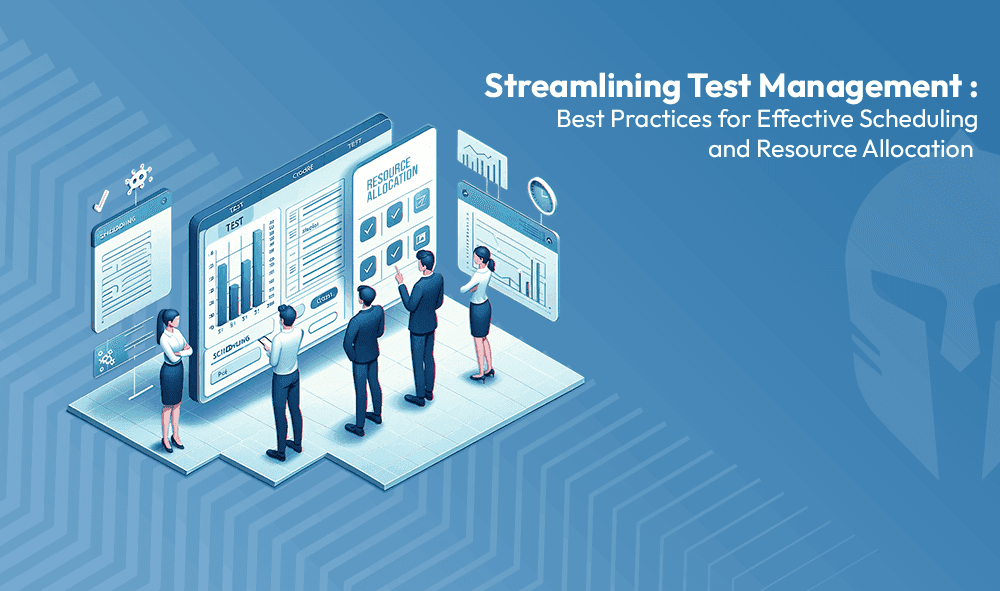
Streamlining Test Management: Best Practices for Effective Scheduling and Resource Allocation
Efficient management of test requests and scheduling is crucial for any engineering or testing department.
Read more...
Transforming Verification Plan Management with TITAN: Overcoming Traditional Challenges
In today’s fast-paced technological environment, managing verification plans (VPs) with outdated tools like spreadsheets or standalone systems....
Read more...
Streamlining Electronics R&D with TITAN's Advanced Testing Features
In the dynamic world of electronics manufacturing, quality isn’t merely a desirable attribute -- it's critical for achieving market success and maintaining customer trust.
Read more...
Eliminate Productivity Killers with TITAN
Administrative tasks are often the silent killers of productivity, diverting engineering teams from their core mission: driving product improvement,....
Read more...
Maximizing Efficiency in Test Management: The Case for Choosing TITAN Over Custom Solutions
You recognize that streamlining and automating your testing processes will enhance quality while reducing costs. As you consider the idea of creating a....
Read more...
Inventory Management– Never Run Out of Consumable Material Again with TITAN!
In addition to its full end-to-end test management capability, Titan also features a robust Inventory module. Now you can manage all the consumable items that....
Read more...
Preventive Maintenance – Another Great Feature from TITAN!
A testing team understands that it is only as good as its equipment. If equipment is neglected -- or maintained incorrectly -- the organization is at risk,....
Read more...
TITAN: An Engineer’s Ally
Greetings fellow engineers, we're excited to introduce your new ally, dedicated to your work satisfaction. Over the years, we have had meetings and discussions ....
Read more...
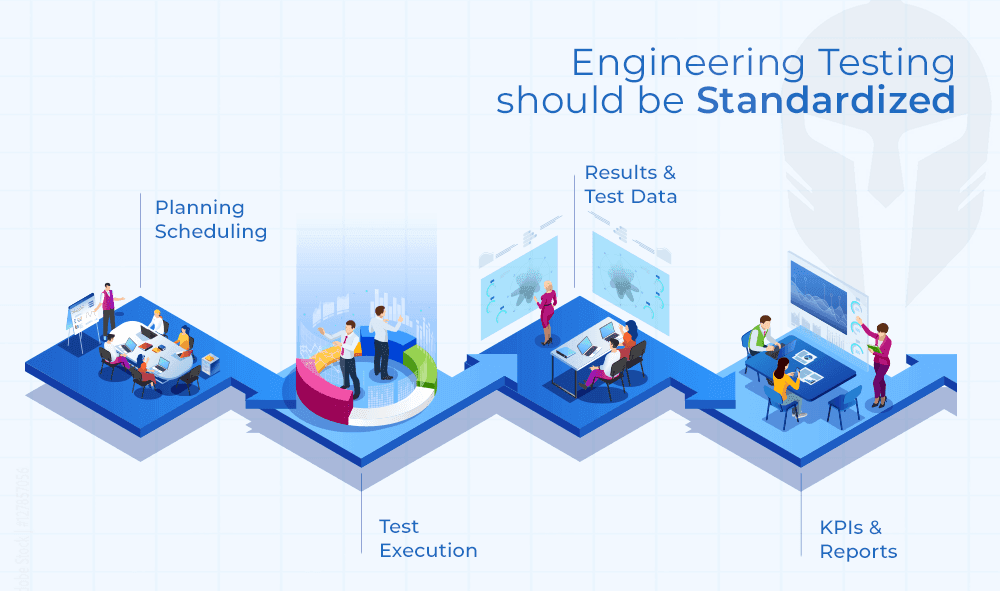
Standardization: Engineering Testing Should Be Standardized, too!
Engineering and IT executives are continually on the hook to deliver savings while streamlining processes and improving quality....
Read more...
Meeting the Crash Testing Challenge
You get one chance to get a crash test right. There are no do overs. You need to ensure every step has been followed meticulously, checked and double checked....
Read more...
DVP Essentials: How TITAN Guarantees Comprehensive Test Coverage with Enhanced Product Quality
In today's fast-paced manufacturing landscape, product success relies on robust design and validation processes. Rushing products to market can lead to....
Read more...
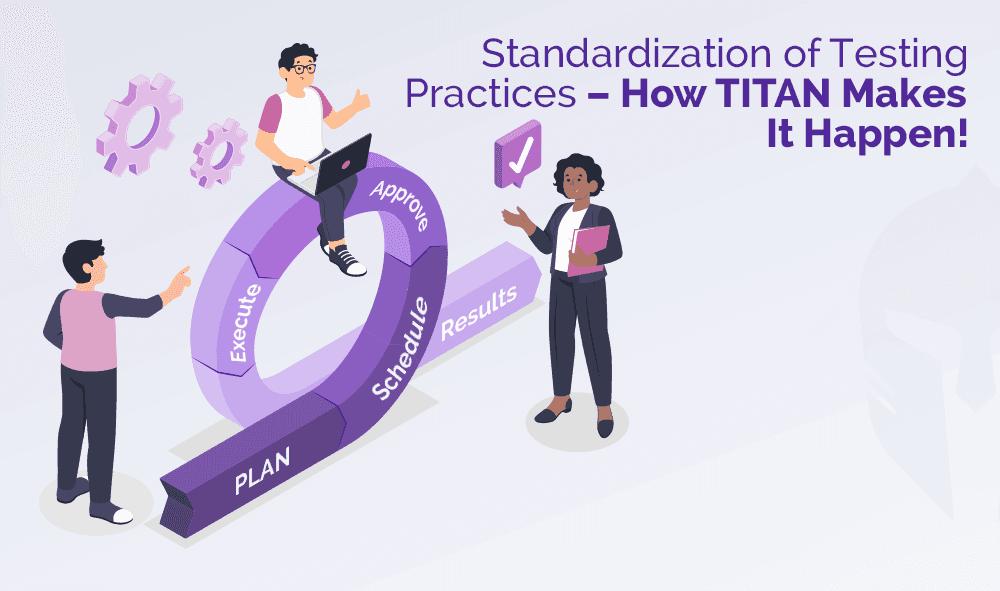
Standardization of Testing Practices – How TITAN Makes It Happen!
Enforcing corporate-wide standardization is a challenge. Over the course of doing business, each engineering department has developed specific testing processes....
Read more...

How TITAN provides Flexibility and Configuration Options for your Unique Workflows ?
When it comes to testing, every organization has its own distinct processes, workflows, and requirements. One-size-fits-all solutions often fall short of....
Read more...
I love making reports. Said NO ENGINEER. EVER.
Every engineer procrastinates preparing a test report as the efforts are high and it consumes lot of his engineering hours. Having said that, test reports remain critical....
Read more...

Challenges in Autonomous Vehicle Testing and Validation
A study, prepared by Strategy Analytics, predicts autonomous vehicles will create a massive economic opportunity that will scale from $800 billion in 2035....
Read more...
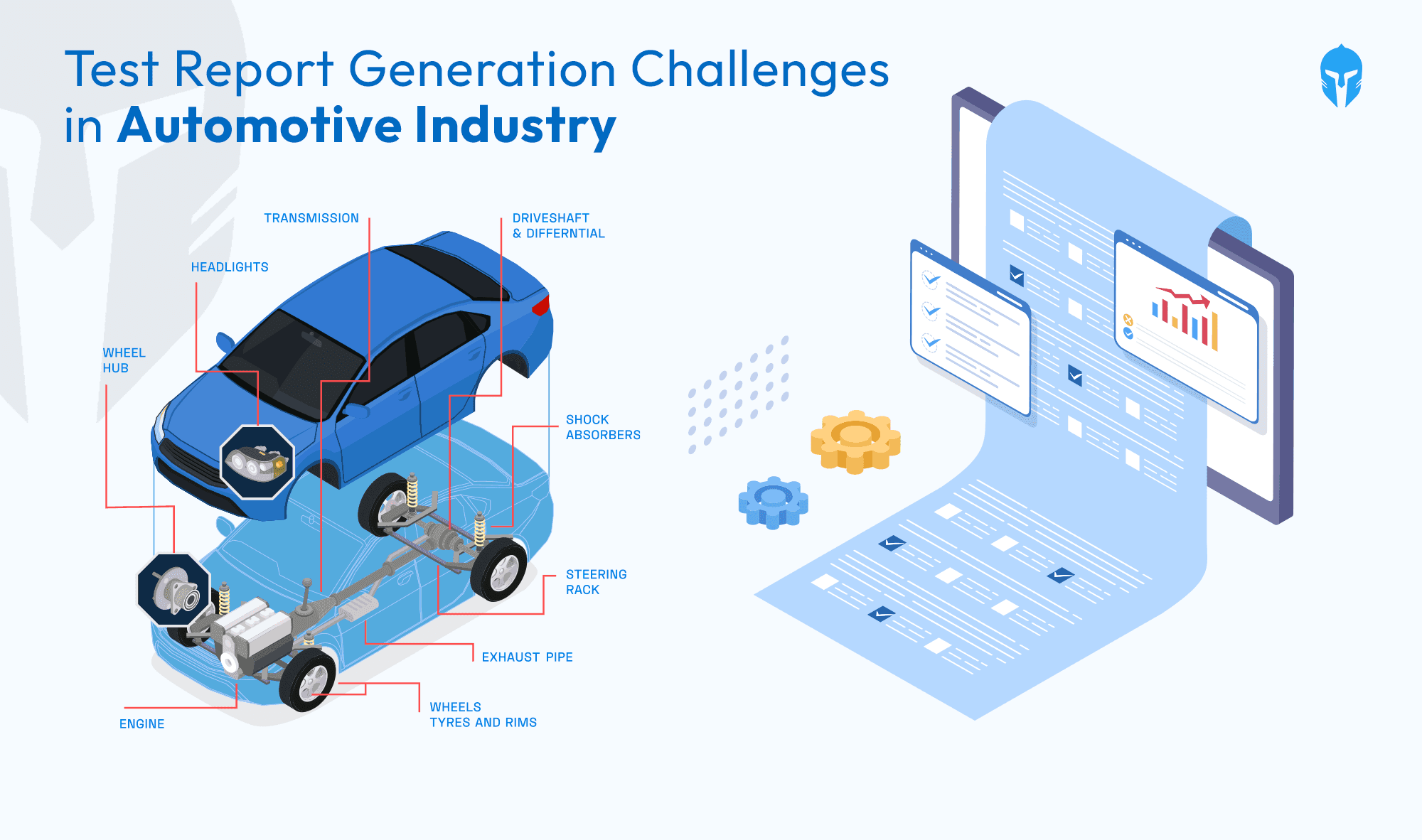
Test Report Generation Challenges In Automotive Industry
Ever wondered how the wheels of vehicle development keep turning smoothly? In the fast-paced realm of vehicle development, where informed decisions....
Read more...

Need For Prototype Vehicle Management System
Prototype testing has been around for as long as humans have been inventing. Creating the best version of a tool requires trial and error, and without testing,...
Read more...
A Complete Guide: Crash Testing For Automobile
A Complete Guide: Crash Testing For Automobile Road accidents are the major cause of death worldwide, even after strict rules and heavy...
Read more...
How To Manage End-To-End Vehicle Test Process
How To Manage End-To-End Vehicle Test Process Testing Beyond Boundaries With TITAN TITAN has established itself as a leader in vehicle...
Read more...
Test Incident & Concerns Management
Test Incident & Concerns Management In developing any new product, you invest a great deal of time and energy into testing your products...
Read more...
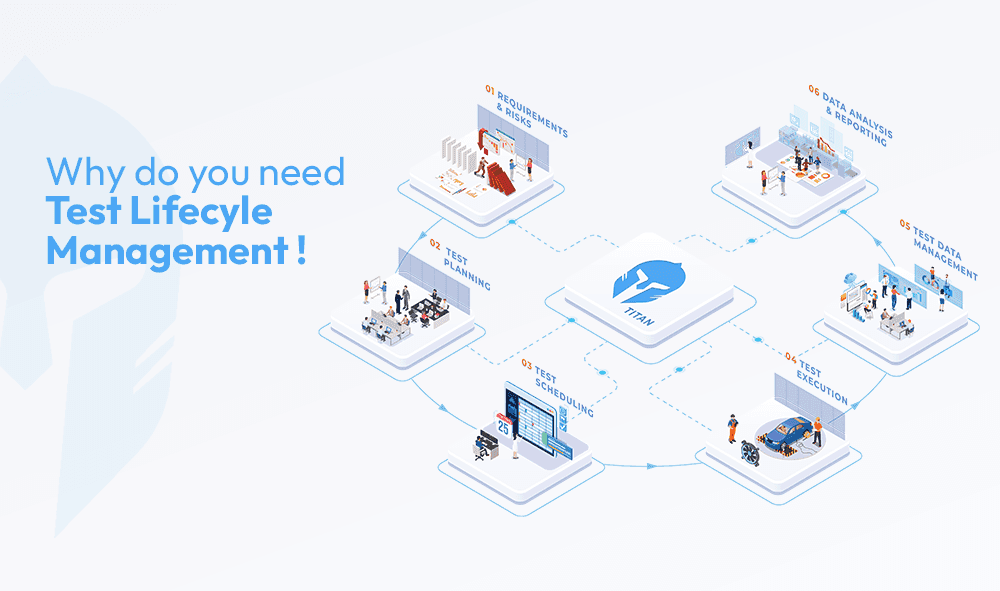
Why do you need Test Lifecycle Management
Why do you need Test Lifecycle Management We’re living in a time period where we have integrated software tools and apps into every...
Read more...