
Test Management for Component Manufacturers: How to Run Multi-Customer Validation Without Losing Control
Author

Neerav Singh
Technical Product Specialist
Author
Neerav Singh
Technical Product Specialist
Reading Time
4 min read
- The multi-customer problem hides in the handoffs
- The DVP&R works better as a live record
- Lab capacity is the constraint nobody put on the schedule
- Samples, BOMs and test articles pile up faster than the tracking
- Reporting eats the hours that testing earned
- The lab you cannot measure is the lab you cannot improve
- Why the usual tools leave gaps
- What a fit-for-purpose test operations layer looks like
- Where to start
Test Management for Component Manufacturers: How to Run Multi-Customer Validation Without Losing Control
Your lab validates parts for more than one customer. Each OEM arrives with its own requirements, its own report format and its own definition of acceptable evidence. Programs overlap on the calendar. Capacity stays fixed. Every test you run must trace back to a requirement that someone will audit months later.
Most of the friction sits outside the testing itself. It builds up in the dozen disconnected places that hold the plan, the schedule, the samples and the results.
The multi-customer problem hides in the handoffs
A component supplier rarely serves one master. 3 customer programs may all require durability, thermal and EMC testing, but each follows different specifications, milestones and reporting requirements. One customer wants results uploaded to a portal. Another expects a signed PDF in a house template. A third sends a spreadsheet and wants it back populated.
Across active programs, the pattern shows up fast. Effort gets duplicated. A procedure written for one customer gets rebuilt from scratch for the next, even when ninety percent of it is identical. Nobody holds a single view of what is planned, what is running and what is at risk. That coordination load is a large part of why component suppliers are rethinking how they manage the test lifecycle.
The DVP&R works better as a live record
A design verification plan starts life as a spreadsheet. It holds up on day one. Then the program moves. Samples arrive late. A test slips. A requirement changes and three related tests need a rerun. The spreadsheet cannot surface any of that on its own, so people patch it by hand and email new versions around. Those manual tracking failures compound quietly until a milestone review exposes them.
The moment you treat the verification plan as one continuous record, the picture sharpens. Every test entry carries a live status: pass, fail, conditional or pending. Every result links to the sample it ran on, the equipment that produced it and the requirement it verifies. If your team has never mapped out what a DVP actually commits the lab to, that is a useful place to start, because the plan works as a signed promise about samples, timelines and evidence rather than a static list of tests.
Lab capacity is the constraint nobody put on the schedule
Test labs have quietly become one of the most contested resources in product development. Chambers, benches, shakers and skilled operators all run on finite hours. When three programs need the same rig in the same week, the conflict tends to surface at the worst possible moment, right as someone tries to book a slot that is already gone. Anyone who has watched this play out will recognize the shape of the scheduling problem.
A shared calendar records who booked what, without flagging the downstream damage when two programs collide. A connected lab scheduling view that ties tests to resources, equipment and people lets a lab manager catch the clash before it becomes a slipped milestone. Capacity intelligence pays for itself the first time a customer asks why their program moved and you have a straight answer.
Samples, BOMs and test articles pile up faster than the tracking
Physical validation runs on physical things. Prototypes, production-intent parts, sub-assemblies and reference samples move through the lab constantly. Each one carries a revision, a source, a condition and a history of which tests it has already seen. Lose track of a sample's history and you risk running the wrong test on the wrong revision, then reporting it as valid.
Tie every result to a tracked test article and its bill of materials, and the chain of custody survives an audit. You can answer the questions customers actually ask. Which unit produced this number. What revision was it. Whether it was the same part that failed last month.
Reporting eats the hours that testing earned
Ask a validation engineer where the week went and reporting lands near the top. Data comes off a bench as a raw export. Someone cleans it in a spreadsheet. It reaches a customer template after a manual paste. A chart gets reformatted. A number gets transcribed wrong and slips through until the customer catches it.
Two moves cut most of that waste. Keeping results in a searchable test data repository stops engineers re-hunting for last year's runs. Generating the customer-ready report straight from executed results means the numbers never get retyped. Teams that make both moves report roughly 40 percent fewer manual errors and cut the time spent finding and reusing old data by about half. Every completed test also updates program metrics as it closes, so managers stop waiting until month end to learn where a program stands.
The lab you cannot measure is the lab you cannot improve
Most validation managers know when the lab feels busy. Knowing how effectively it is operating takes a different kind of visibility. The questions that matter tend to sit across several systems at once. Which equipment sat idle last quarter. Which programs slip consistently. Where approvals stall. How much chamber capacity got used. Whether calibration and preventive maintenance are current. Whether operator certifications are up to date. Answering any of them usually means pulling numbers from spreadsheets, calendars and someone's memory.
Operational KPIs bring those answers into one place. A working set for a component lab covers a handful of areas:
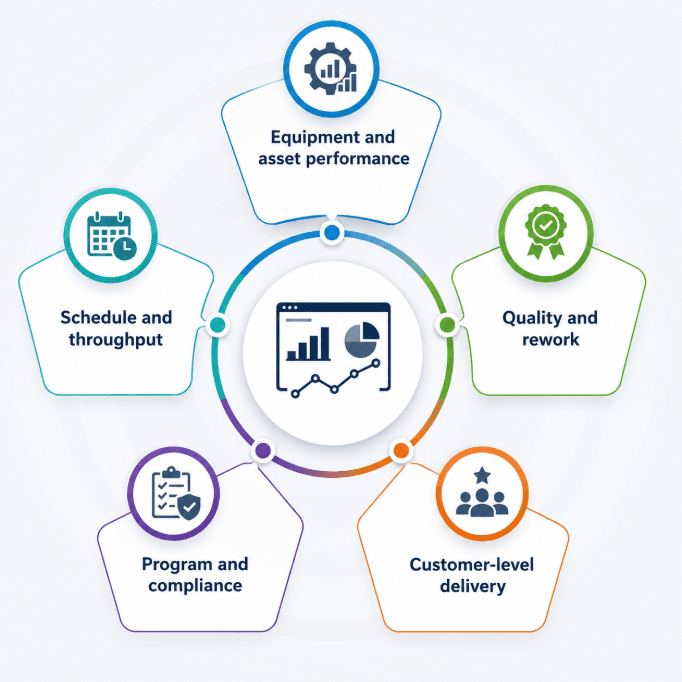
Equipment and asset performance: Utilization rate by rig, unplanned downtime, calibration and preventive maintenance compliance, mean time between failures. High utilization on one bench with idle hours on another is a scheduling signal, not a capacity signal.
Schedule and throughput: Schedule adherence against plan, test completion rate, average turnaround time from request to result, backlog depth by program, booking conflict frequency.
Quality and rework: Rerun rate and its cause, first-time-right percentage, deviation counts, report revision rate after customer review.
Program and compliance: Verification progress against the DVP&R, requirement coverage percentage, approval cycle time, audit finding closure rate, certification validity across the team.
Customer-level delivery: On-time test completion, report turnaround time and milestone adherence tracked separately for each OEM. A supplier that can show a customer their own delivery record walks into the next program review with something better than assurances.
The value comes from the trend rather than the snapshot. Rerun rates climbing on one product line point somewhere specific. Schedule adherence drifting across three programs at once points somewhere else. Scheduling data accumulated over a year also becomes the evidence that justifies a second chamber, an extra shift or a process change, and that argument lands harder with utilization curves attached than with anecdotes.
Different roles need different cuts of the same data. A role-based KPI dashboard gives lab managers utilization, booking conflicts and schedule adherence. Program managers get verification progress against the plan. Leadership gets a portfolio view across active programs, turnaround times, resource utilization and delivery performance by customer. Building each view off a common data layer keeps everyone arguing about the same numbers. If you want a sharper filter for what belongs on a dashboard at all, three questions worth asking of any dashboard will cut most vanity metrics.
Why the usual tools leave gaps
Component labs rarely lack software. The trouble is that they run too much of it, and the pieces do not connect.
Requirements and ALM platforms handle specification-layer traceability well. They were built for software and systems teams, not to schedule a shaker table or track which prototype is bolted to it. Automated test sequencers drive the bench and log the signals, then stop at the edge of the bench. Third-party service labs hand back a report and move on. Quality systems store the certificate without touching the daily flow of samples and slots. Each tool does its job. None of them owns the operational middle where a component program actually lives, the space that holds the plan, the calendar, the sample, the execution and the record that ties them together. That gap sits above execution, in coordination. Your scripting and bench tools can stay exactly as they are.
What a fit-for-purpose test operations layer looks like
A test lifecycle platform built for system and component manufacturers closes that middle. It gives one home to the whole flow, from requirement to verification plan to scheduled test to sample to signed report. TITAN was designed for this exact world: multi-customer programs, constrained labs and audits that expect a clean thread from every result back to its requirement.
A few pieces carry the load. A reusable test catalog turns yesterday's procedures into today's starting point, so a plan for a new customer builds on proven templates instead of a blank page. Equipment records keep calibration and maintenance status visible at the point of scheduling, which stops a booking landing on a rig that is due for service. Live dashboards give directors a single view of utilization and program KPIs across every lab and customer at once. Role-based access walls off each customer's data while internal teams keep the full picture.
The payoff shows up in the numbers TITAN users report: setup time down by as much as 75% through reuse, manual reporting errors down around 40% and about half the time recovered that used to vanish into finding and reusing old data. Deployment stays flexible across on-premise, private cloud or hosted, so the data remains under your control as you scale from one product line to a full portfolio.
Where to start
A rip-and-replace is not the path to value. Pick one product line or one lab. Move its verification plan, schedule and reporting into a single system. Baseline 3 or 4 KPIs before you switch, then measure the same ones 90 days later. Setup time, rerun rate, report turnaround and schedule adherence make a reasonable starting set. Expand once the first program proves the model. Most teams see enough in a single pilot to justify the rollout across the rest.
The component manufacturers pulling ahead treat test coordination as a controllable process rather than clerical overhead. Get the system around the tests right and the whole program moves faster, with an audit trail that holds up when a customer asks.
Simplify Multi-Customer Test Management with TITAN
Centralize planning, scheduling, and reporting in one platform to deliver customer programs.
Recent Blogs
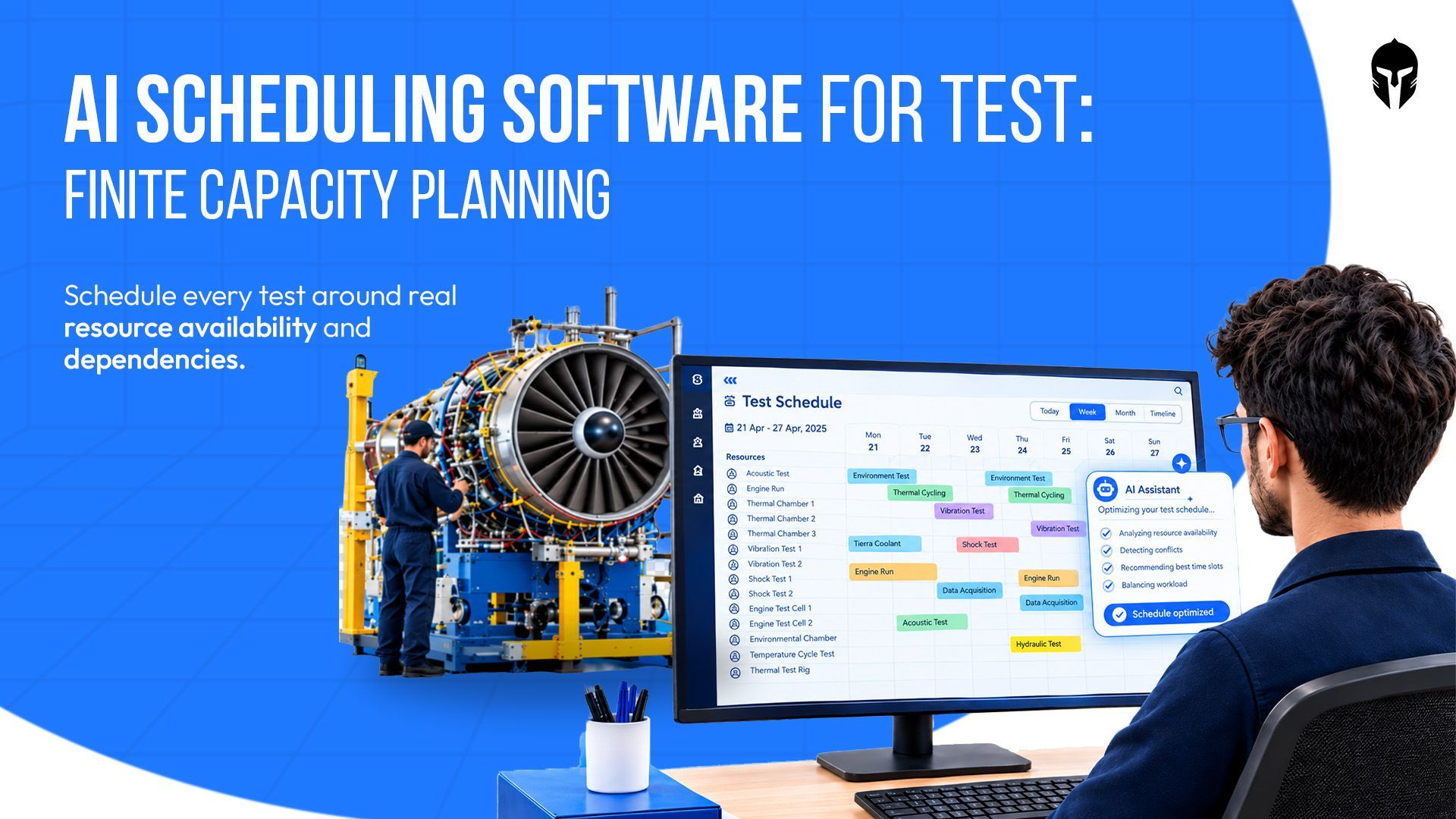
AI Scheduling Software for Test Labs: How Finite Capacity Planning Makes AI Useful
A climatic chamber can sit idle for 9 hours on a Tuesday while 3 programmes wait for access. The calendar shows an open slot
Read more...
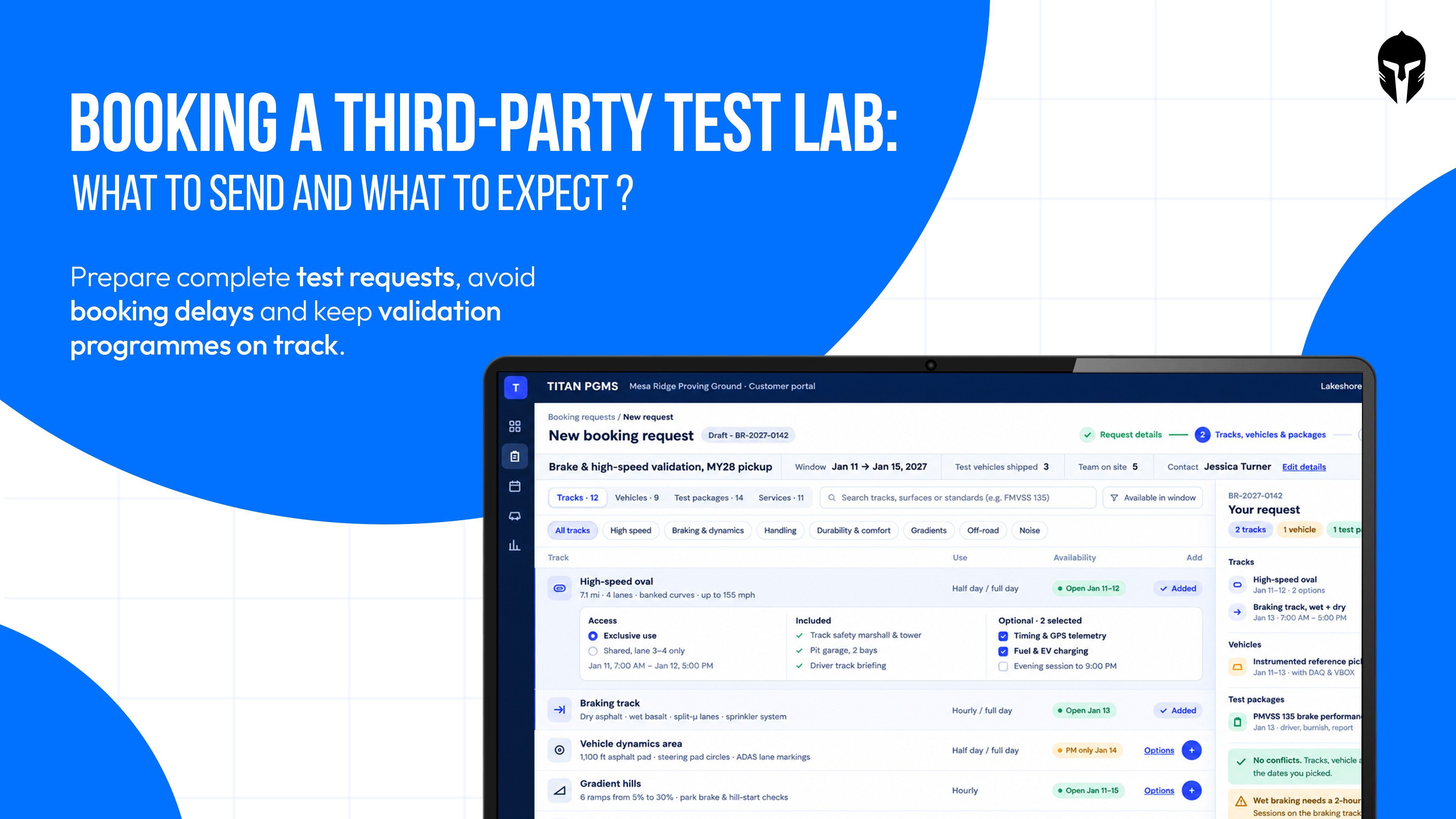
Booking a Third-Party Test Lab: What to Send and What to Expect
That is how many laboratories held accreditation from signatories of the international accreditation arrangement in 2024, according to ILAC.
Read more...
Managing a Battery Abuse Test Lab: Safety Holds, Witnessing and Evidence
A nail penetration test is over in about 10 seconds. The record of that test has to survive for years. Between those two numbers
Read more...
Brake Testing Lab Workflow: Dyno, Track and Report in One Chain
A good brake stops a 2 tonne car from 100 km/h in about 3 seconds. Moving that same brake from a dyno cell to the
Read more...
NVH Test Campaign Management from Component Rig to Full Vehicle
The decibel meter disagrees, of course. An electric vehicle is quieter overall than the combustion car it replaces.
Read more...

Beyond Go-Live: How Labs Mature on TITAN
A 2020 Boston Consulting Group study found that 70% of digital transformations miss their objectives, leaving just 30% that deliver
Read more...

THOR-50M vs Hybrid III: A Reference Comparison
Put a THOR-50M and a Hybrid III 50M through the same frontal crash test and they will tell you different stories about
Read more...
Test Lab Turnaround Time: How to Measure It and How to Cut It
Search for "lab turnaround time" and page 1 belongs to hospitals. The top results discuss specimen accessioning,
Read more...
Developmental Test and Evaluation: The Discipline That Decides Whether a Program Is Actually Ready
A brake controller program carries 312 verification line items across 4 development builds. Build 3 closes 287 of them.
Read more...

What Flight Test Management Covers
A certification campaign on a business jet clears 240 test points across 38 sorties. On sortie 22 the instrumentation
Read more...

The Real Cost of an Idle Test Rig
A 4-post hydraulic durability rig carries a replacement value north of $2 million. An environmental chamber rated for combined
Read more...
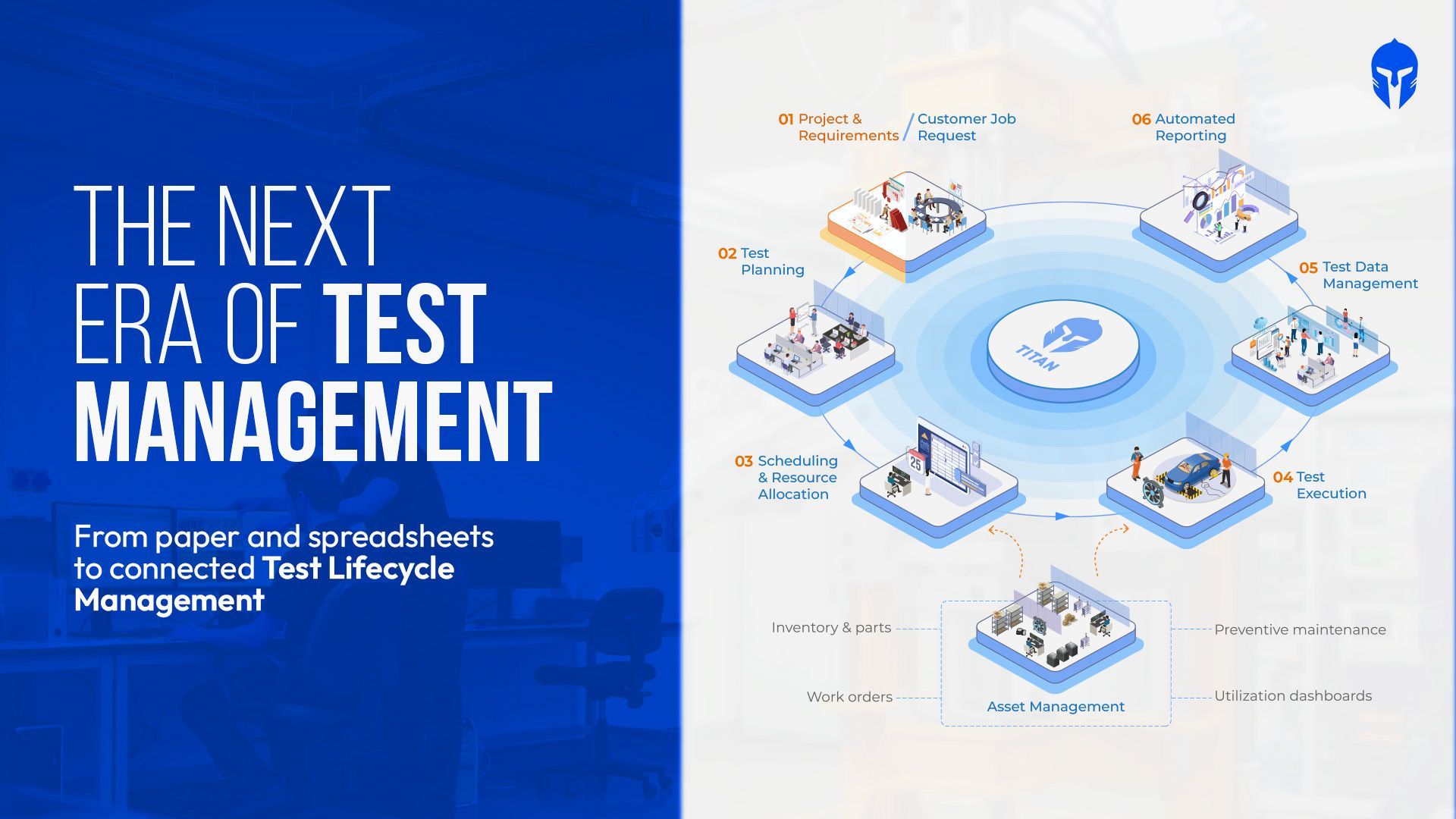
The Evolution of Test Management Tools
Type "test management tools" into a search bar and you get 2 unrelated answers. One set of results covers Jira integrations
Read more...

How to Maintain ISO 17025 Accreditation in Aerospace Testing Labs
It starts with a simple audit question: “Can you show me the calibration record for the equipment used in that test?”
Read more...
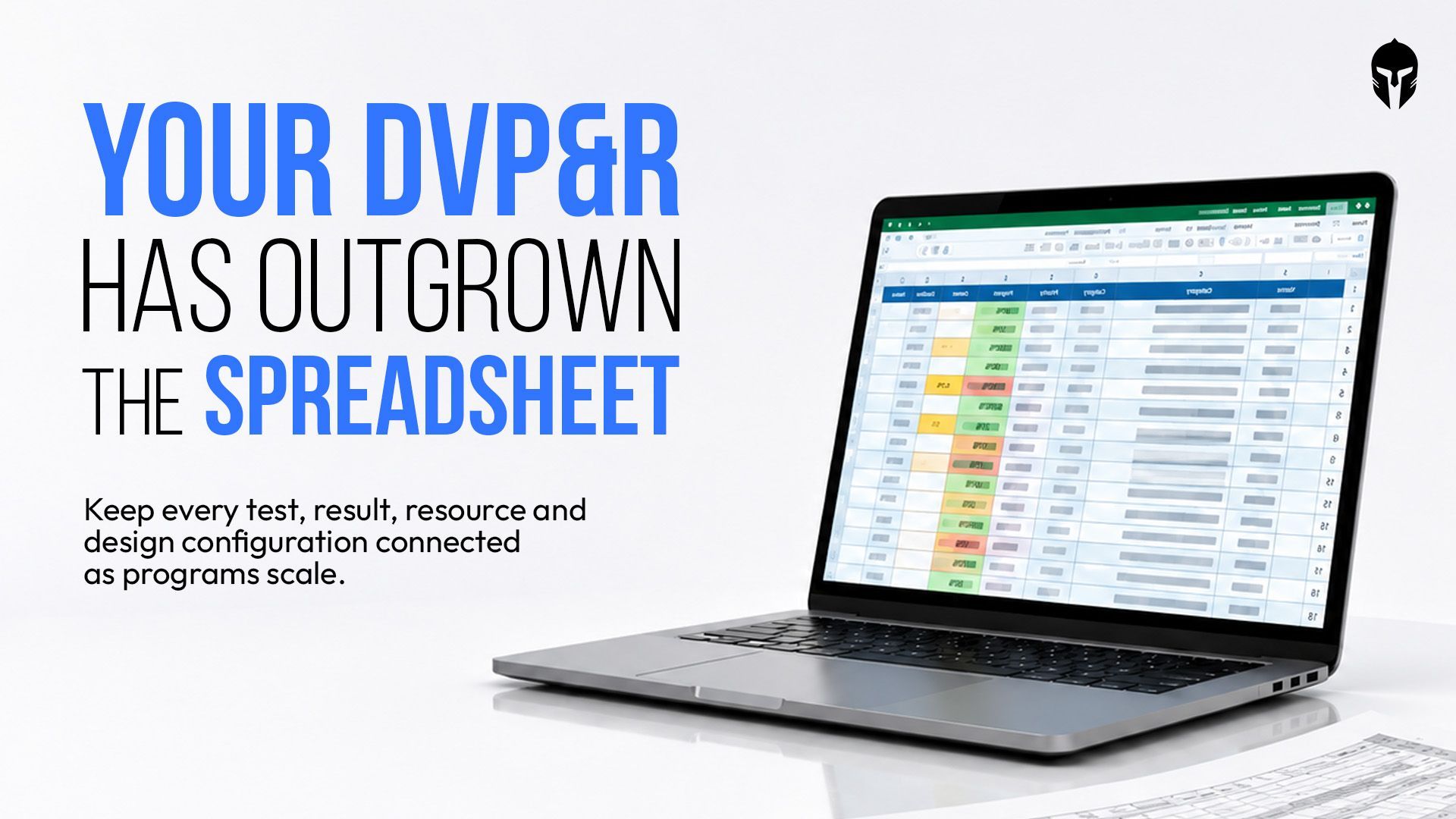
Most DVP&R Processes Collapse Before the First Test Even Runs. Here's Why
At some point, the DVP spreadsheet becomes a source of questions instead of answers. Which test count is current?
Read more...
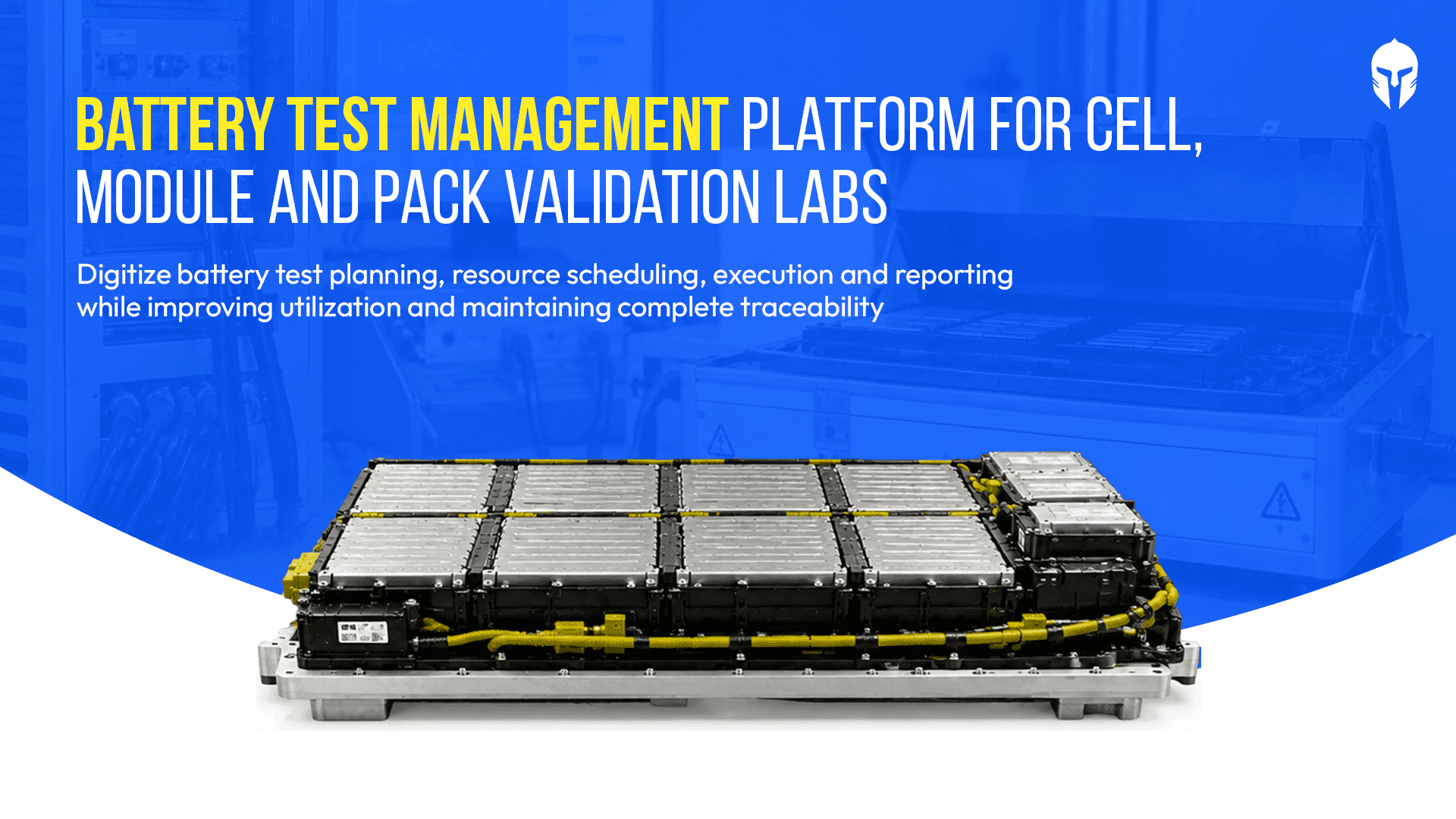
Battery Test Management: How High-Volume Cell, Module and Pack Labs Stay in Control
Weeks into a battery cycle life test, the details start to accumulate: thousands of charge-discharge cycles,
Read more...
What Is a LIMS? A Complete Guide to Laboratory Information Management Systems
Test requests arrive. Samples or test articles need to be identified. Equipment has to be available and calibrated.
Read more...
Vibration Testing Management: From Shaker Scheduling to Test Reports
Every vibration test bay runs on a simple ledger. Hours available on the shaker minus hours testing equals hours lost and eac
Read more...

Euro NCAP 2026: Inside the Operational Challenge for Test Labs
Euro NCAP 2026 puts a different kind of pressure on the test lab calendar. More safety functions need to be validated across more scenarios, with the right vehicles,
Read more...

UAV Testing : Following the Traceability Chain of a Single Aircraft
Somewhere in a UAV qualification programme, a seemingly simple traceability question can become unexpectedly expensive.
Read more...

Faster Automotive Development Starts with Better Test Operations
Modern vehicle programs generate an enormous volume of validation activities, test data, schedules and engineering decisions.
Read more...

How Crash Test Dummies Changed Automotive Safety
In the late 1940s an Air Force flight surgeon named John Stapp noticed a grim pattern. More of his pilots were dying in cars than in planes.
Read more...

Stop Testing in Isolation: 4 Surprising Lessons from the Ground
Walk into almost any physical test lab and you will find smart people doing careful work inside their own four walls.
Read more...
Why Automotive Testing Labs Need More Than LIMS
When engineers at an automotive testing lab search for software to manage their operations, they often land on LIMS.
Read more...
Gantt Chart or Timeline? Picking the Right View for Test Project Management
You open your scheduling tool on a Monday and the program looks healthy. Every test sits inside a neat colored bar
Read more...
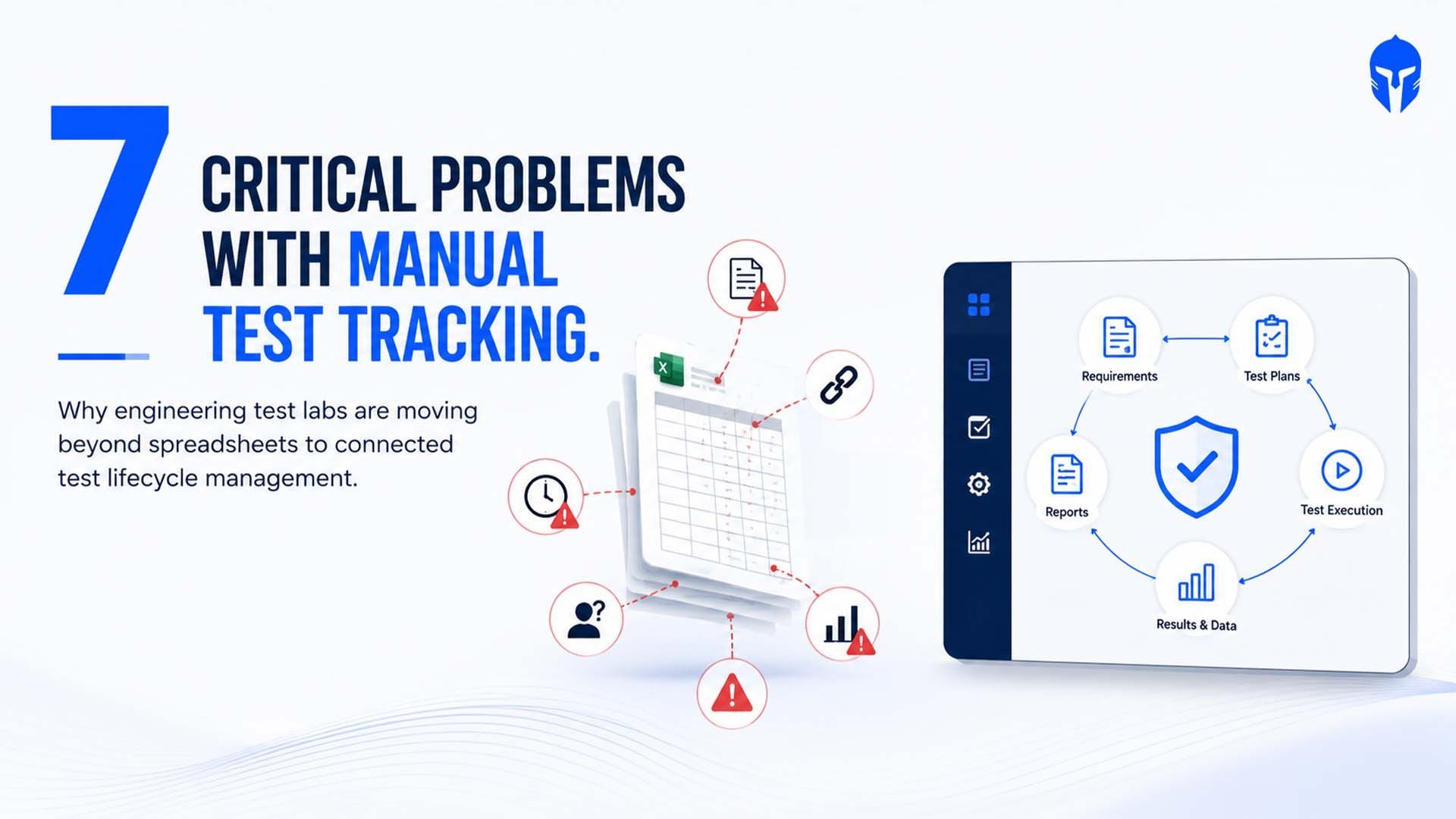
7 Critical Problems with Manual Test Tracking in Engineering test labs
Despite advances in engineering software, many product validation teams still rely on spreadsheets, shared drives and email
Read more...

Test Planning Best Practices: How TITAN Simplifies Test Plans, Milestones and Coverage
Ask a validation lead in any physical product test lab how their test plan started and you will hear about a spreadsheet.
Read more...
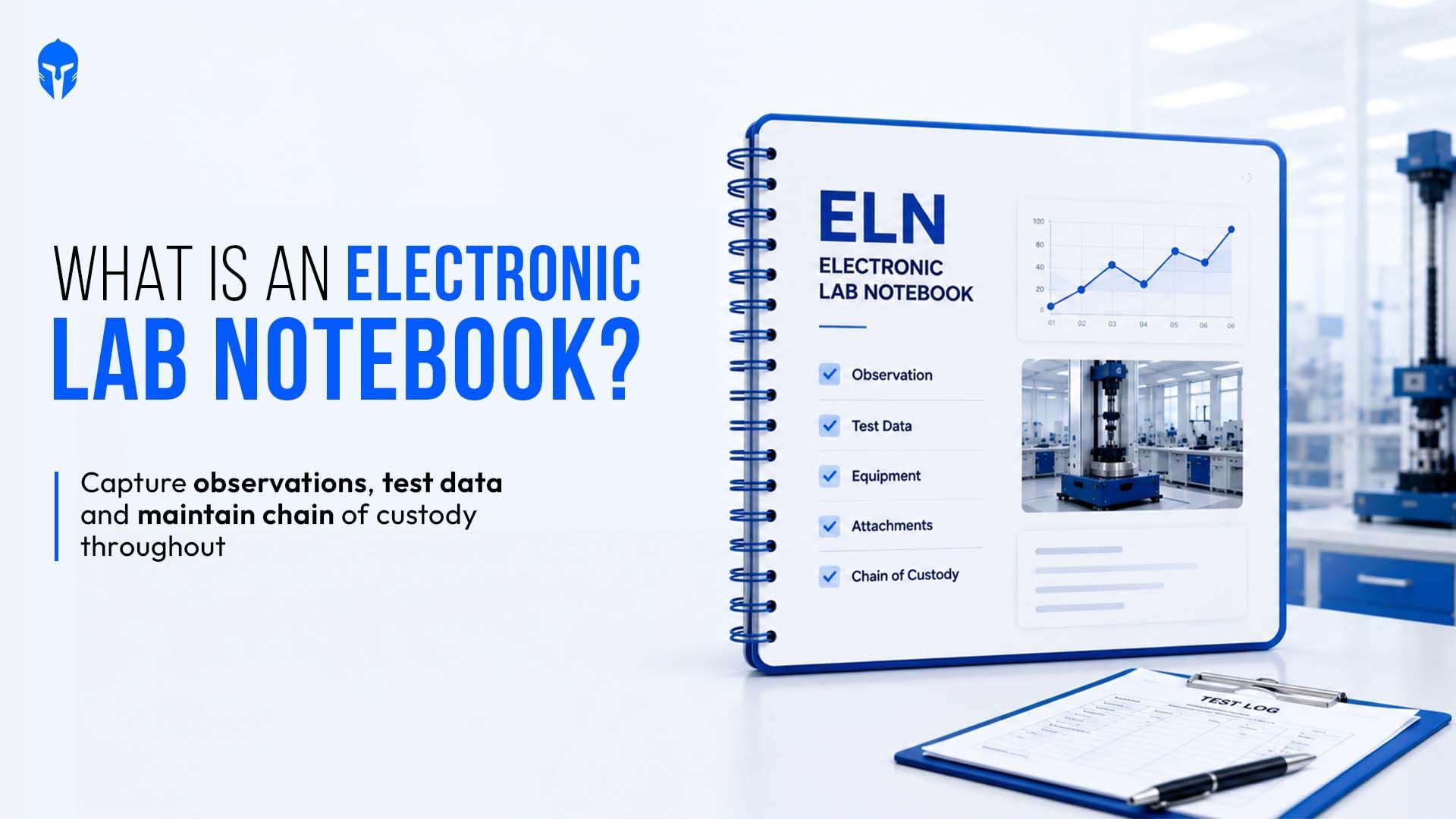
What Are Electronic Lab Notebooks? A Test Lab View
An electronic lab notebook (ELN) replaces the paper notebook used to record experiments, tests, and observations.
Read more...
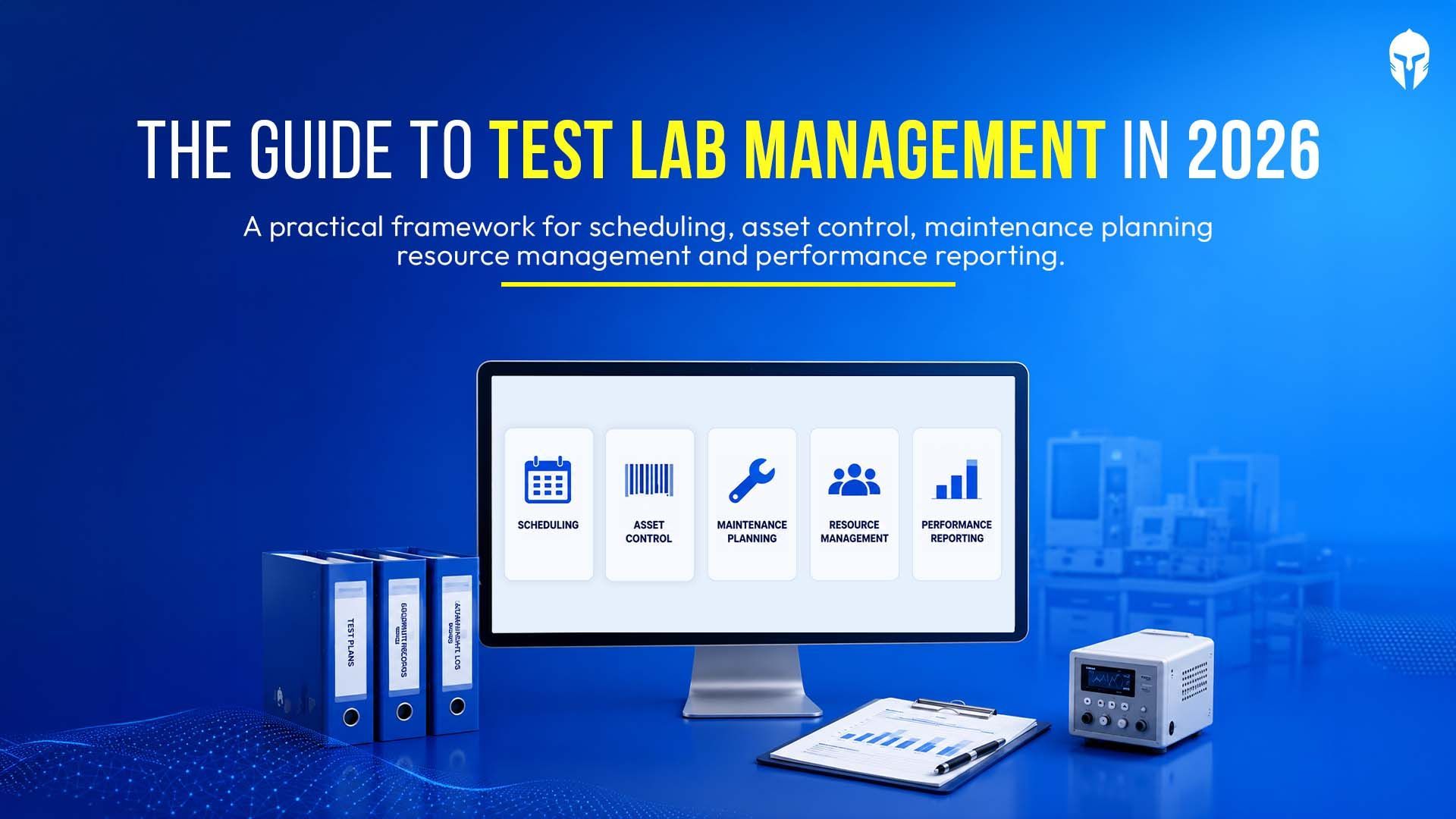
The Complete Guide to Test Lab Management in 2026
Test labs have become one of the most constrained resources in modern product development. Validation timelines are shrinking
Read more...
A Test Planner's Guide to Hardware Validation
Hardware testing sits at the center of every reliable product program. For test planners, the work goes well past
Read more...
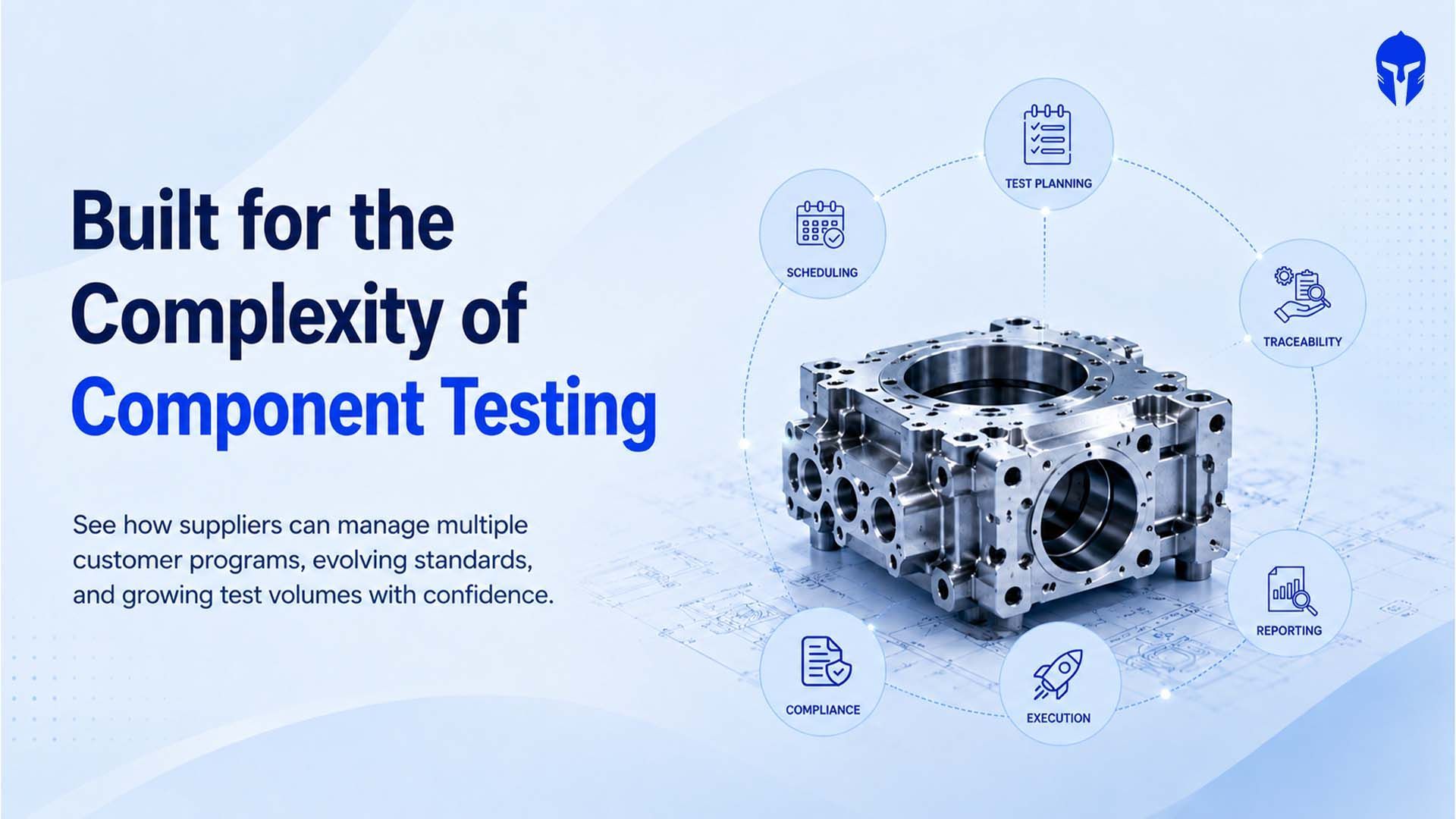
Why Component Suppliers Are Rethinking Test Lifecycle Management
The global automotive material and component testing market reached roughly US$26.91 billion in 2025 and is on track
Read more...
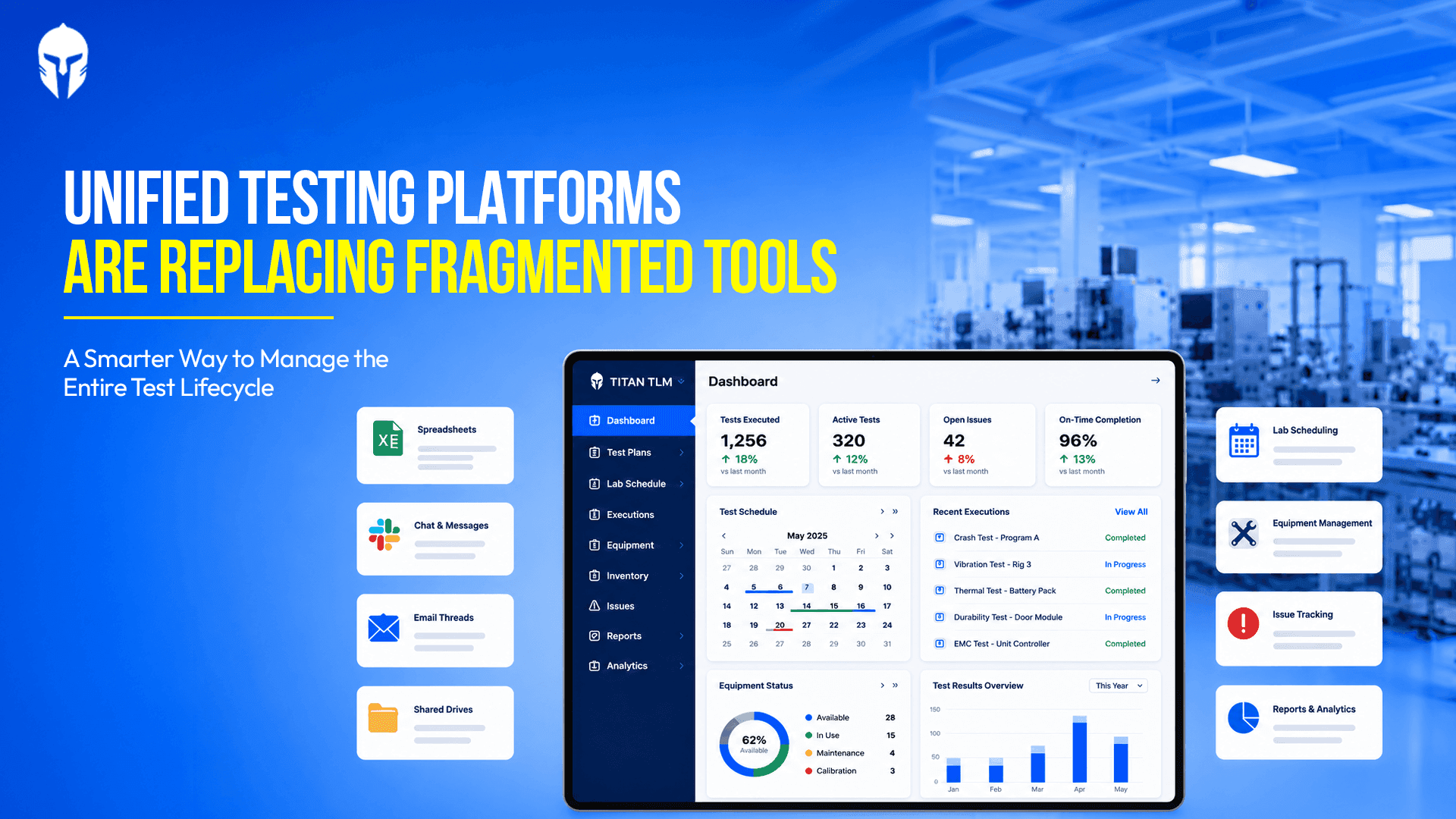
Advantages of using a Unified Testing Platform Over Fragmented Testing Tools
Ask anyone who runs a physical test lab what their week looks like and you will hear a familiar story. The test plan lands
Read more...

The Next 5 Years of Physical Product Testing: A Prediction from the Industry Floor
A product engineer at a mid-size EV components manufacturer spent 14 weeks getting a battery module through
Read more...

How TIC Labs Can Manage Growing Test Volumes Without Losing Operational Control
The Europe Testing, Inspection and Certification (TIC) market is on a sustained growth path. Valued at USD 58.93 billion in 2025
Read more...

The Ultimate Guide to Automotive Crash Testing
Every vehicle on the road today carries the invisible fingerprint of crash testing. Before a single unit reaches a customer,
Read more...

How Leading Chassis and Powertrain Teams Are Closing the Test Traceability Gap
The launch of a dedicated chassis and powertrain testing focus at Vehicle Tech Week North America 2026
Read more...

Premium Wake Boats and the New Rules of Marine Product Testing
Premium watersports boats have become among the most mechanically complex products in recreational manufacturing.
Read more...

What Euro NCAP's 2026 Truck Safety Results Mean for Commercial Vehicle Test Programs
Euro NCAP's 2026 truck safety assessment delivered a landmark result: five out of seven vehicles in the Regional Distribution category
Read more...
A Practical Guide to Choosing and Implementing a Laboratory Information Management System (LIMS)
If you're still running your lab on a combination of spreadsheets, handwritten logs and shared folders with names
Read more...

What -30°C teaches you about a tire
In northern Finland, engineers listen to rubber meet ice in silence so complete it feels deliberate. What they're really chasing consistent
Read more...
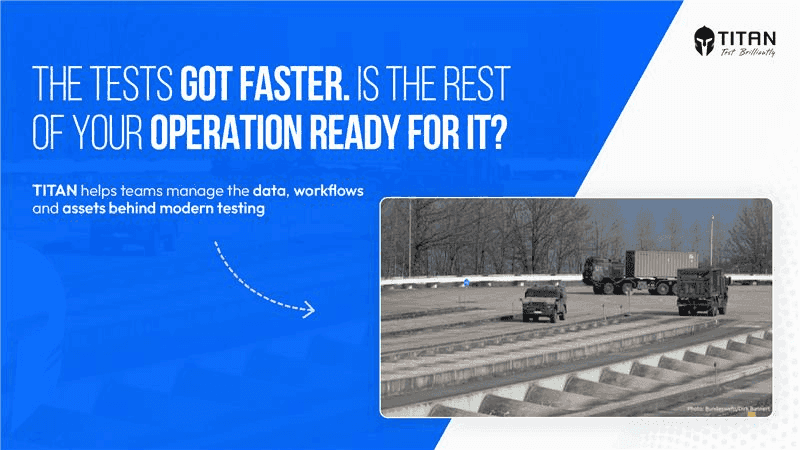
When Robots Take the Wheel: What the Bundeswehr's Driverless Testing Shift Means for Modern Test Operations
Germany's Bundeswehr operates the Technical Centre for Land-Based Vehicle Systems (WTD 41) in Trier, a facility whose sole mandate is to ensure
Read more...
5 Questions Every VP of Engineering Should Ask About Their Test Operations
There's a particular kind of silence that falls over a lab when something goes wrong late in the testing cycle. Not the silence of focus or concentration. A heavier kind. The kind that settles
Read more...
Test Data Management: Best Practices for High-Volume Labs
In a high-volume R&D lab, data is everywhere and that's exactly the alarming problem. Test files, equipment logs, video recordings, structured forms, raw observations
Read more...
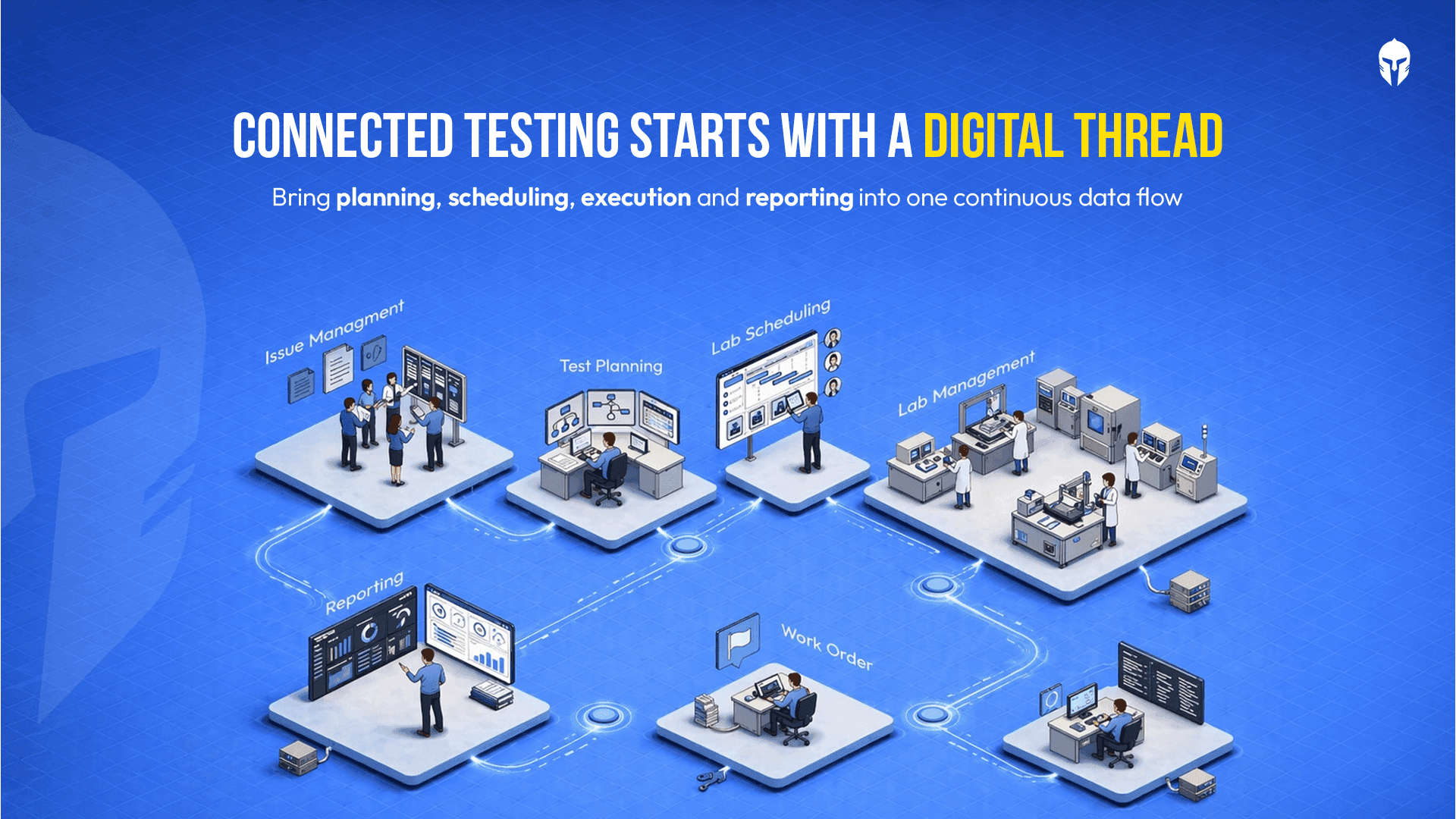
Digital Thread in Physical Product Testing: Hype or Reality?
There is a phrase circulating in engineering circles that sounds almost too good to be true: the digital thread. A single, continuous digital data backbone that connects every phase
Read more...
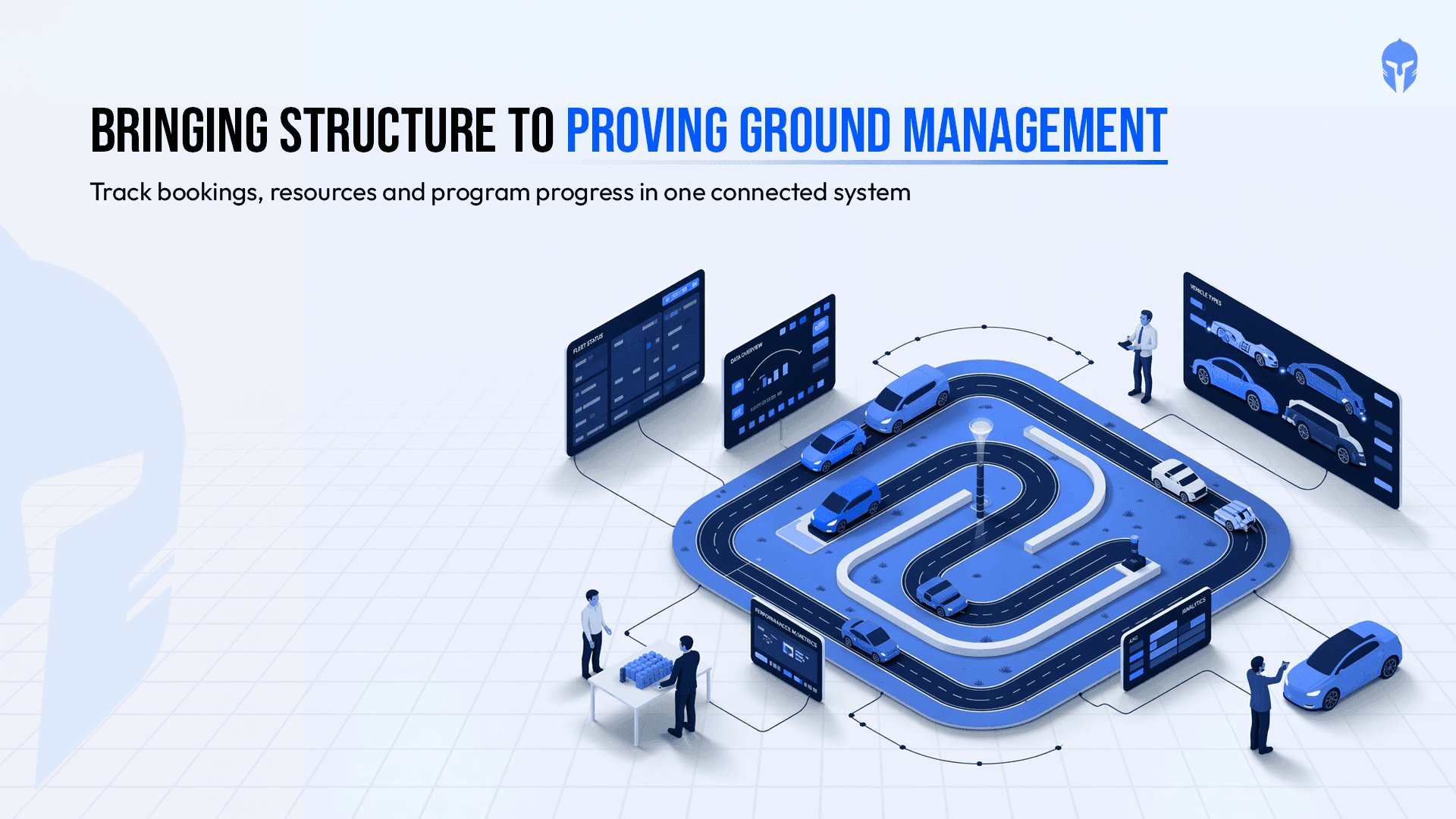
How Proving Grounds Are Going Digital in 2026
Proving grounds have always been the backbone of vehicle validation. Tracks get booked, prototypes get tested, drivers get scheduled and data gets collected.
Read more...
Paper Records vs. LIMS: Choosing the Right Data Management Strategy for Your Lab
For decades, paper-based record keeping was the backbone of laboratory operations. Binders stacked on shelves, handwritten test logs, manually updated calibration sheets;
Read more...
TITAN as The Inventory Management Platform
Running a modern testing or R&D lab without a reliable inventory management system is like navigating without a map. Equipment runs out mid-experiment. Critical spare
Read more...
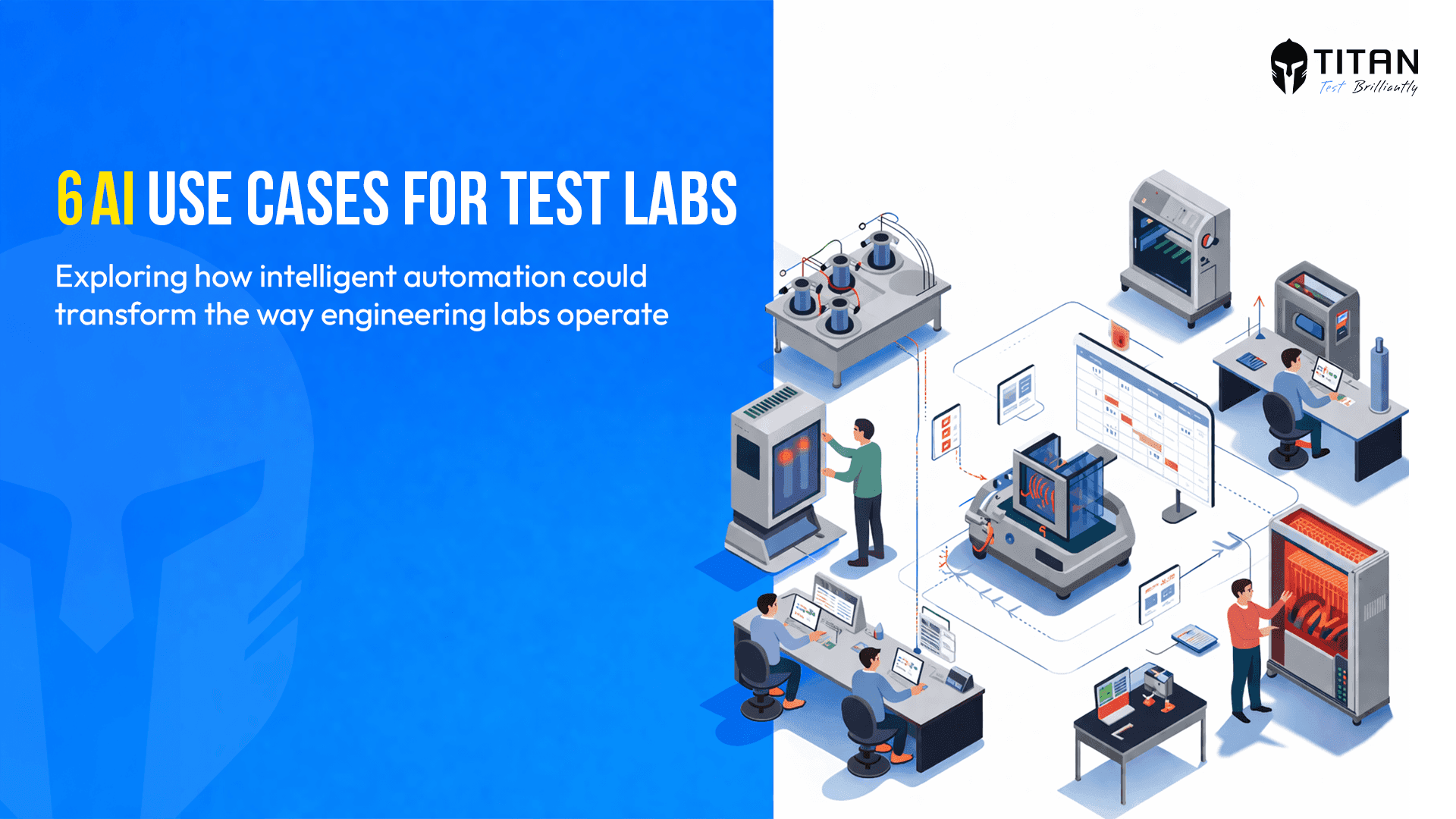
AI in Test Scheduling: Six Use Cases Worth Watching
Test scheduling looks administrative from the outside. Inside an engineering lab, it is one of the most layered coordination problems a team faces and one of the
Read more...
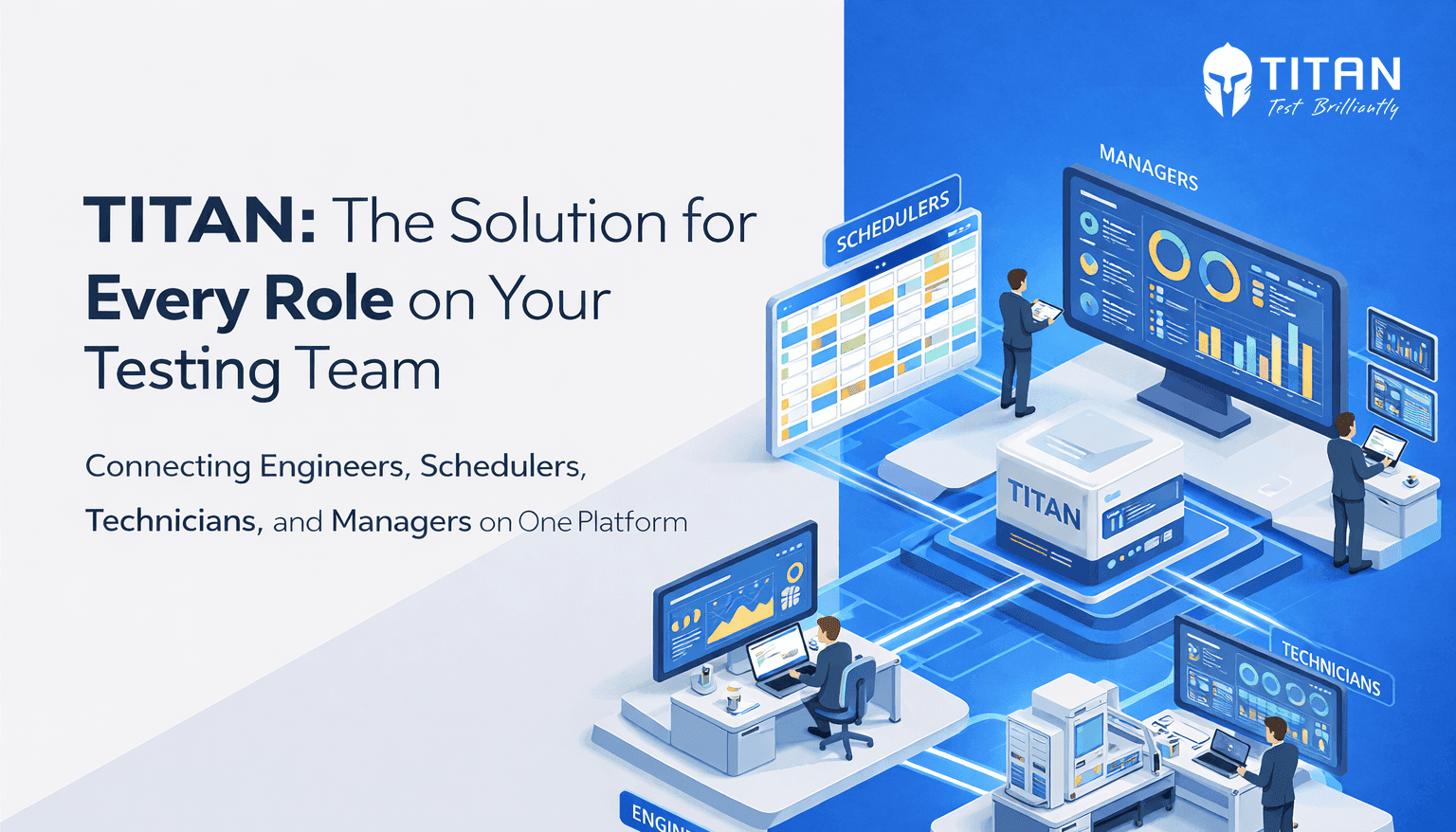
What Every Role in Your Test Lab Needs from One Platform
Running a hardware test lab means managing a constant flow of moving parts, schedules, resources, personnel, data or deadlines. When that flow is smooth,
Read more...
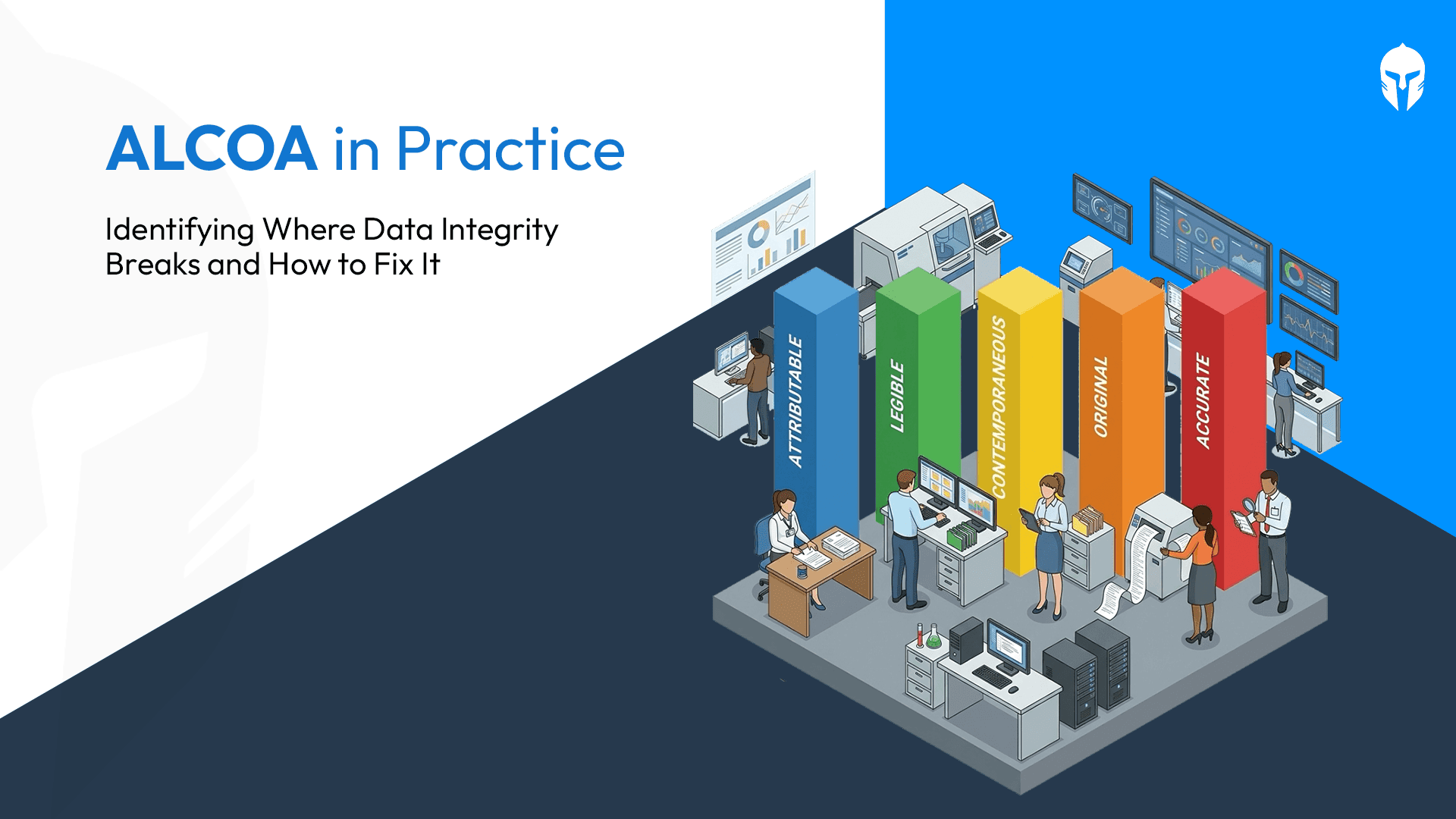
Implementing ALCOA in Your Lab: Gaps, Best Practices and What Good Looks Like
In the previous blog, we covered what the ALCOA principles are and why they apply to engineering and testing laboratories every bit as much as they do to pharmaceutical manufacturing.
Read more...

Why ALCOA Is Not Just a Pharma Principle: What Engineering and Testing Laboratories Need to Know
When most professionals hear the term ALCOA, they think of pharmaceutical manufacturing, clinical trials or FDA-regulated environments. That association is understandable, the ALCOA
Read more...
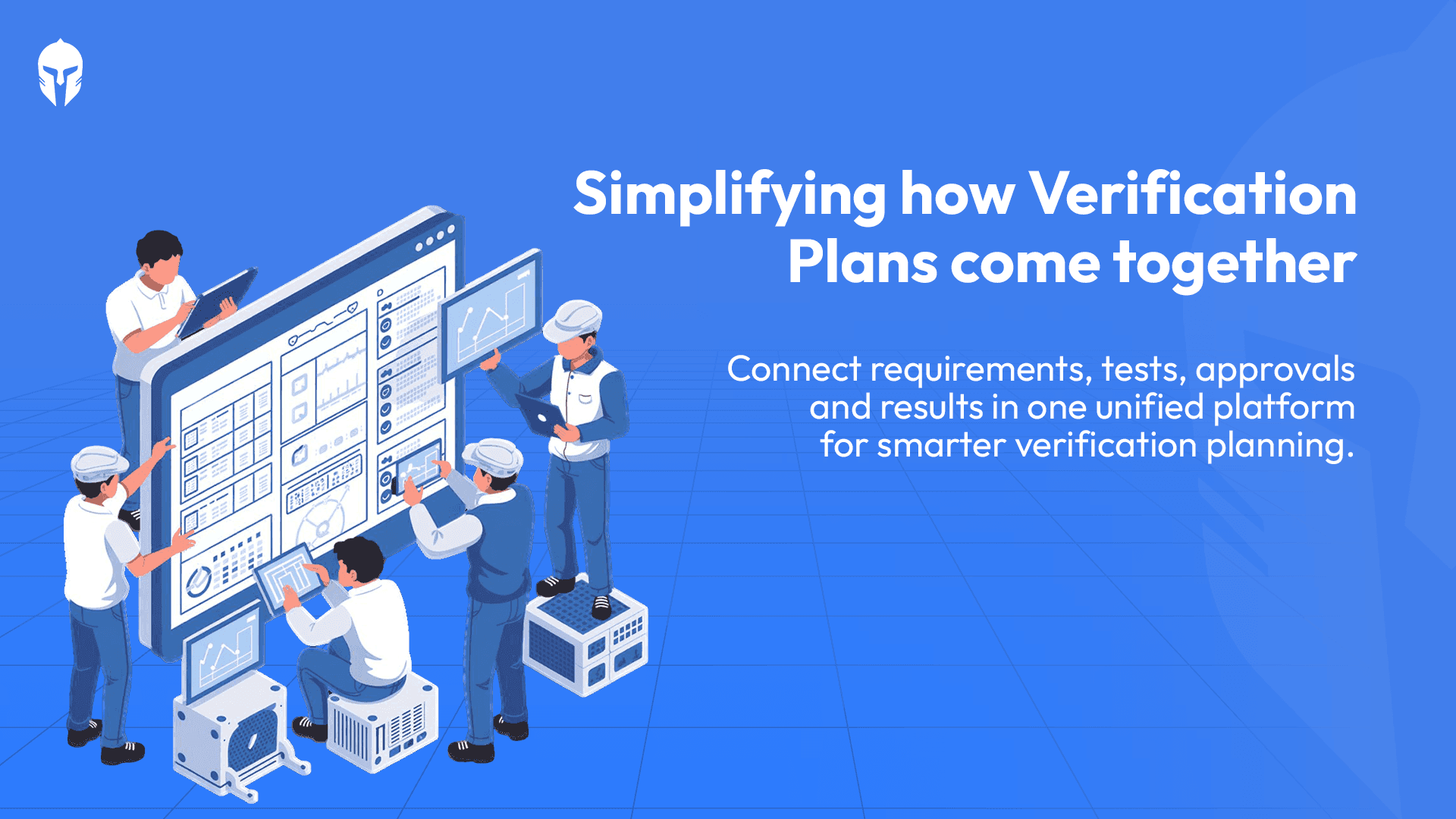
What Is a Design Verification Plan (DVP)? A Practical Guide for Test Engineers
Design Verification Plans (DVP) sit at the heart of any product development program. They define what gets tested, when, how and to what standard.
Read more...
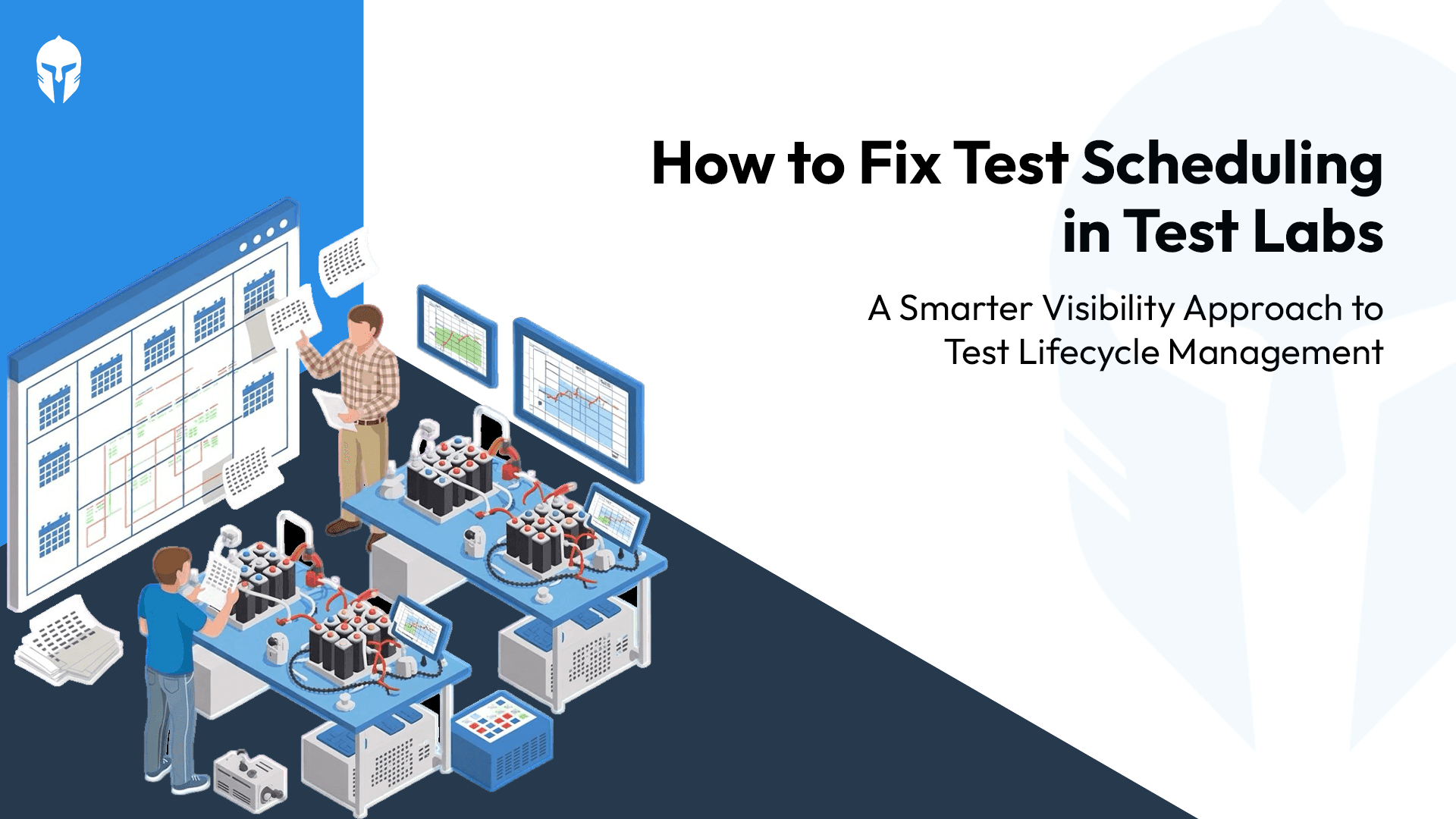
The Test Scheduling Problem Explained
Ask any test engineer what slows down a program and you'll hear the usual answers. Equipment failures. Scope changes. Resource shortages.
Read more...

Home Grown Tools vs TITAN
That internal tool your team built seven years ago. It was genuinely impressive at the time. Someone on the team had a problem; nobody had a budget for a proper solution
Read more...

3 Questions Your Dashboard Should Answer Instantly
There's a framework in operations management that measures any operation across four dimensions - Volume, Variety, Variation and Visibility.
Read more...
How Smart Scheduling Is Beating Million-Dollar Equipment Investments?
You invested heavily in advanced equipment because precision matters. Calibration matters. Speed to market matters. Yet despite those investments,
Read more...
Crash Test Dummies Aren’t Props, They’re Precision Instruments
Step into a contemporary crash testing facility and one thing becomes clear almost immediately.
Read more...
OEM and the Hidden Cost of Fragmentation: Why Test Lifecycle Management Matters?
Picture a weekly sync inside an automotive OEM program, their verification and validation (V&V) teams racking their brains over spreadsheets.
Read more...
How Do You Build ISO/IEC 17025 Ready Labs with End-to-End Digital Traceability?
If you run or work with testing and calibration laboratories whether as an OEM lab, an independent testing facility
Read more...

Any Ambition Bigger Than a Spreadsheet?
Imagine this: It's late on a Friday evening, and Sarah, a dedicated vehicle test engineer at a leading R&D organization,
Read more...
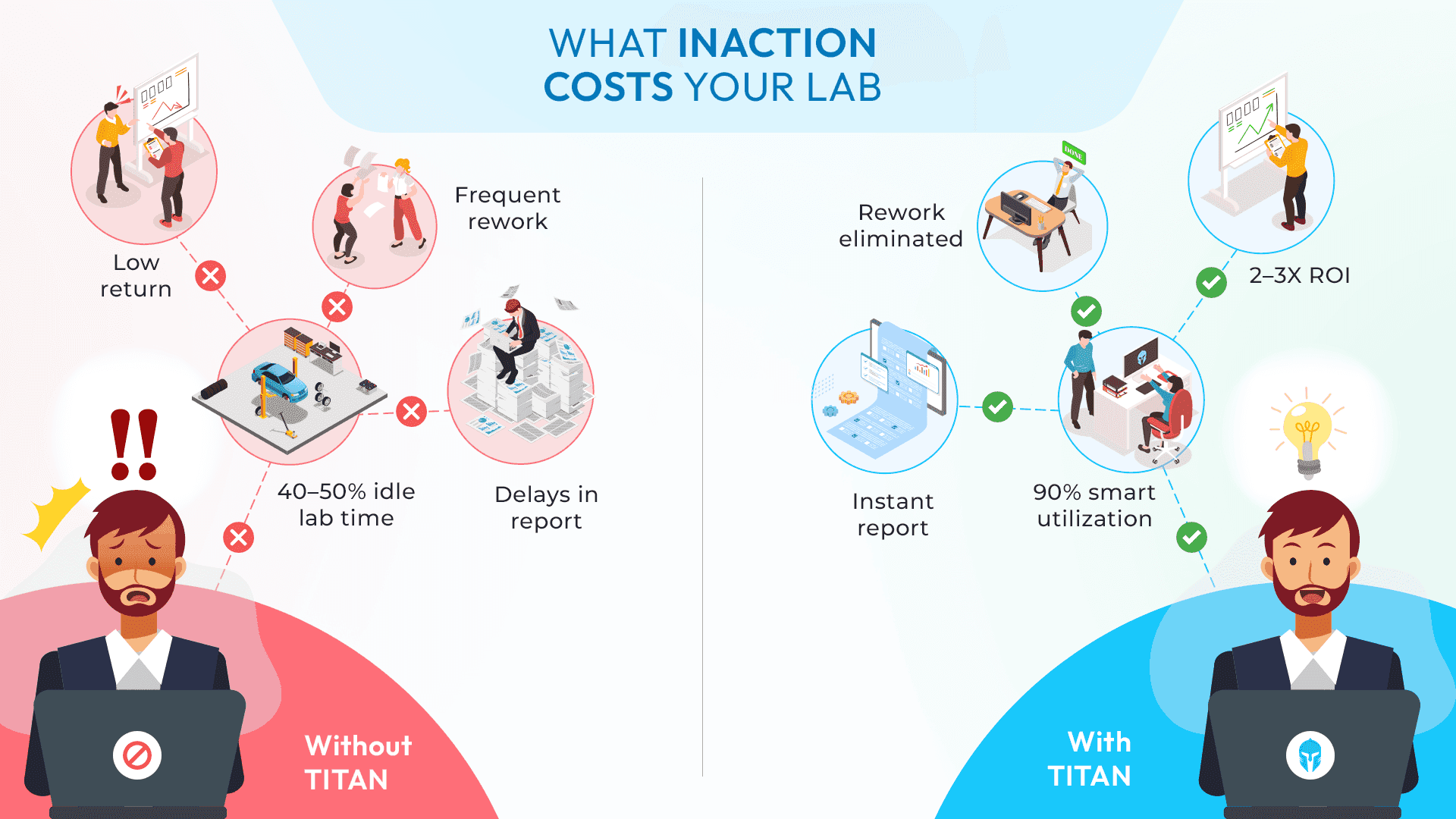
The Cost of Inaction: Why Testing Teams Can't Afford to Delay a Test Lifecycle Management Solution
Many engineering leaders already know their testing teams need a centralized system. The challenge?
Read more...
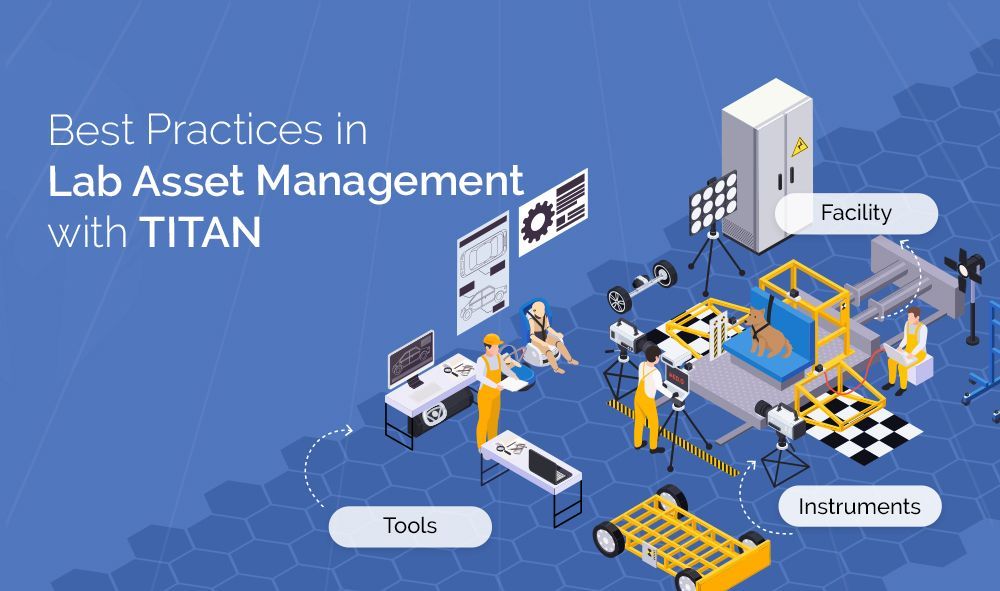
Best Practices in Lab Asset Management with Titan
Modern laboratories operate under constant pressure: deliver accurate results faster, manage rising costs,
Read more...
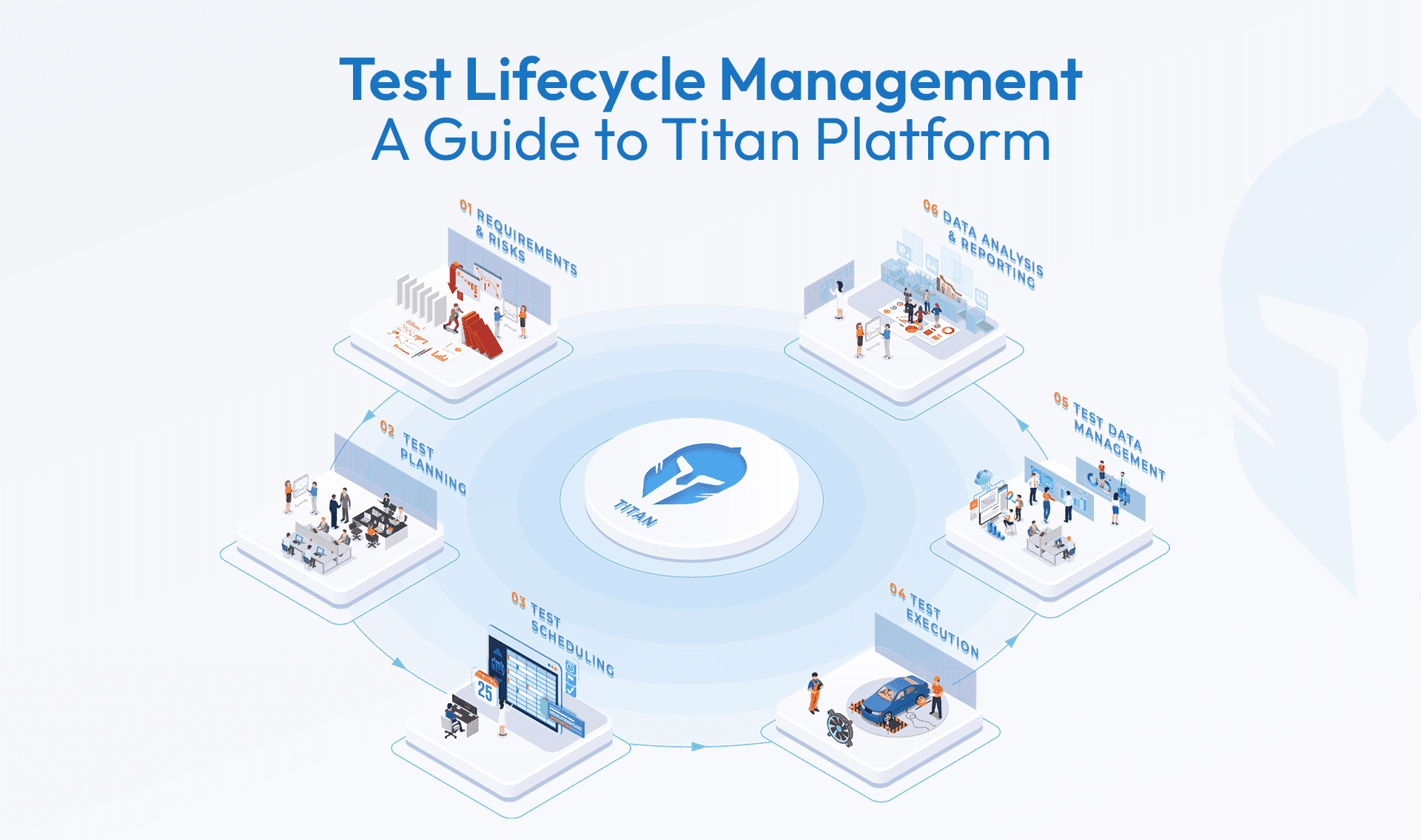
Test Lifecycle Management Explained: What Every Engineering Team Needs to Know
When it comes to product development, testing is more than a box to check it’s the process that validates safety, performance,
Read more...
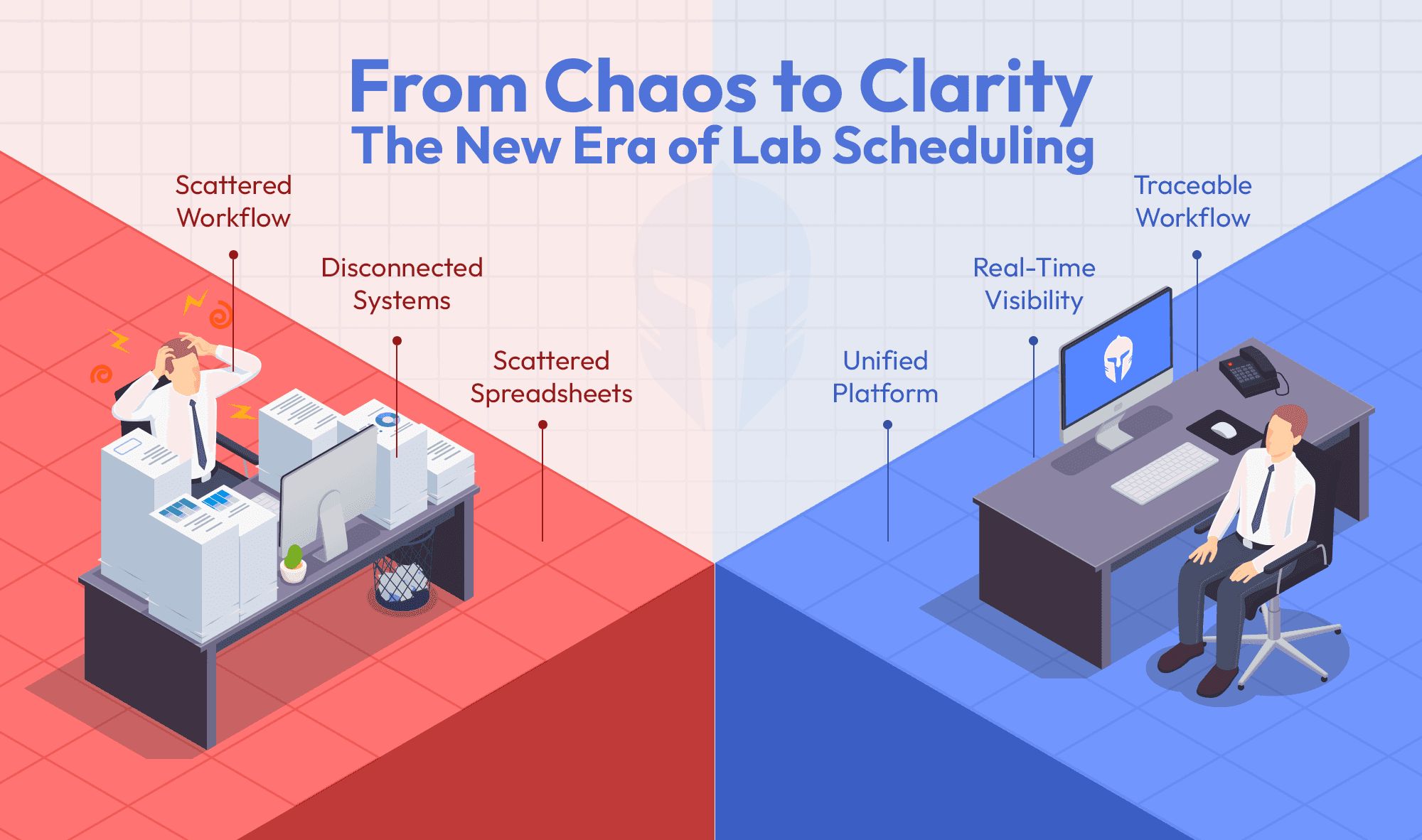
Can your booking tool do more than just schedule?
Titan's Booking Portal does more than just schedule. It’s a single platform that links test requests,
Read more...
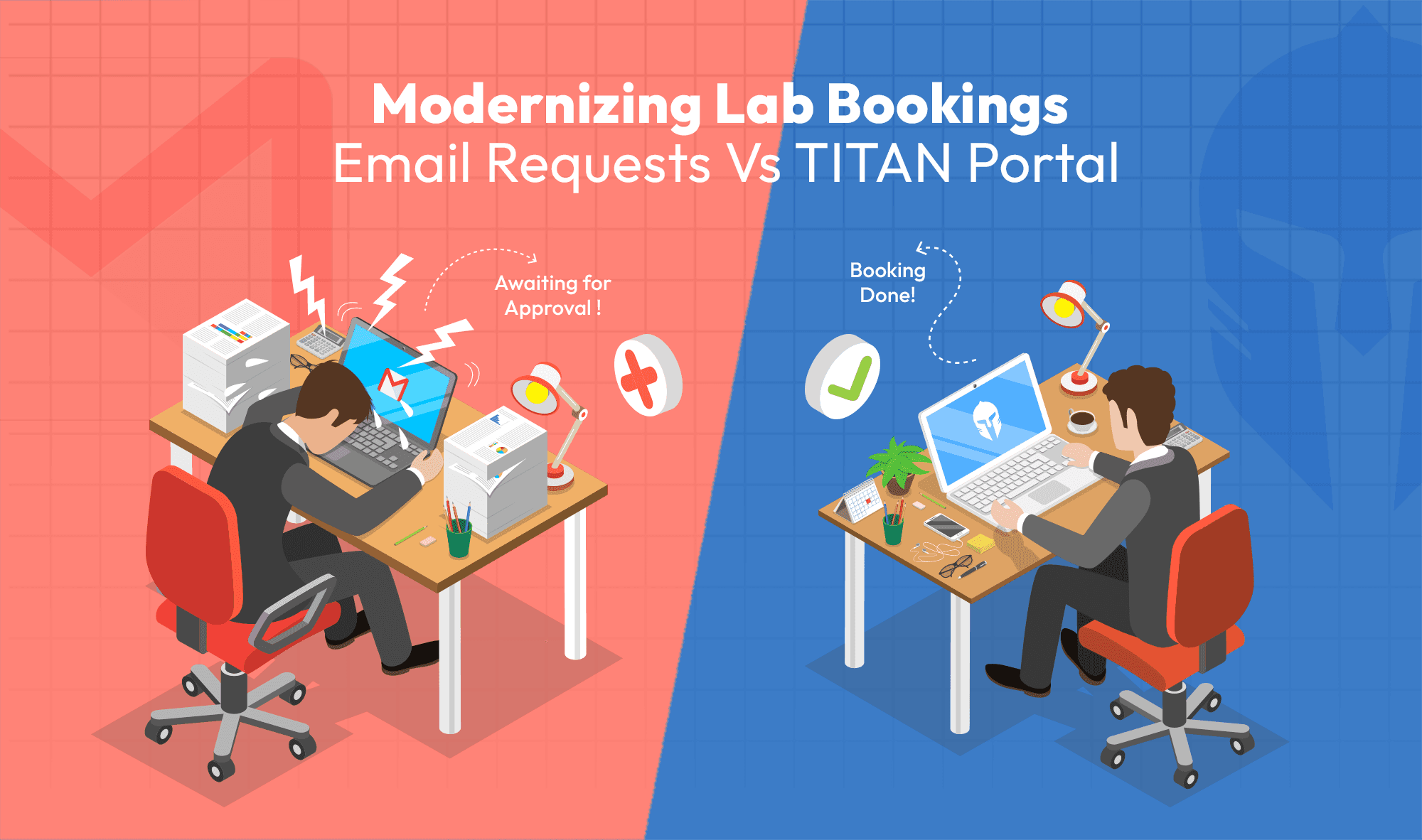
Modernizing Lab Bookings: Email Requests vs. Titan Portal
When managing test labs or proving grounds, it’s common to rely on email threads and manually filled forms from customers
Read more...
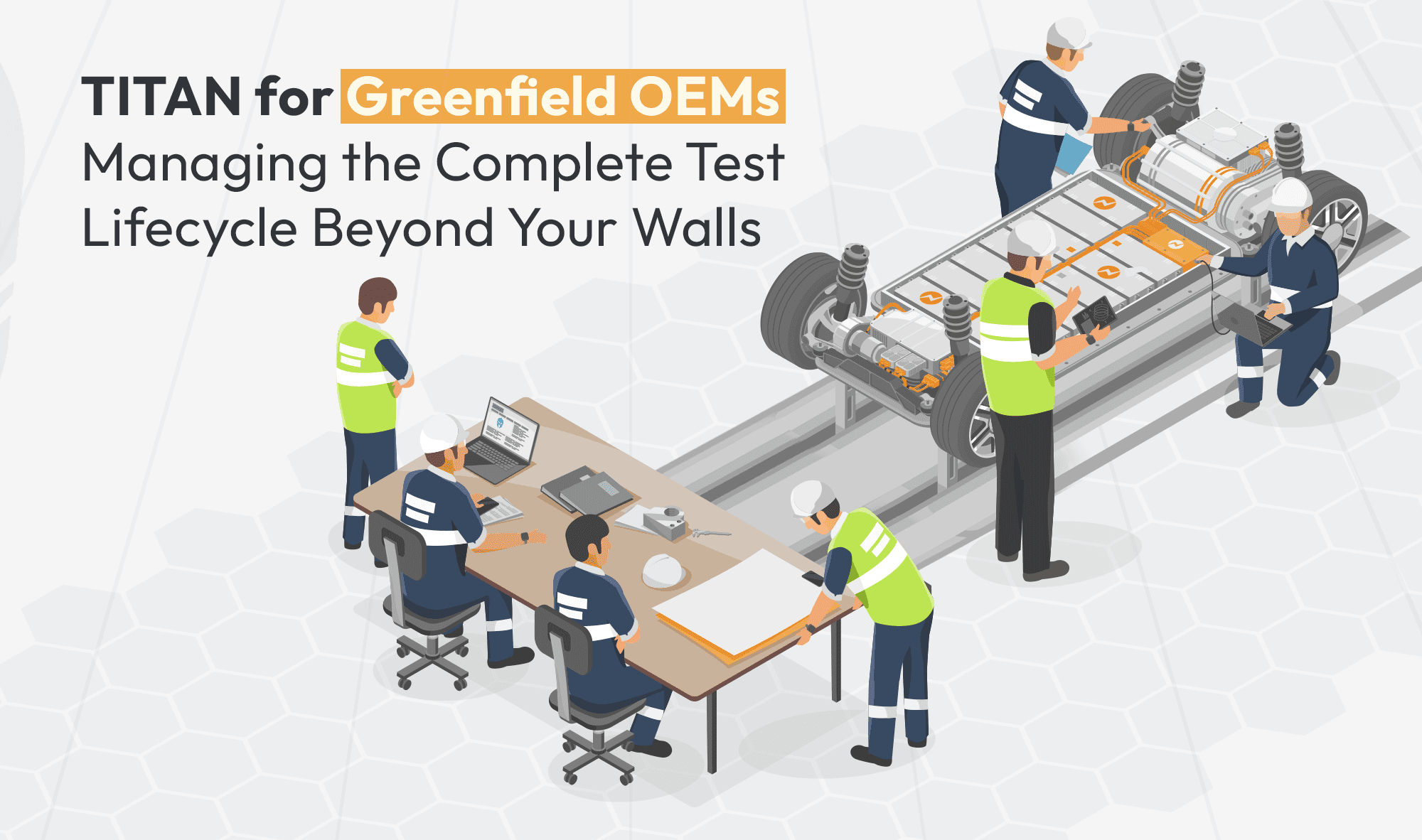
Titan for Greenfield OEMs: Managing the Complete Test Lifecycle Beyond Your Walls
Building a product from the ground up as a Greenfield OEM comes with unique challenges.
Read more...
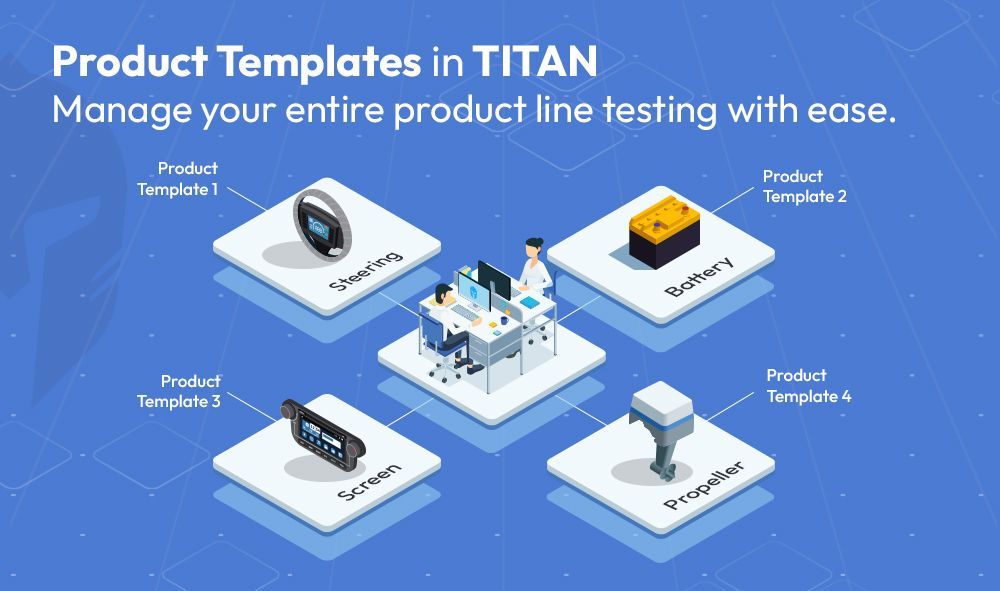
How Titan’s Template-Driven Approach Simplifies Multi-Product Line Test Management
Engineering teams managing diverse product lines often face the challenge of maintaining consistency,
Read more...
How TITAN Supports Laboratories in Achieving ISO/IEC 17025 Compliance
Laboratories across industries are tasked with ensuring the highest standards of testing and calibration.
Read more...
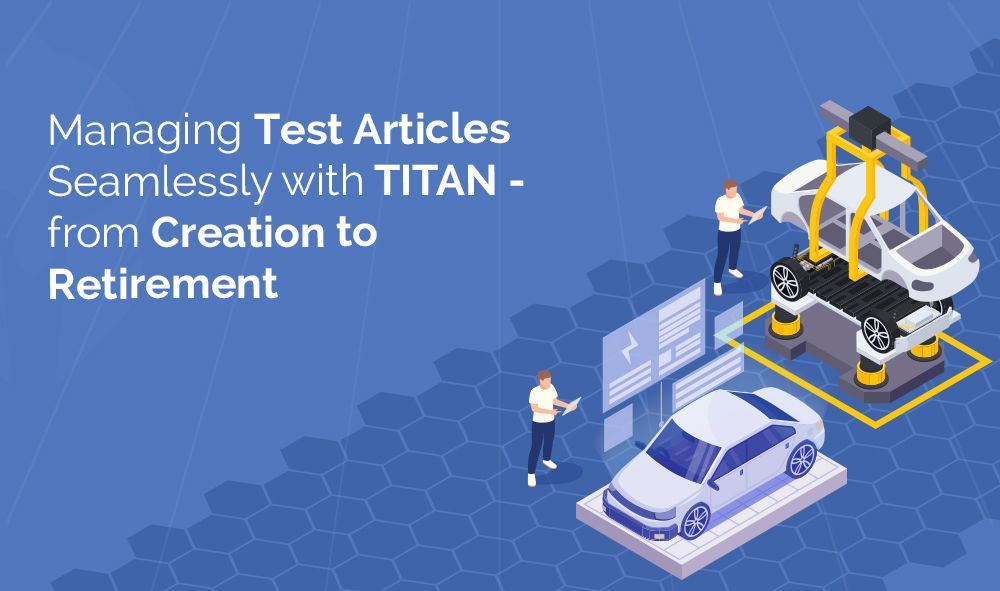
Managing Test Articles Seamlessly with Titan - from Creation to Retirement
In the world of product testing, managing prototype samples and test articles is often a logistical challenge.
Read more...
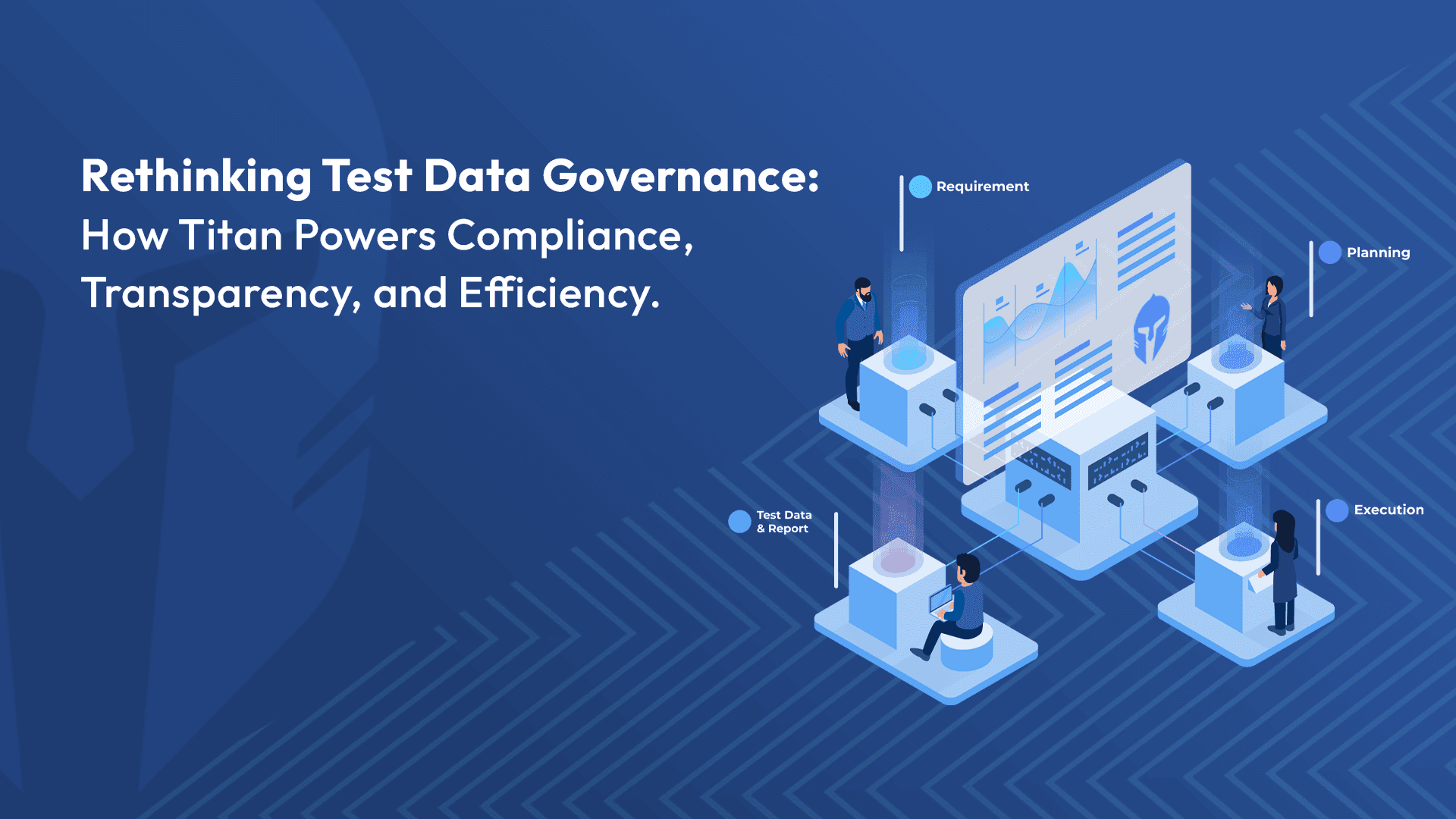
Rethinking Test Data Governance: How TITAN Powers Compliance, Transparency, and Efficiency
In today’s data-driven testing environment, governance leaders face increasing pressure to ensure compliance
Read more...
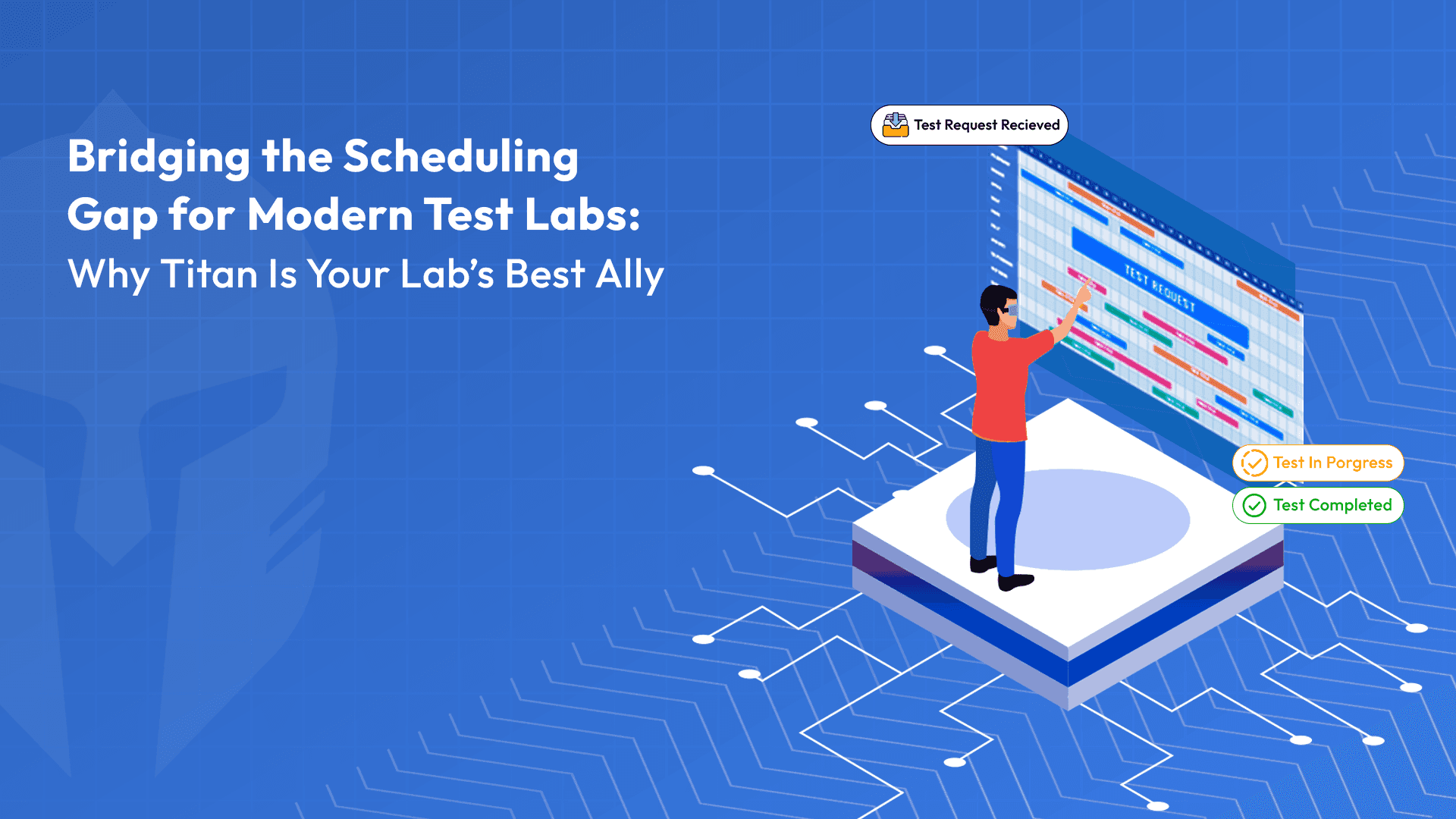
Bridging the Scheduling Gap for Modern Test Labs: Why TITAN Is Your Lab's Best Ally
Imagine this: A test lab under constant pressure to meet deadlines is struggling with delays and resource conflicts.
Read more...
From Feedback to Feature: The Addition of Inventory Management in TITAN
Over the years, Titan has evolved by listening closely to the needs and feedback of our customers. As a company that values
Read more...
The Essential Synergy: How a unified Test and Lab Management tool enhances your engineering products’ verification and validation experience?
In the world of engineering product verification and validation (V&V), traceability and efficiency are paramount to giving the earliest green signal for a market launch
Read more...
Streamlining Test Management: Best Practices for Effective Scheduling and Resource Allocation
Efficient management of test requests and scheduling is crucial for any engineering or testing department.
Read more...
Transforming Verification Plan Management with TITAN: Overcoming Traditional Challenges
In today’s fast-paced technological environment, managing verification plans (VPs) with outdated tools like spreadsheets or standalone systems....
Read more...
Streamlining Electronics R&D with TITAN's Advanced Testing Features
In the dynamic world of electronics manufacturing, quality isn’t merely a desirable attribute -- it's critical for achieving market success and maintaining customer trust.
Read more...
Eliminate Productivity Killers with TITAN
Administrative tasks are often the silent killers of productivity, diverting engineering teams from their core mission: driving product improvement,....
Read more...
Maximizing Efficiency in Test Management: The Case for Choosing TITAN Over Custom Solutions
You recognize that streamlining and automating your testing processes will enhance quality while reducing costs. As you consider the idea of creating a....
Read more...
Inventory Management– Never Run Out of Consumable Material Again with TITAN!
In addition to its full end-to-end test management capability, Titan also features a robust Inventory module. Now you can manage all the consumable items that....
Read more...
Preventive Maintenance – Another Great Feature from TITAN!
A testing team understands that it is only as good as its equipment. If equipment is neglected -- or maintained incorrectly -- the organization is at risk,....
Read more...
TITAN: An Engineer’s Ally
Greetings fellow engineers, we're excited to introduce your new ally, dedicated to your work satisfaction. Over the years, we have had meetings and discussions ....
Read more...
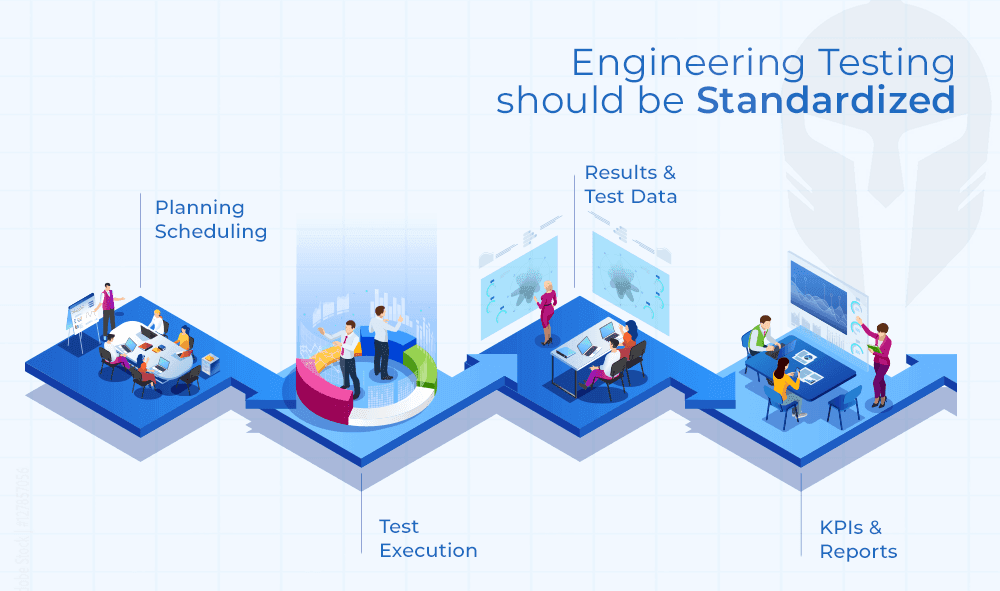
Standardization: Engineering Testing Should Be Standardized, too!
Engineering and IT executives are continually on the hook to deliver savings while streamlining processes and improving quality....
Read more...
Meeting the Crash Testing Challenge
You get one chance to get a crash test right. There are no do overs. You need to ensure every step has been followed meticulously, checked and double checked....
Read more...
DVP Essentials: How TITAN Guarantees Comprehensive Test Coverage with Enhanced Product Quality
In today's fast-paced manufacturing landscape, product success relies on robust design and validation processes. Rushing products to market can lead to....
Read more...
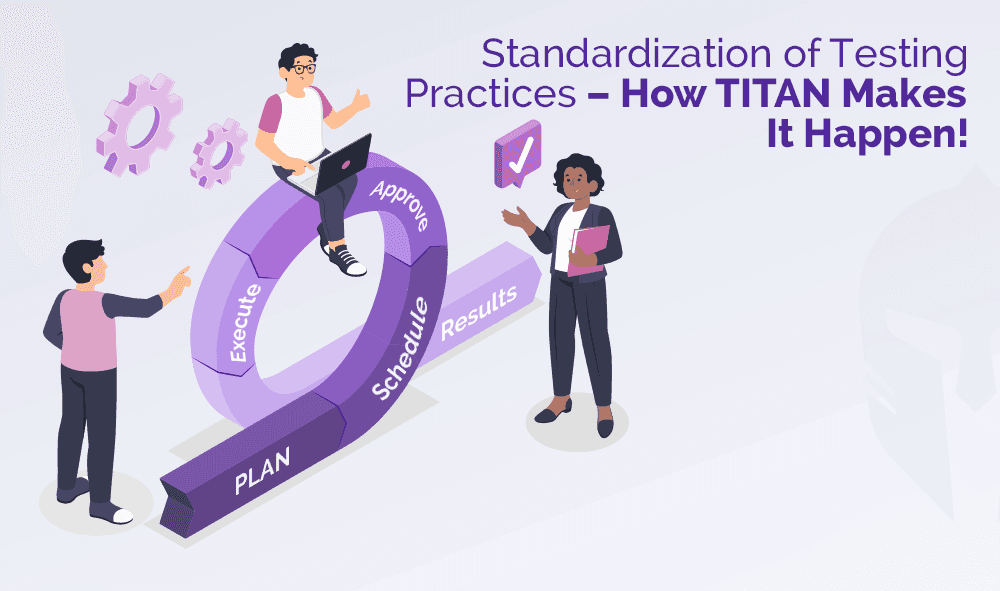
Standardization of Testing Practices – How TITAN Makes It Happen!
Enforcing corporate-wide standardization is a challenge. Over the course of doing business, each engineering department has developed specific testing processes....
Read more...

How TITAN provides Flexibility and Configuration Options for your Unique Workflows ?
When it comes to testing, every organization has its own distinct processes, workflows, and requirements. One-size-fits-all solutions often fall short of....
Read more...
I love making reports. Said NO ENGINEER. EVER.
Every engineer procrastinates preparing a test report as the efforts are high and it consumes lot of his engineering hours. Having said that, test reports remain critical....
Read more...

Challenges in Autonomous Vehicle Testing and Validation
A study, prepared by Strategy Analytics, predicts autonomous vehicles will create a massive economic opportunity that will scale from $800 billion in 2035....
Read more...
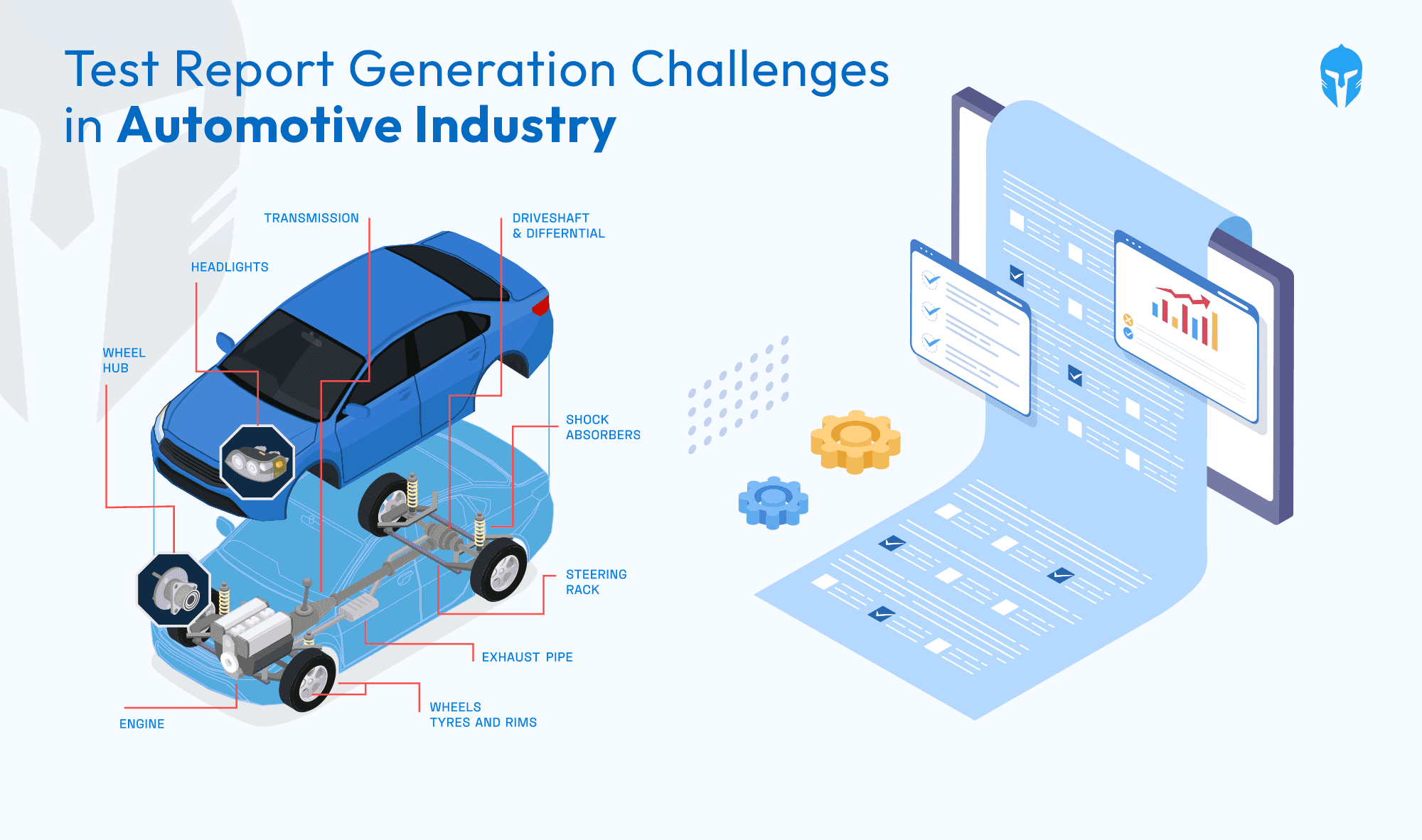
Test Report Generation Challenges In Automotive Industry
Ever wondered how the wheels of vehicle development keep turning smoothly? In the fast-paced realm of vehicle development, where informed decisions....
Read more...

Need For Prototype Vehicle Management System
Prototype testing has been around for as long as humans have been inventing. Creating the best version of a tool requires trial and error, and without testing,...
Read more...
A Complete Guide: Crash Testing For Automobile
A Complete Guide: Crash Testing For Automobile Road accidents are the major cause of death worldwide, even after strict rules and heavy...
Read more...
How To Manage End-To-End Vehicle Test Process
How To Manage End-To-End Vehicle Test Process Testing Beyond Boundaries With TITAN TITAN has established itself as a leader in vehicle...
Read more...
Test Incident & Concerns Management
Test Incident & Concerns Management In developing any new product, you invest a great deal of time and energy into testing your products...
Read more...
Why do you need Test Lifecycle Management
Why do you need Test Lifecycle Management We’re living in a time period where we have integrated software tools and apps into every...
Read more...