Streamlining Test Management: Best Practices for Effective Scheduling and Resource Allocation

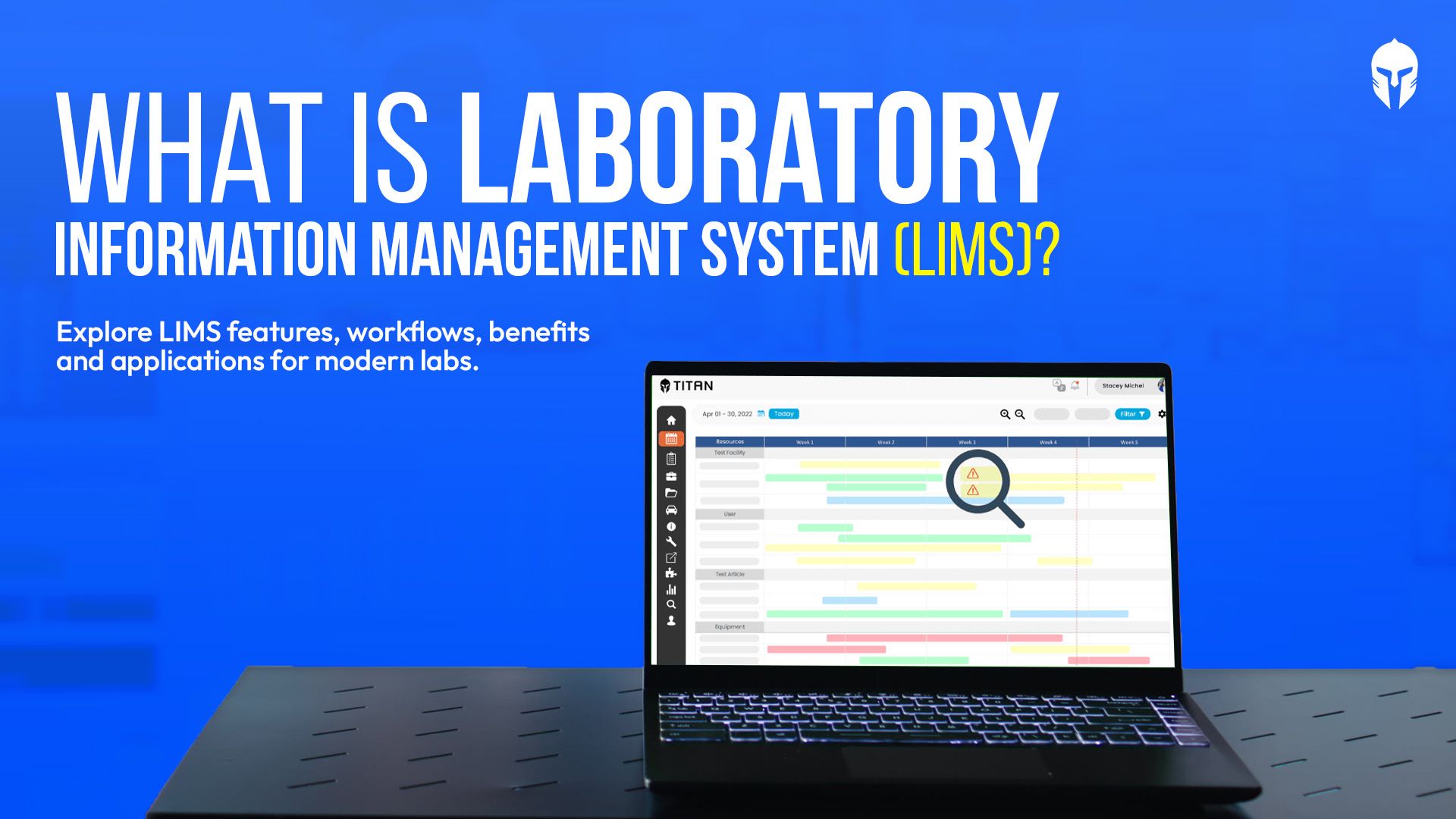
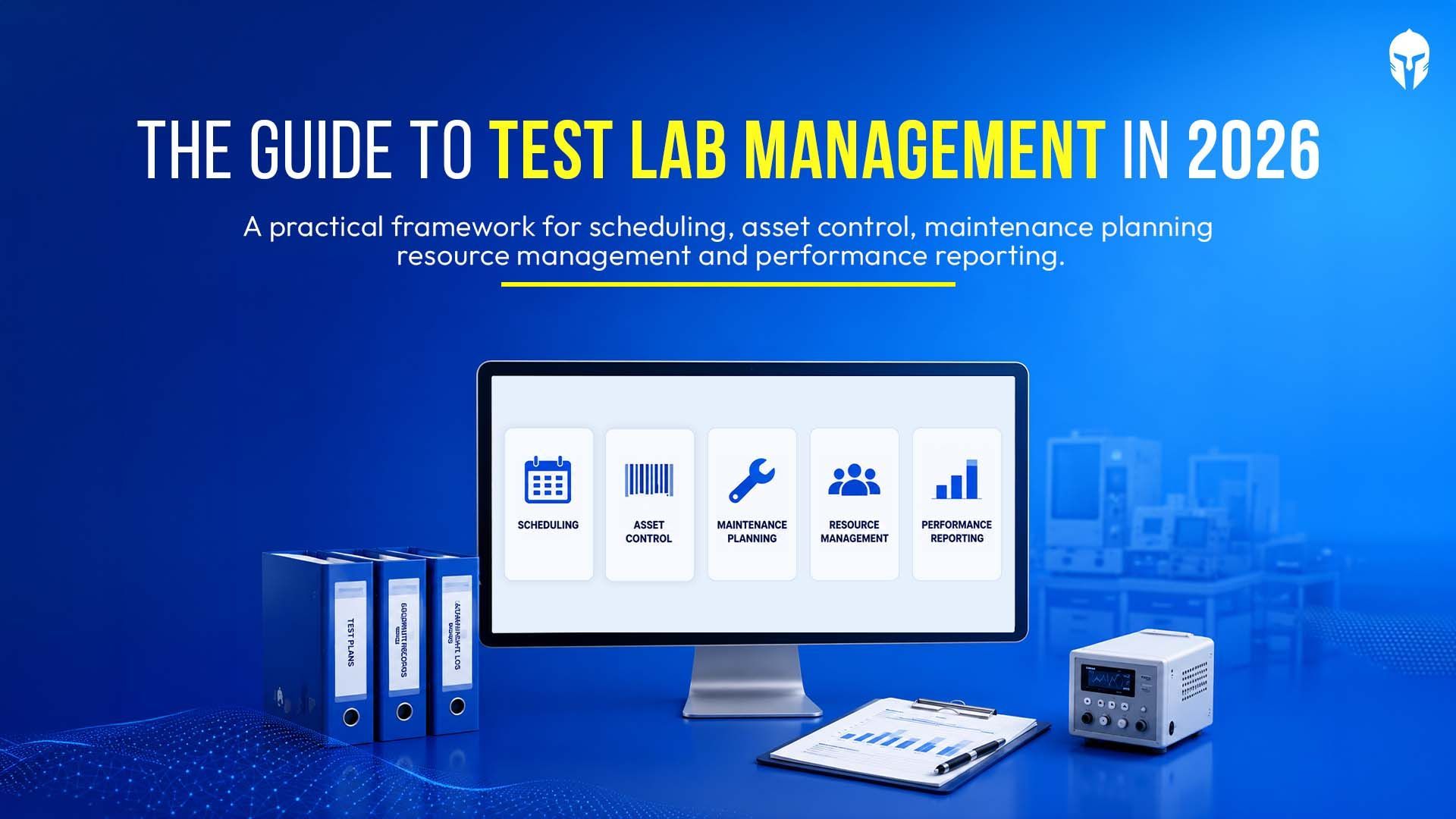
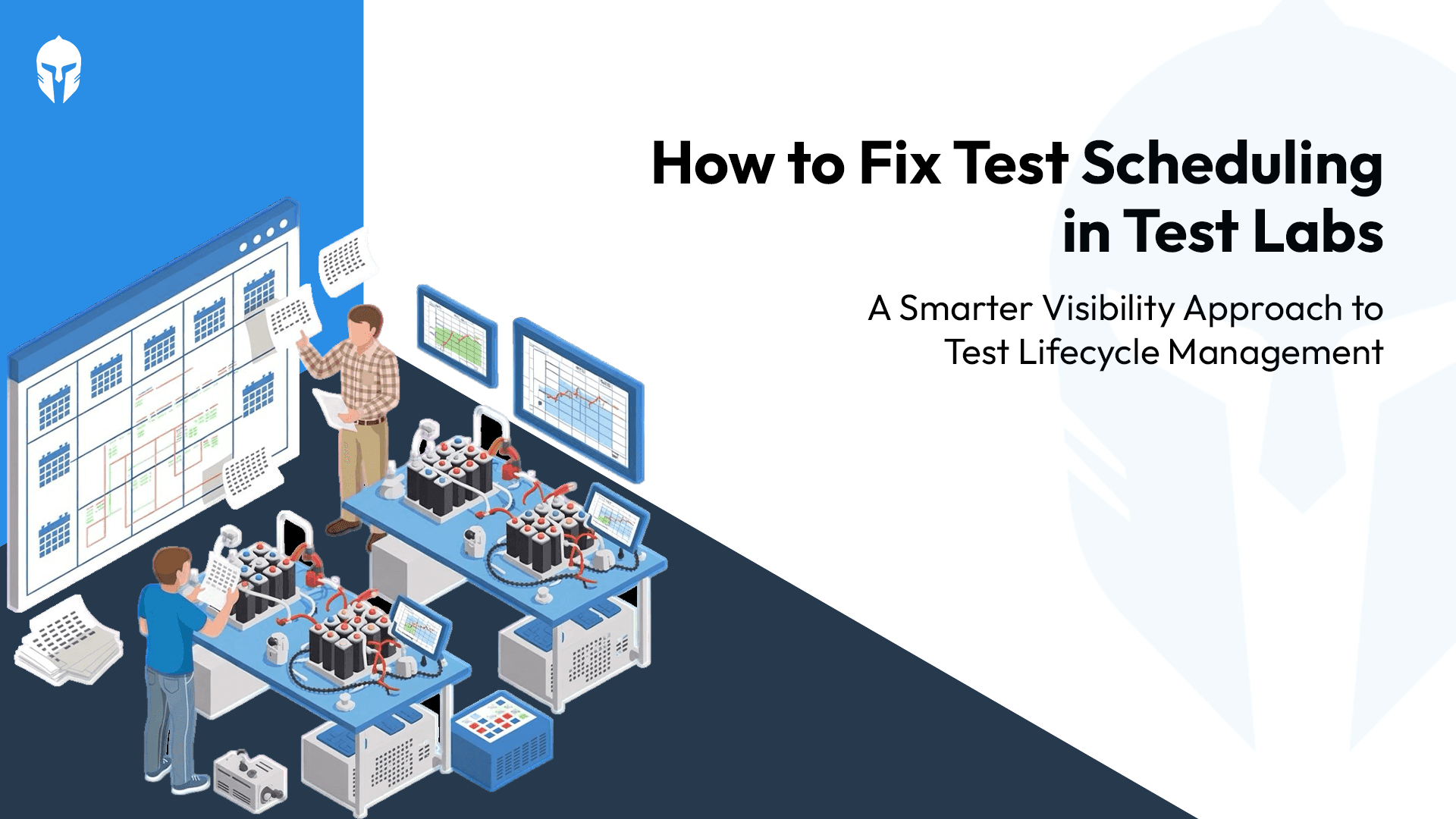
Efficient management of test requests and scheduling is crucial for any engineering or testing department. Streamlining these processes not only saves time but also boosts productivity and reduces errors. Test lab scheduling exists because the 15 practices below are hard to sustain by hand once a lab runs more than a handful of concurrent tests.
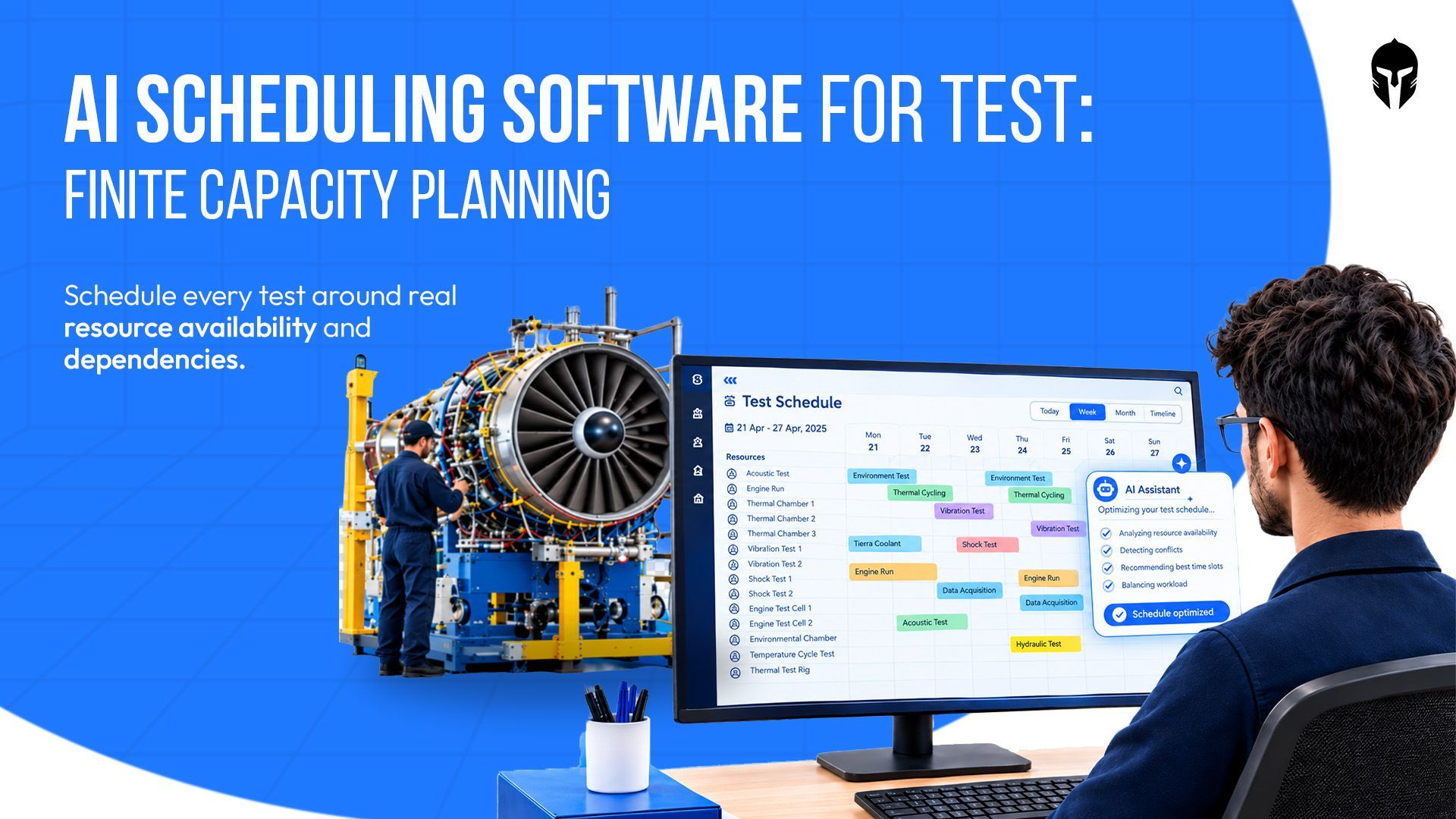
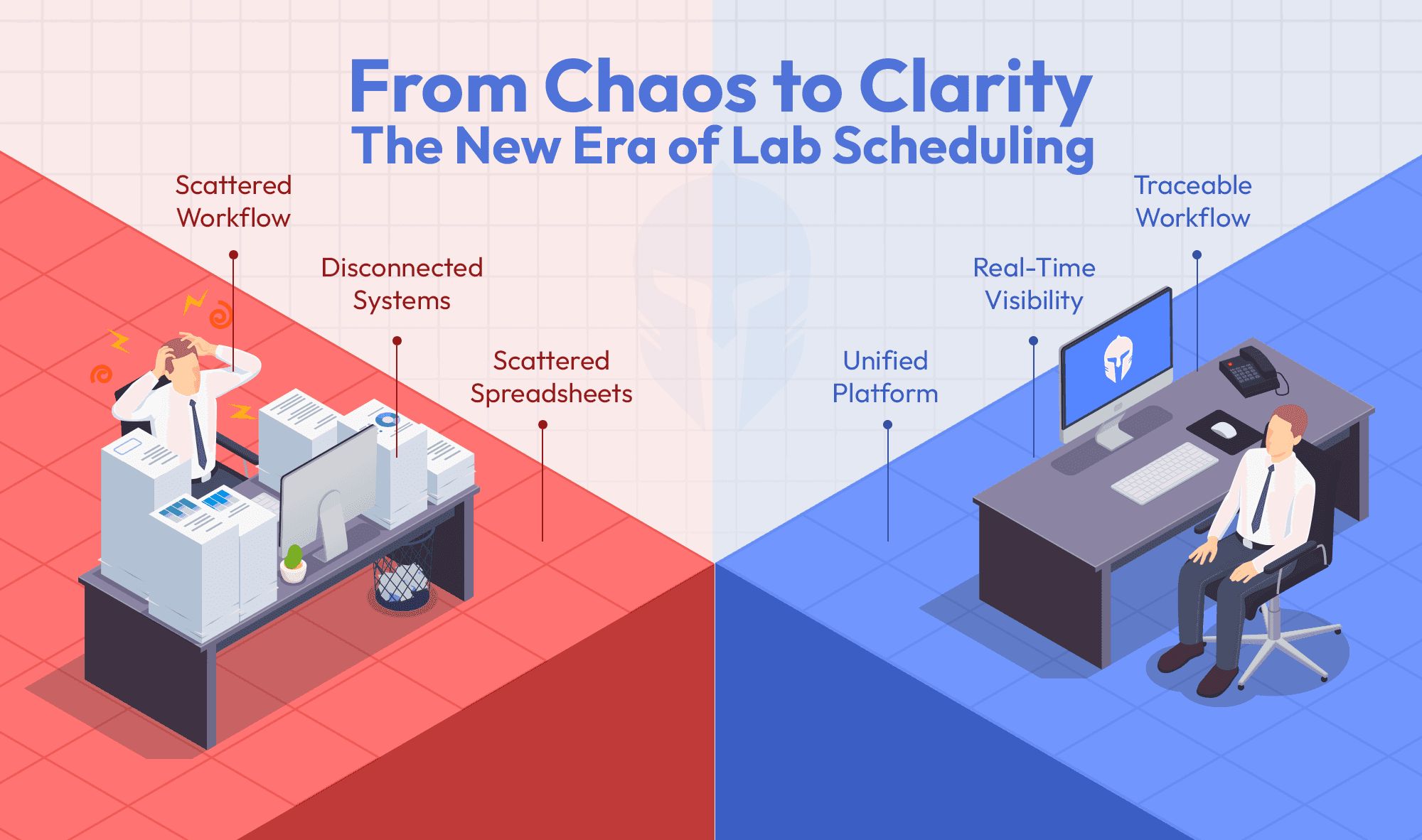
Traditional systems often lead to significant administrative effort being lost in the scheduling and resource allocation process. The challenge becomes multifaceted when information and communication are scattered across multiple sources, complicating the task of creating a convenient schedule and booking resources. Sound test planning depends on knowing what is available before you commit to a date, not after.
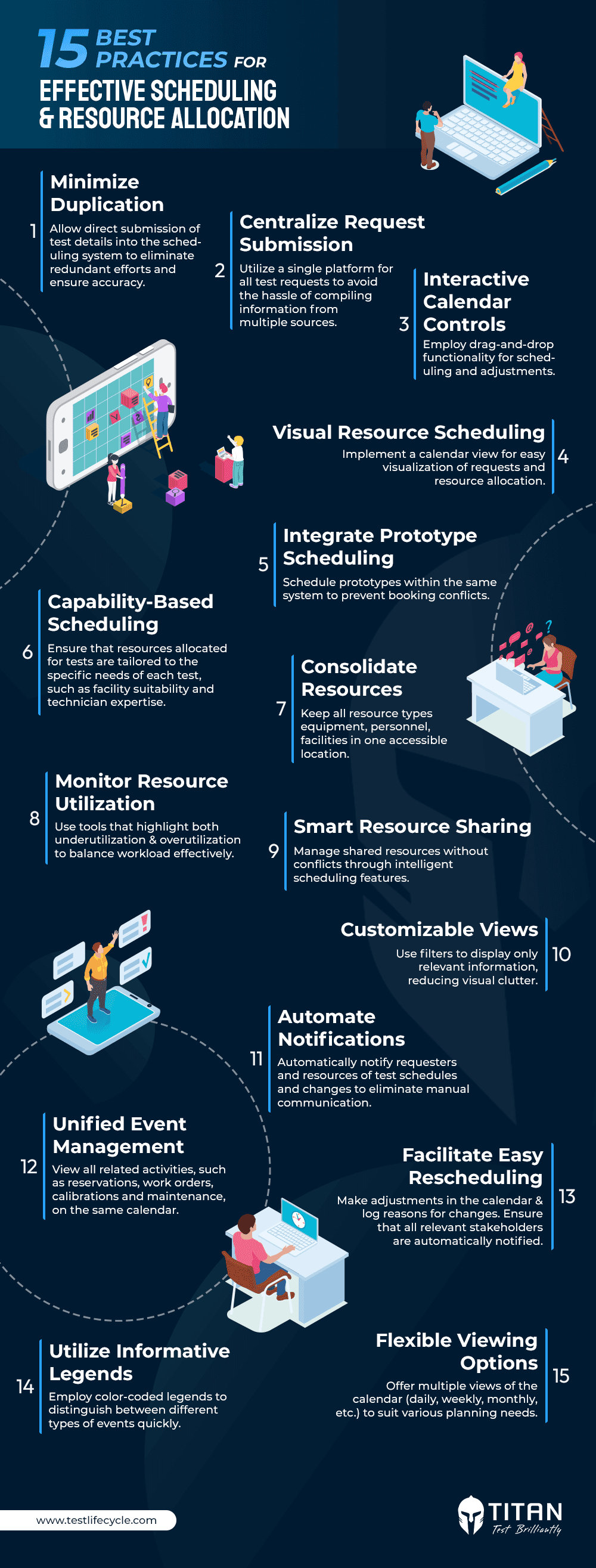
15 Best Practices for Scheduling and Resource Allocation
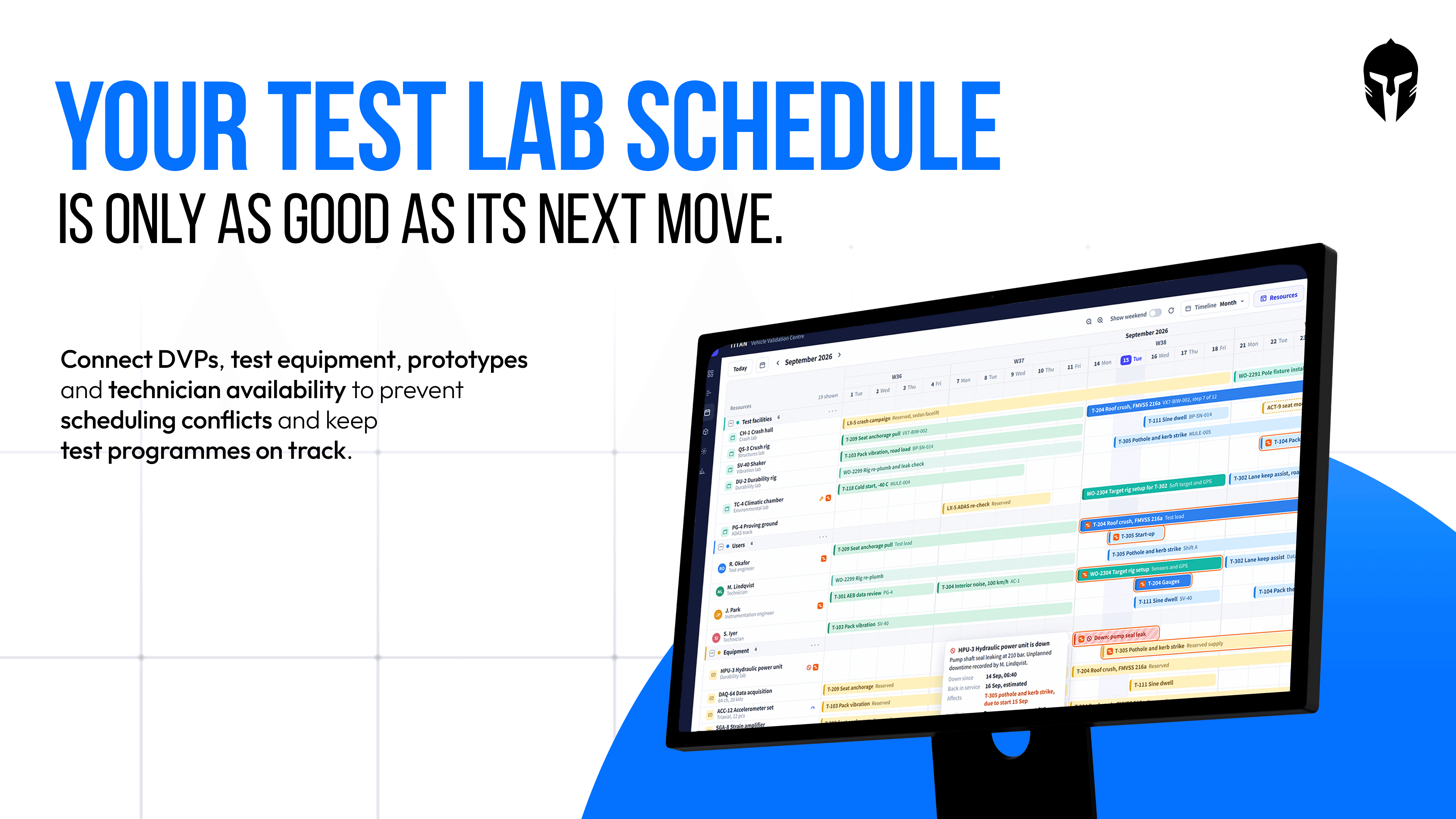
1. See every resource on one timeline. Labs, people, test articles and equipment should live on the same calendar. A schedule that only shows the rig and not the technician or the prototype is not a schedule, it is a partial view that someone else has to reconcile by hand.
2. Check resource availability before booking, not after. A live availability status for every resource type prevents the common failure mode of booking a test against equipment that is already committed.
3. Assign resources at the point of scheduling. Resource assignment should happen inside the same action as booking the test, not as a follow-up task in a separate system.
4. Catch conflicts before they become rework. Conflict resolution built into the calendar surfaces a double-booking the moment it happens, rather than the morning of the test when a technician turns up to find the rig already in use.
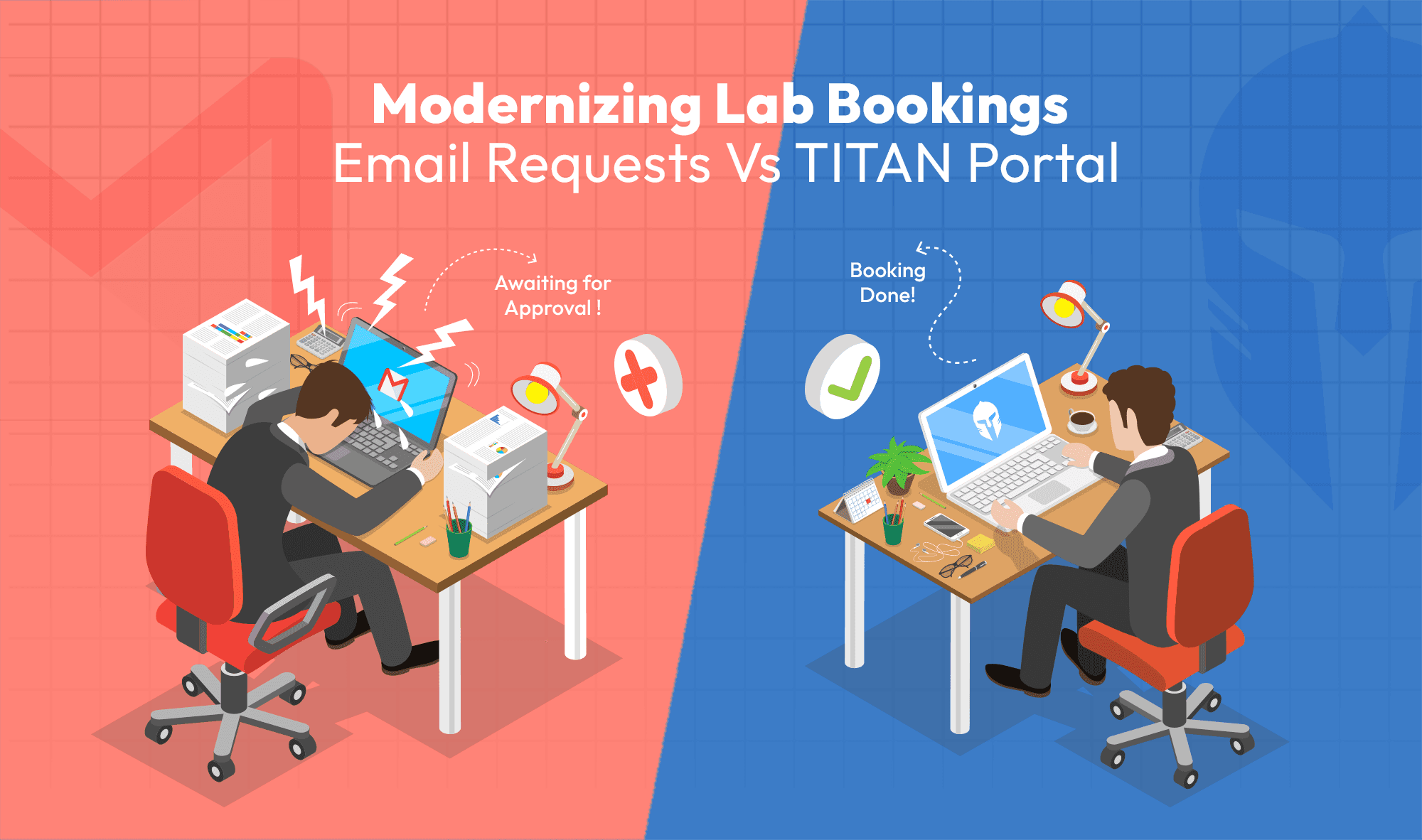
5. Make rescheduling a single action, not a chain of emails. Schedule and reschedule should take one click, with the change reflected everywhere the resource appears.
6. Extend or shorten a test without rebuilding the plan. The ability to add and remove days from a test as conditions change keeps a multi-day test, like a durability run or a crash sequence, from requiring a full replan every time a day shifts.
7. Use drag and drop for adjustments under pressure. When a test needs to move, dragging it to a new slot and letting the system propagate the change is faster and less error-prone than editing multiple records.
8. Notify stakeholders automatically, not manually. Real-time notifications for schedule changes, resource allocations and event updates remove the need for someone to remember who else needs to know.
9. See team workload at a glance. A workload view across the team surfaces who is overcommitted before it becomes a missed deadline, rather than after.
10. Keep maintenance and calibration visible on the same calendar. Work orders for maintenance, calibration and repairs should sit on the same schedule as tests, so a booking against equipment that is about to go down for calibration is visible before it is confirmed.
11. Personalize the calendar view for the role using it. A lab manager and a technician need different slices of the same data. The ability to filter, pin resources to the top, and choose which resources display keeps the calendar useful for both without maintaining two systems.
12. Choose the right time granularity for the decision being made. Week, fortnight, month, quarter and year views suit program-level planning. Day and hour views suit the technician deciding what happens next on the floor. The same schedule should support both.
13. Hide what does not apply to the operation. The option to show or hide weekends matters more than it sounds. A lab running weekend shifts needs them visible. One that does not should not have to scroll past them.
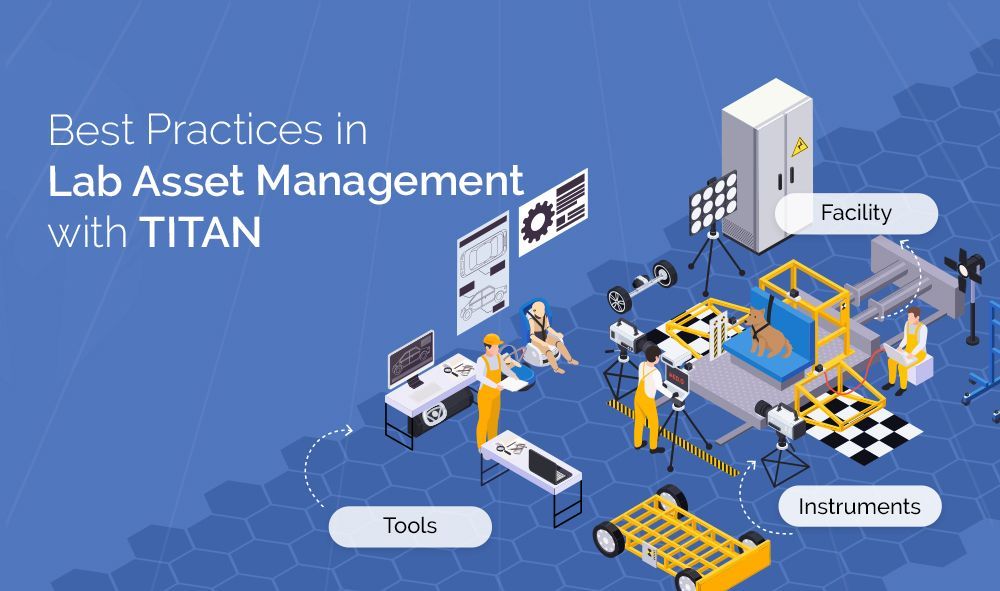
14. Treat scheduling as lab resource management, not just a calendar. People, equipment, facilities and test articles are all constrained resources with their own availability, condition and booking rules. Scheduling software that treats them as a single resource pool, rather than four disconnected lists, is what actually prevents conflicts instead of just displaying them.
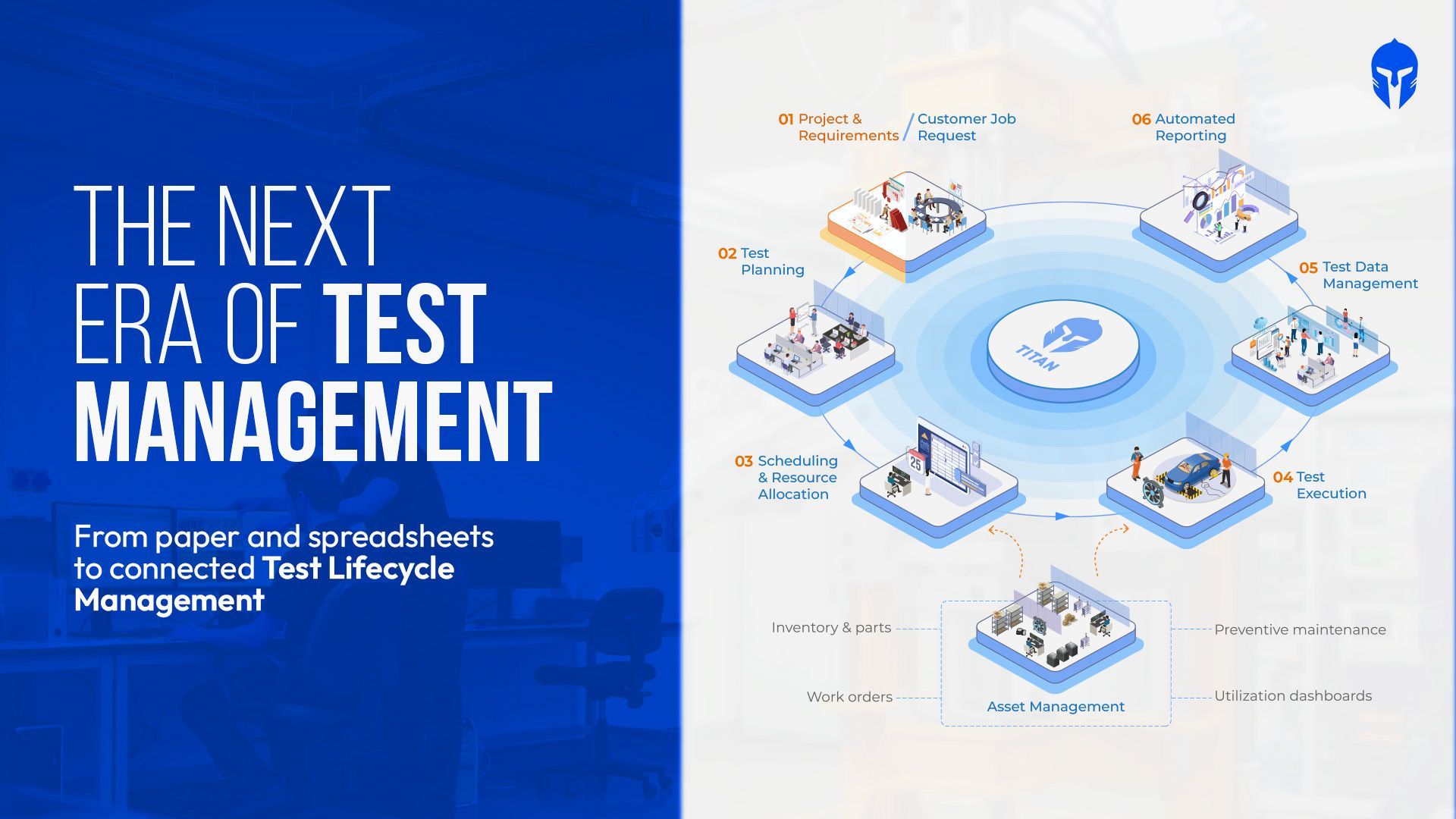
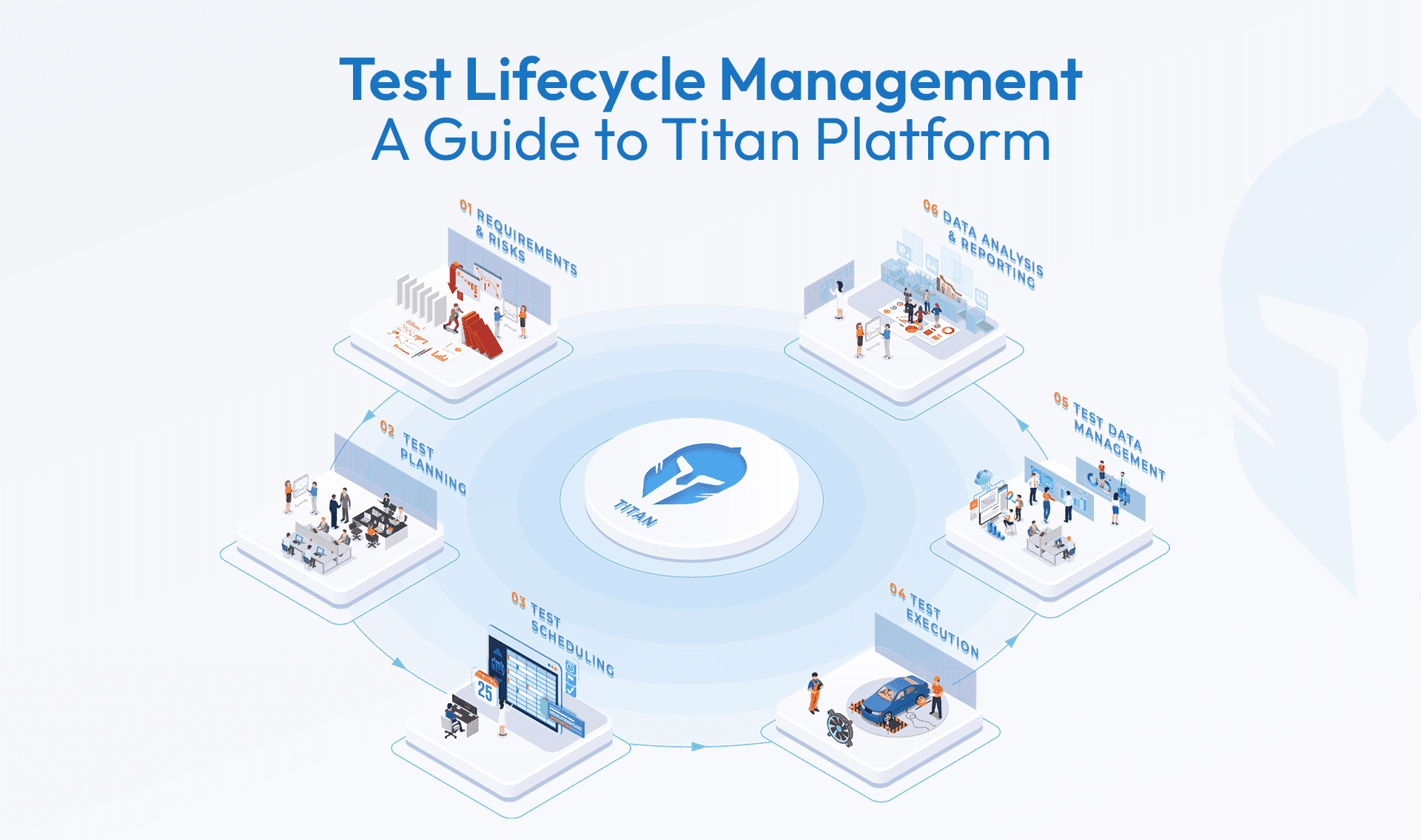
15. Keep the schedule connected to the rest of the test lifecycle. A booking that does not know about the verification plan it belongs to, the test catalog procedure it should run, or the report it will eventually feed is a booking that has to be manually reconciled with everything around it. Teams evaluating an automotive LIMS for this run into the same wall. A LIMS tracks samples and results well. It does not know that a load cell is due for calibration on the same day a test is booked against it, which is exactly the connection point 15 depends on.
Conclusion:
Implementing these best practices can drastically improve the efficiency and effectiveness of your testing and scheduling processes. While these practices can be achieved by building in-house systems, using a tried and tested tool like Titan offers a more reliable and efficient solution. For insights into the challenges of building your own tool, check Maximizing Efficiency in Test Management: The Case for Choosing Titan Over Custom Solutions.
The scheduling module in TITAN was developed with input from lab schedulers, facility managers, and testing leaders from Fortune 50 companies as well as startups. TITAN's one of the capabilities test lab scheduling built to help you manage test requests, schedule efficiently, and maximize resource utilization with ease, ensuring your team can focus on what they do best: delivering results.
Interested in seeing how the TITAN Scheduling Module can streamline your test management? Contact us today for a demo or to learn more about our solutions!
Request a demo and see Titan in action